CAPINTEC, INC. CAPTUS
®
4000e
August 15 MCA 13-5
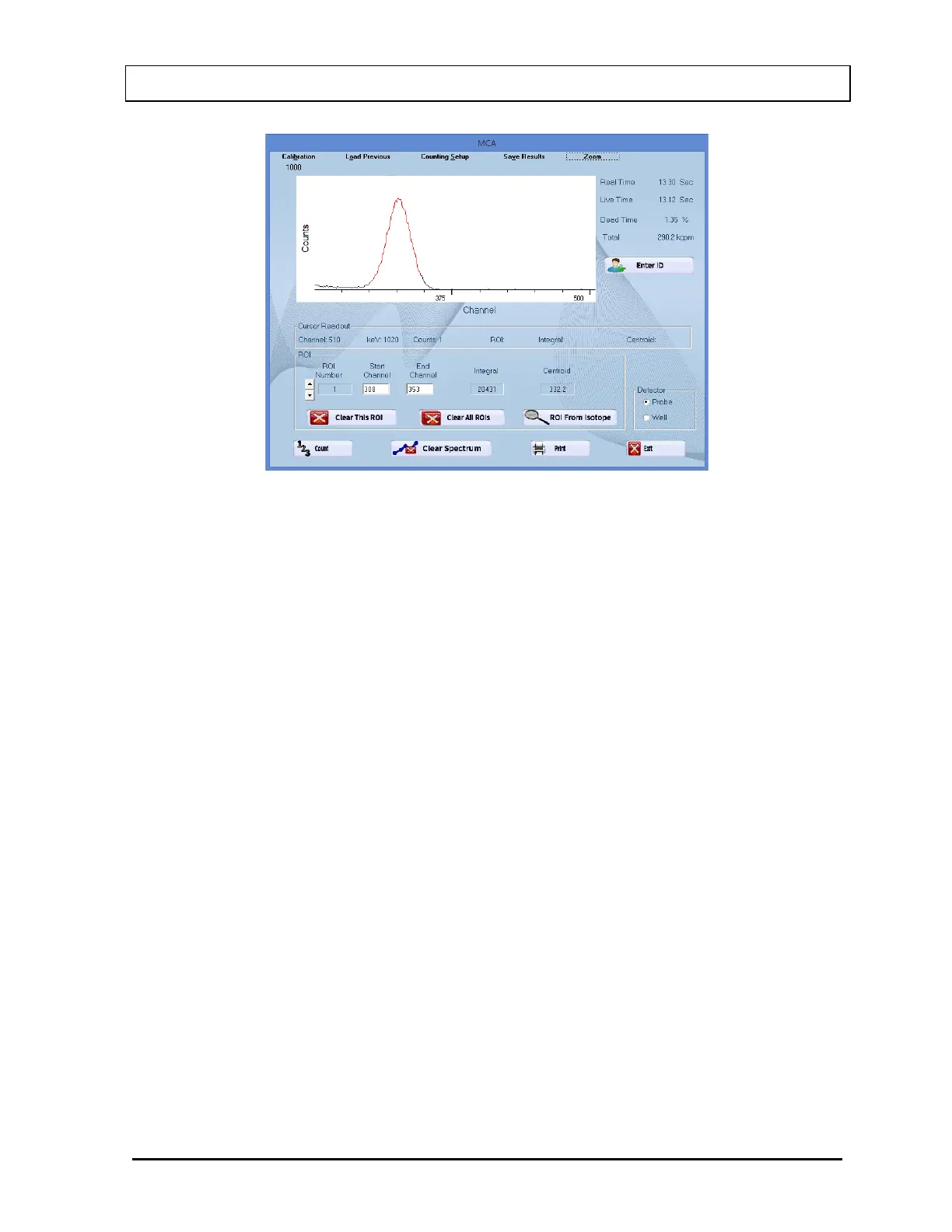
Figure 13-4
User Selectable Range
The user can select any area within the spectral display area to zoom. To expand the
horizontal scale to a particular area, right-click in the spectral display area as follows
(Refer to Figure 13-5):
1. Right-click at the minimum channel for the zoomed view.
2. Right-click at the maximum channel for the zoomed view. The spectrum will
appear similar to that shown in Figure 13-6.



 To Next Page