CAPINTEC, INC. CAPTUS
®
4000e
December 15 CUSTOM PROTOCOLS 15-17
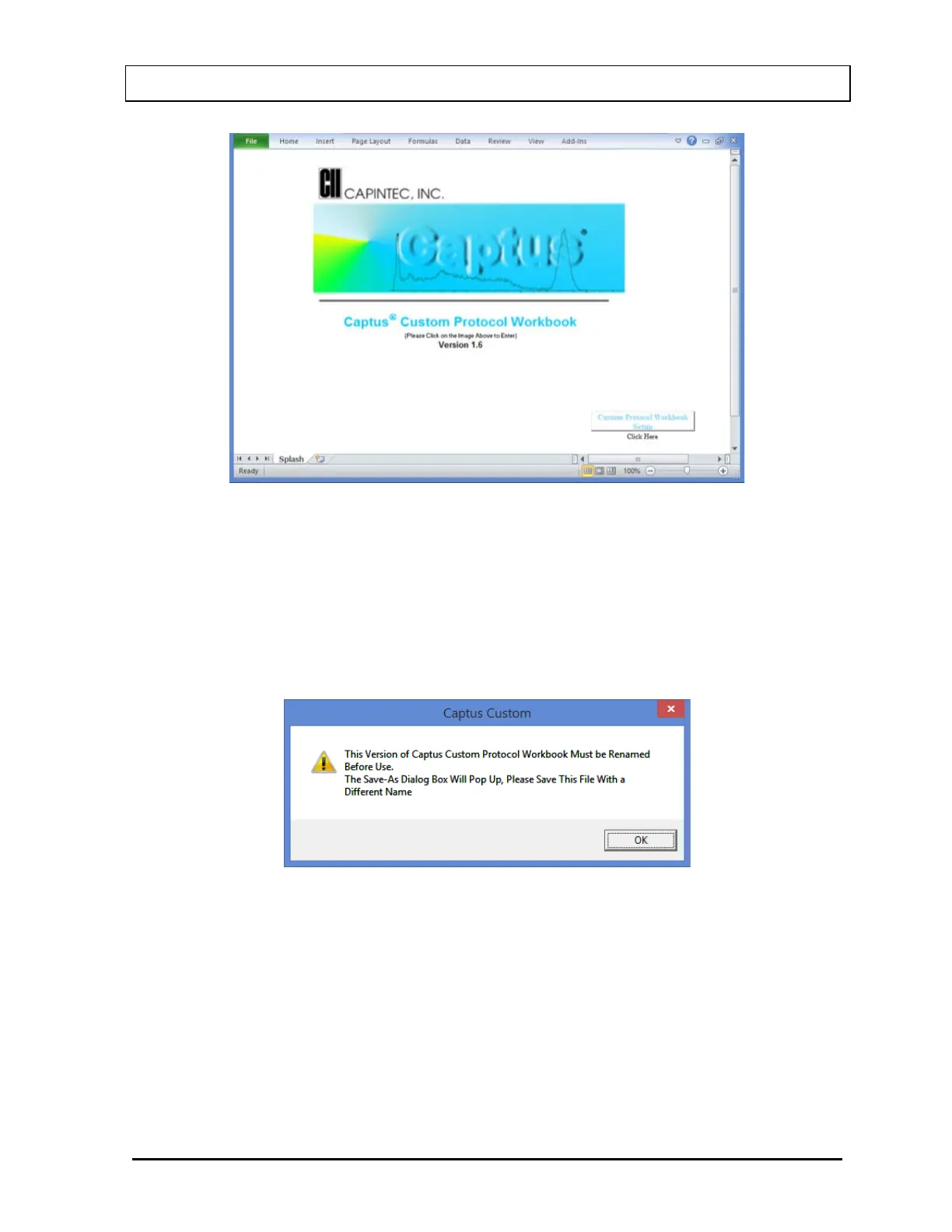
Figure 15-20
Note: If the Security Warning message appears after opening the Custom Protocol
workbook, select the Enable Content button to enable the functionality of the
workbook.
From the Custom Protocol Workbook Splash Screen (Figure 15-20), select the Custom
Protocol Workbook Setup button (Figure 15-25). The message box shown in Figure 15-21
will appear.
Figure 15-21
Select the OK button and select a file name for the protocol (the example will be
CustomMeasurement). The new name will appear at the top of the workbook. Create a
descriptive name so the workbook can be easily identified from within the CAPTUS
®
4000e
application when the link from CAPTUS
®
4000e to the Workbook is made. Select the Save
button. Figure 15-22 will appear for verification.



 To Next Page