CAPINTEC, INC. CAPTUS
®
4000e
November 16 WIPE TESTS 8-15
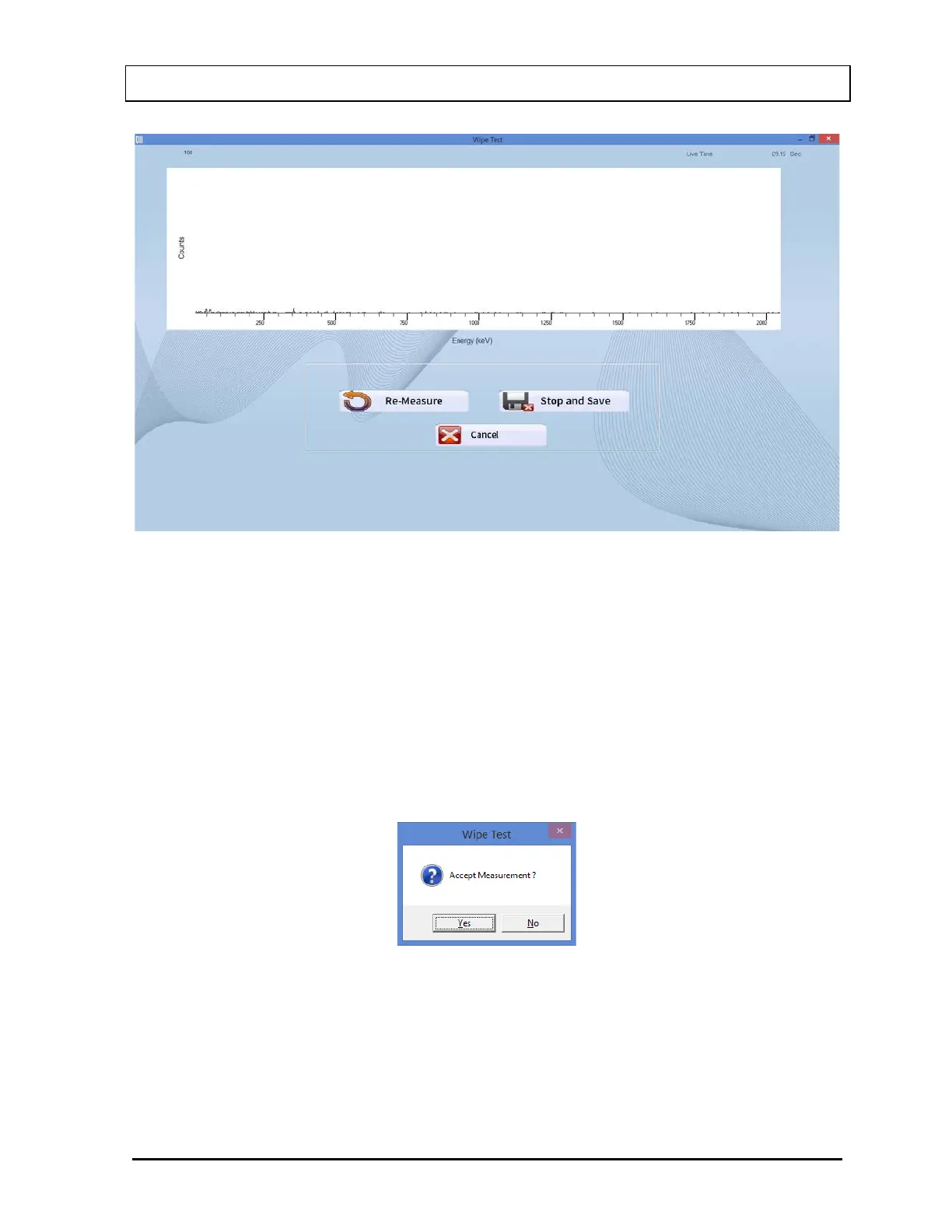
Figure 8-17
To stop the counting midway and begin counting again, select the Re-Measure
button or press Alt+R.
To stop the counting midway and save the collected data and move to the next step,
select the Stop and Save button or press Alt+S.
To stop the counting midway and quit without saving, select the Cancel button or
press Alt+C. The abort procedure message window will appear.
After count collection is completed, the message window appears as shown in Figure
8-18.
Figure 8-18
To accept the measurement and continue with the next step, select the Yes button or
press the Y key. To discard and recount the current measurement, select the No
button or press the N key.



 To Next Page