CAPINTEC, INC. CAPTUS
®
4000e
8-14 WIPE TESTS November 16
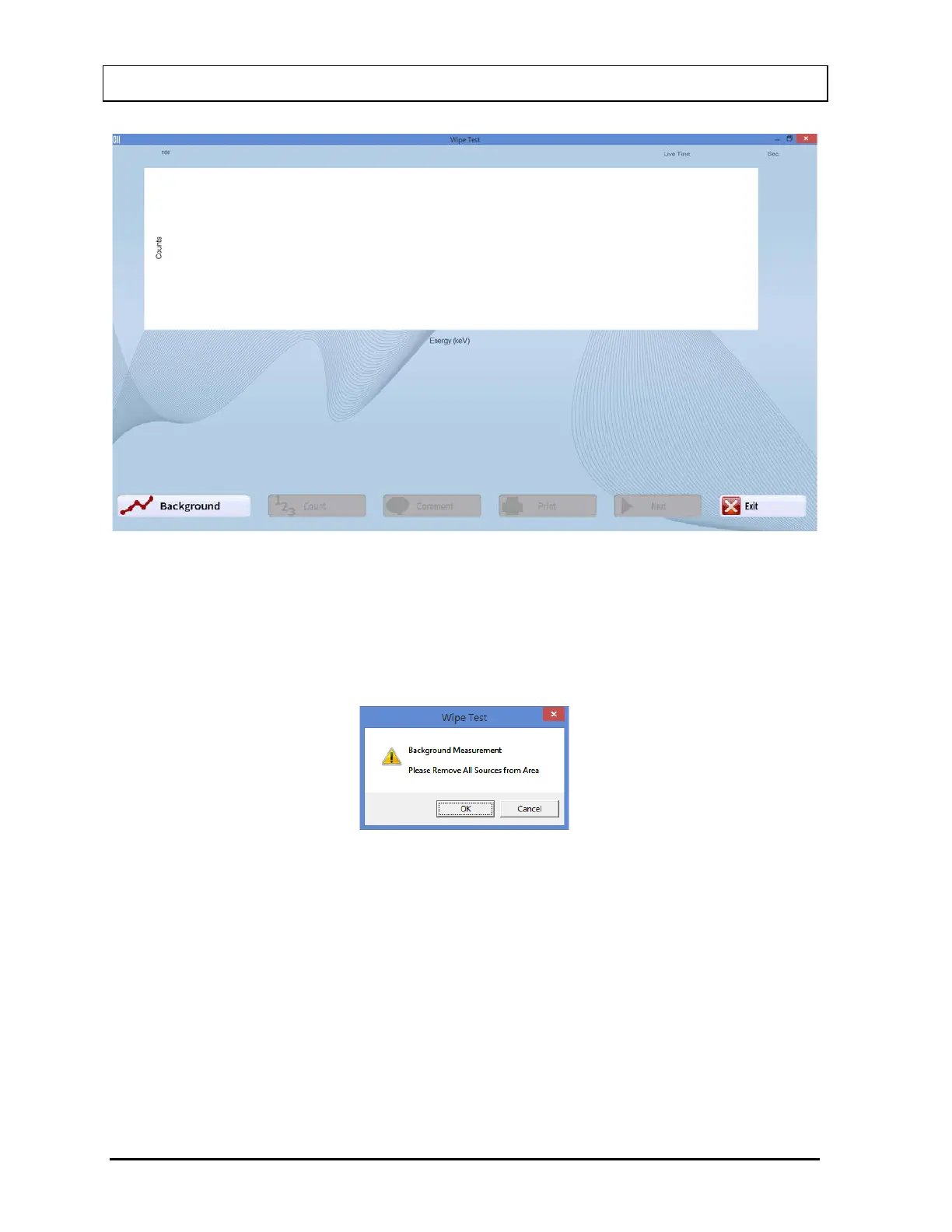
Figure 8-15 Wipe Test Measurement Screen
5. Select the Background button or press Alt+B to measure Background counts. The
message window shown in Figure 8-16 will appear.
Note: Before counts can be measured on any wipe location, Background must be
measured every day at least once.
Figure 8-16
To begin counting, verify that there are no radioactive sources nearby and select the OK
button. To abort the measurement, select the Cancel button.
6. The measurement screen appears similar to that shown in Figure 8-17. The live spectrum
is displayed with elapsed time shown at the upper right corner.



 To Next Page