CAPINTEC, INC. CAPTUS
®
4000e
August 15 ABSORBED DOSE ALERT 9-19
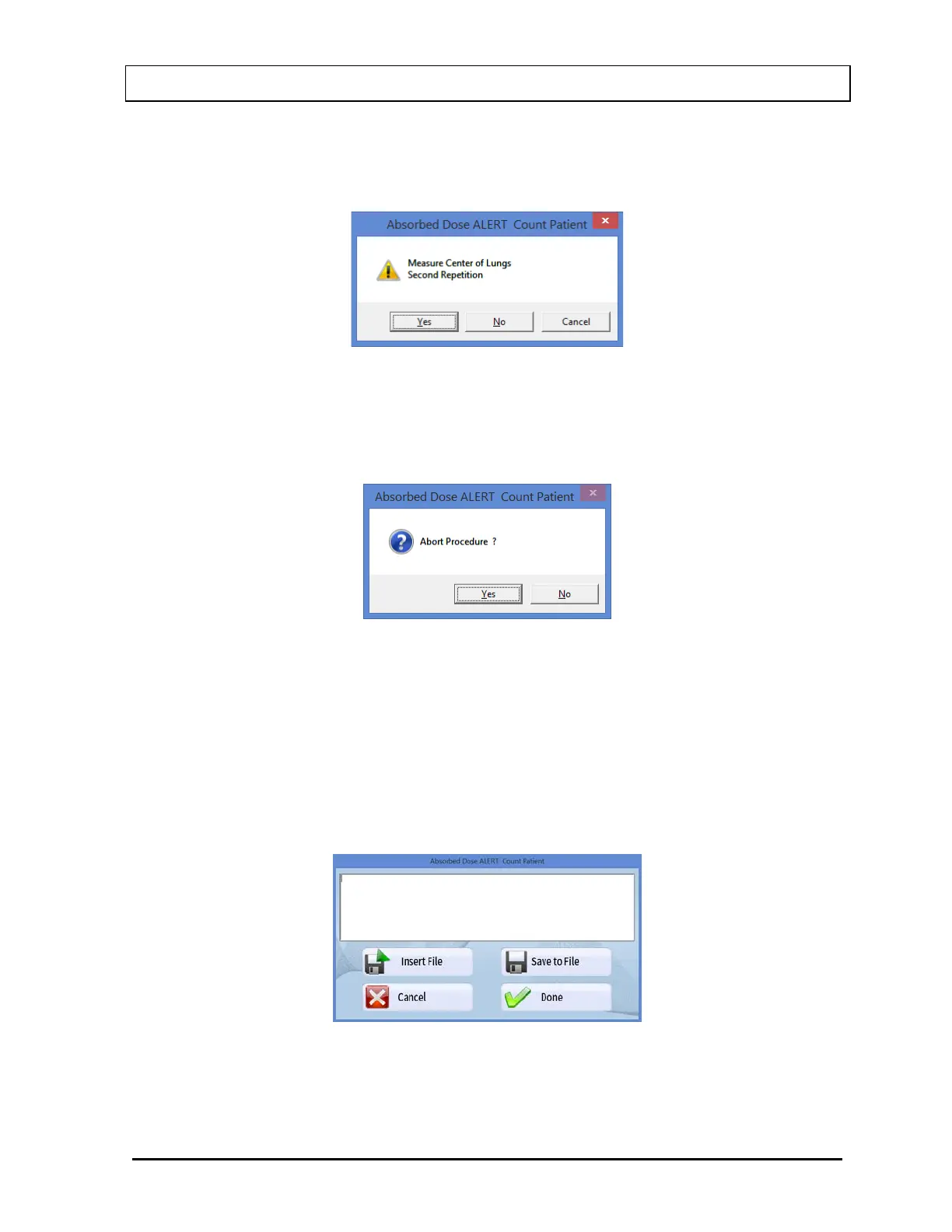
Note: If the number of Repetitions in the setup has been set to 2, each measurement,
excluding background, will be repeated twice. You may skip the second repetition,
if desired, by selecting the No button as shown in Figure 9-24.
Figure 9-24
To begin counting, position the Probe and select the OK button. To quit counting, select
the Cancel button. This will give a prompt to abort the patient test, as shown in Figure
9-25.
Figure 9-25
7. When the measurement is complete, a detailed report of that measurement will be
displayed. Select the Print button to print the report. If there was more than one
measurement for this patient, the report for all measurements can be obtained from the
Absorbed Dose ALERT Report window.
8. To add comments to the report, select the Comment button. The Comment window will
appear as shown in Figure 9-26. Refer to CHAPTER 3: GENERAL OPERATING
INSTRUCTIONS; SECTION: ADD COMMENTS SCREEN.
Figure 9-26



 To Next Page