CAPINTEC, INC. CAPTUS
®
4000e
9-18 ABSORBED DOSE ALERT August 15
3. Background must be measured when the program is initially entered, or if the Isotope is
different from the previous measurement.
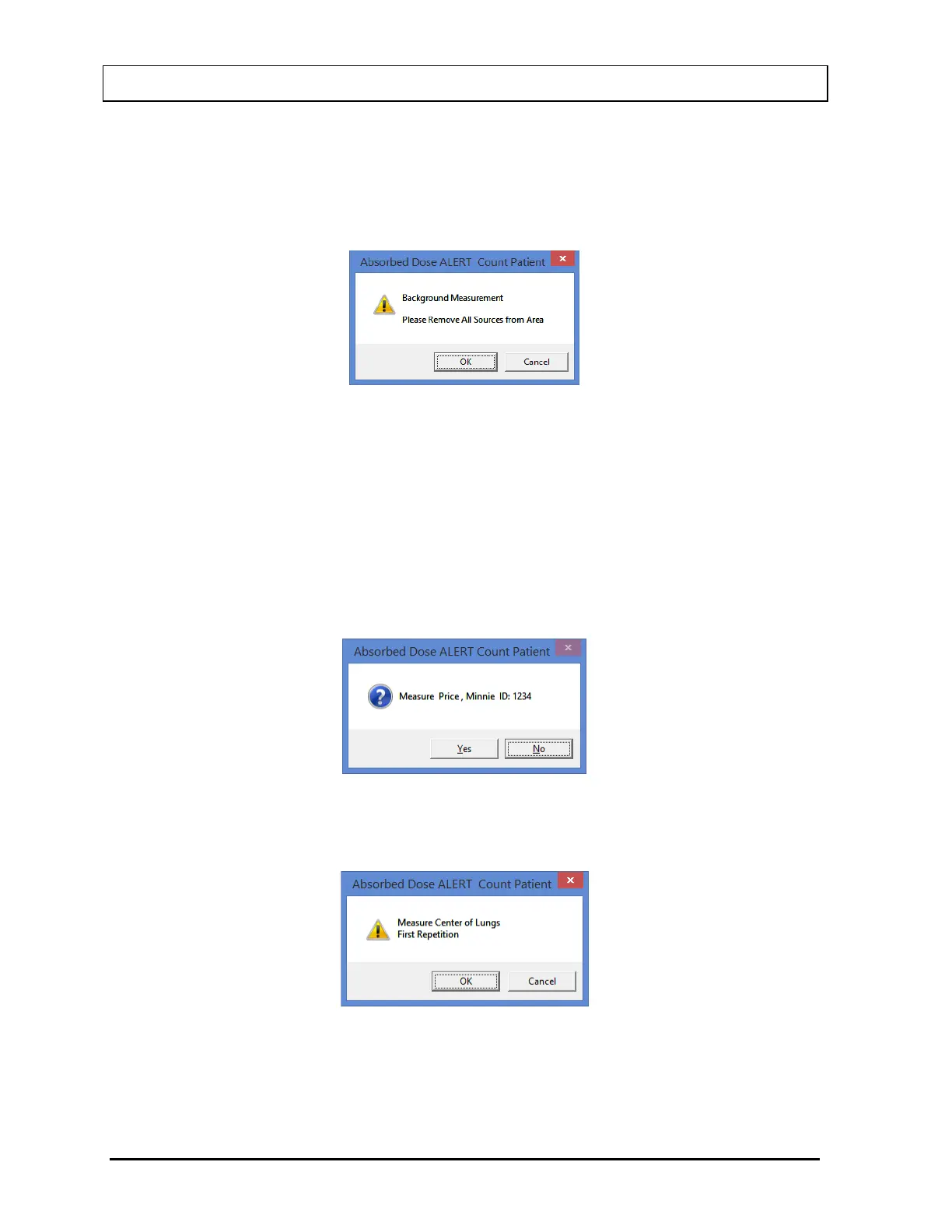
4. Select the Background button or press Alt+B to measure background. Figure 9-21 will
appear.
Figure 9-21
To begin counting, verify that there are no radioactive sources nearby and select the OK
button. To abort the measurement, select the Cancel button.
When the background has been measured and confirmed, the Count button will be
enabled.
5. Select the Count button to begin counting the selected patient. Figure 9-22 will appear
confirming the selected patient. To cancel the test or if the incorrect patient was selected,
select the No button, otherwise select Yes to continue.
Figure 9-22
6. You will be prompted to measure the correct organ as shown in Figure 9-23.
Figure 9-23



 To Next Page