CAPINTEC, INC. CAPTUS
®
4000e
August 15 ABSORBED DOSE ALERT 9-17
Measurements can be made immediately after adding or editing that patient’s data by
selecting the Count button.
For faster throughput, several patients can be added to the Patient Directory and then
counted using the following procedure:
1. To select one or more patients for measurement, click the box for each patient to be
measured in the Patient Directory box on Figure 9-3 Absorbed Dose ALERT Main
Screen.
2. To begin the measurements, select the Count Selected Patients button or press Alt+C.
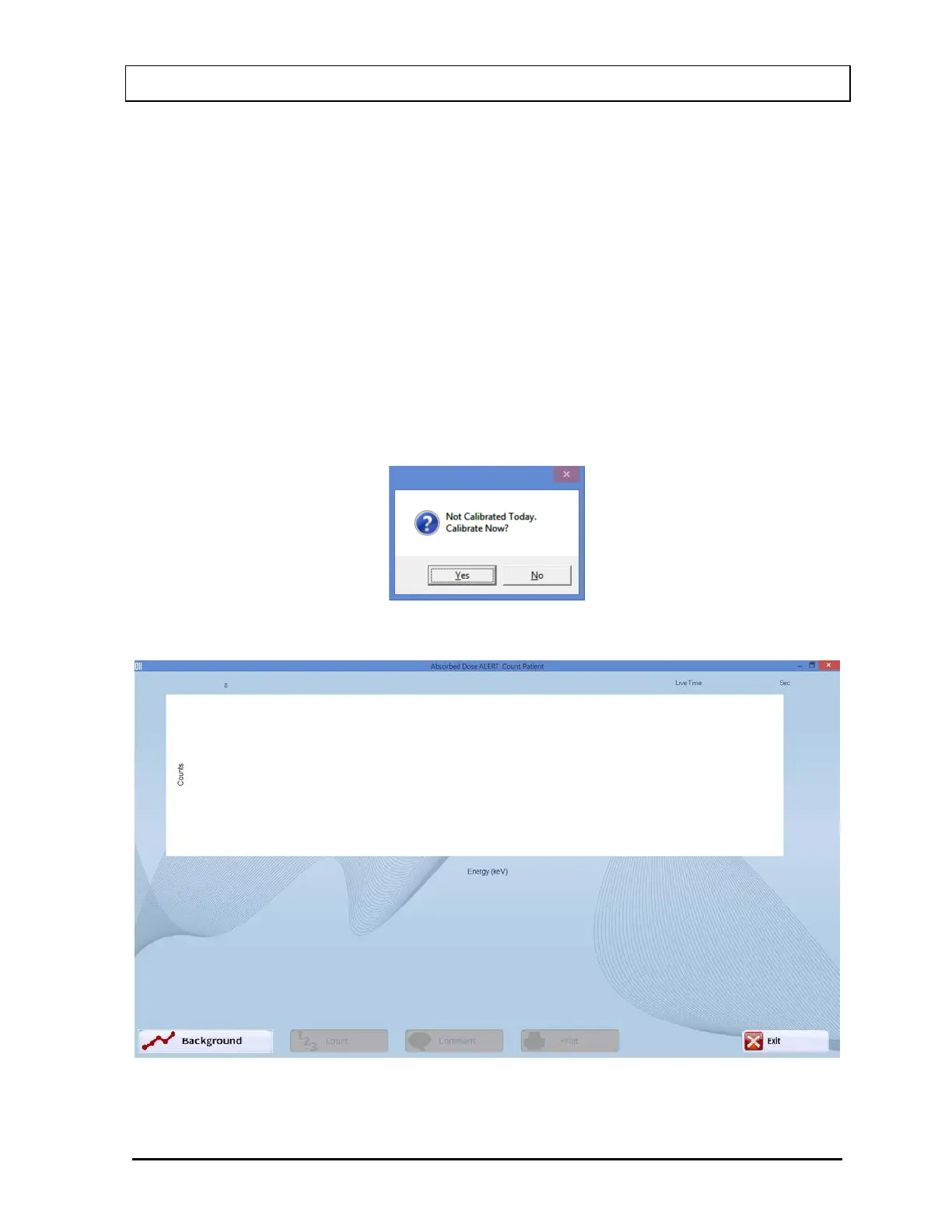
The screen appears as shown in Figure 9-20 Count Patient Measurement Screen.
Note: If calibration has not been performed for the current day, you will be prompted
with the screen as shown in Figure 9-19. After the calibration is complete, the
program will return to Figure 9-20 Count Patient Measurement Screen.
Figure 9-19
Figure 9-20 Count Patient Measurement Screen



 To Next Page