CAPINTEC, INC. CAPTUS
®
4000e
5-22 QUALITY ASSURANCE August 17
performed now, the program will return to Figure 5-22 MDA Test Screen after
calibration is complete.
Figure 5-25
9. Remove any radioactive source from the vicinity and select the OK button to proceed
with the test. Else, select the Cancel button to stop the procedure.
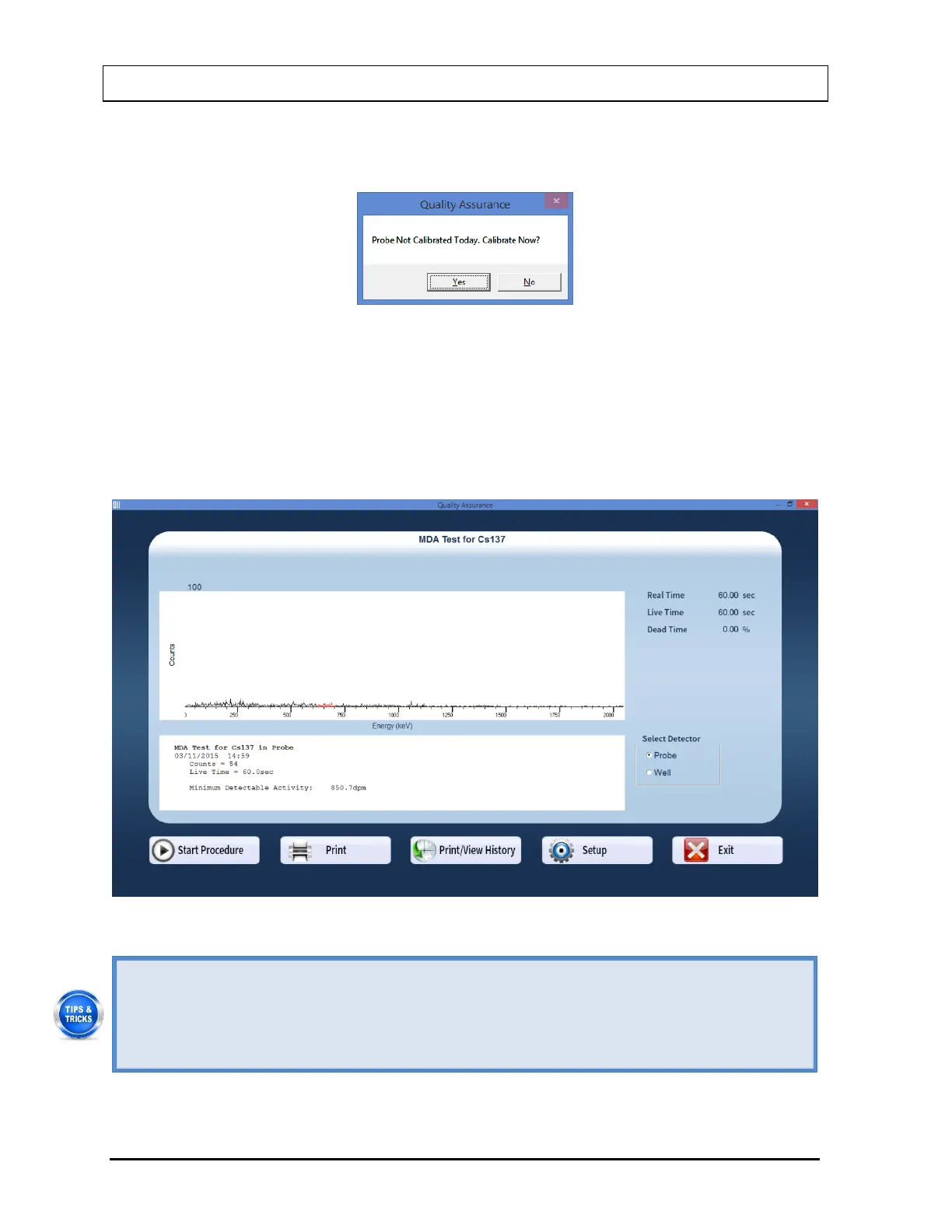
10. When the measurement is completed, the screen appears similar to that shown in Figure
5-26 displaying the Minimum Detectable Activity (MDA) measured in the selected
isotope’s ROI.
Figure 5-26
To print current results for record keeping, select the Print button or press Alt+P on
the MDA Test screen after the test is completed.
To view or print results for all of the Quality Assurance tests performed to date, select
the Print / View History button or press Alt+V (Refer to the VIEWING AND
PRINTING HISTORY section on page 5-24).



 To Next Page