CAPINTEC, INC. CAPTUS
®
4000e
5-20 QUALITY ASSURANCE August 17
This test measures counts and calculates activity in the ROI for the isotope selected in the
Setup. The measurement is performed with no isotope placed in the detector, which
therefore gives a value for the Minimum Detectable Activity (MDA).
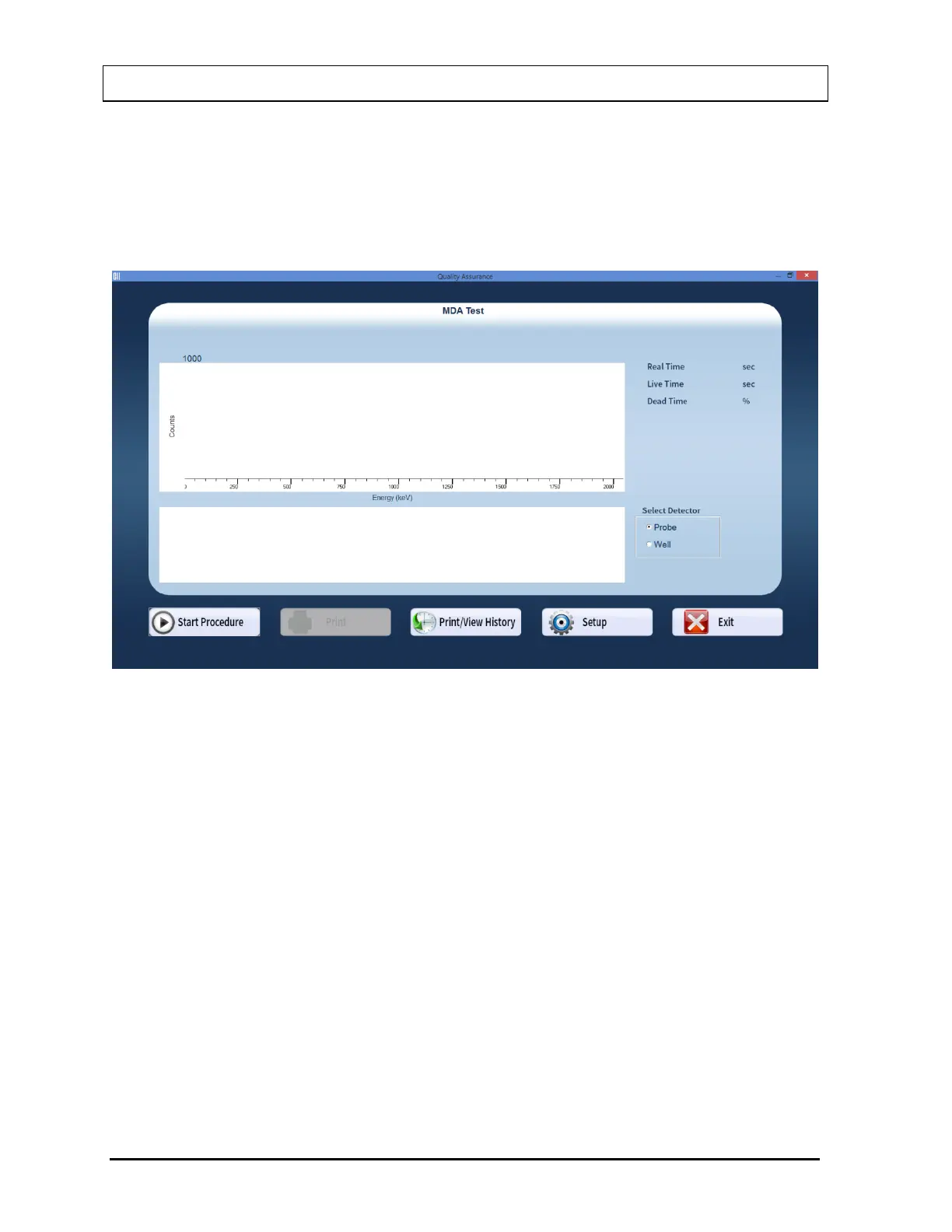
1. Select the MDA Test button or press Alt+M on Figure 5-1 Quality Assurance Main
Screen. Figure 5-22 MDA Test Screen will appear.
Figure 5-22 MDA Test Screen
2. Note that in the Select Detector frame, PROBE is selected by default. To change the
detector to Well, select the WELL radio button.
3. Select the Setup button or press Alt+T. Figure 5-23 Quality Setup Screen will appear.
Only the MDA Test frame values are used in this test.



 To Next Page