CAPINTEC, INC. CAPTUS
®
4000e
November 16 GENERAL SETUP 4-19
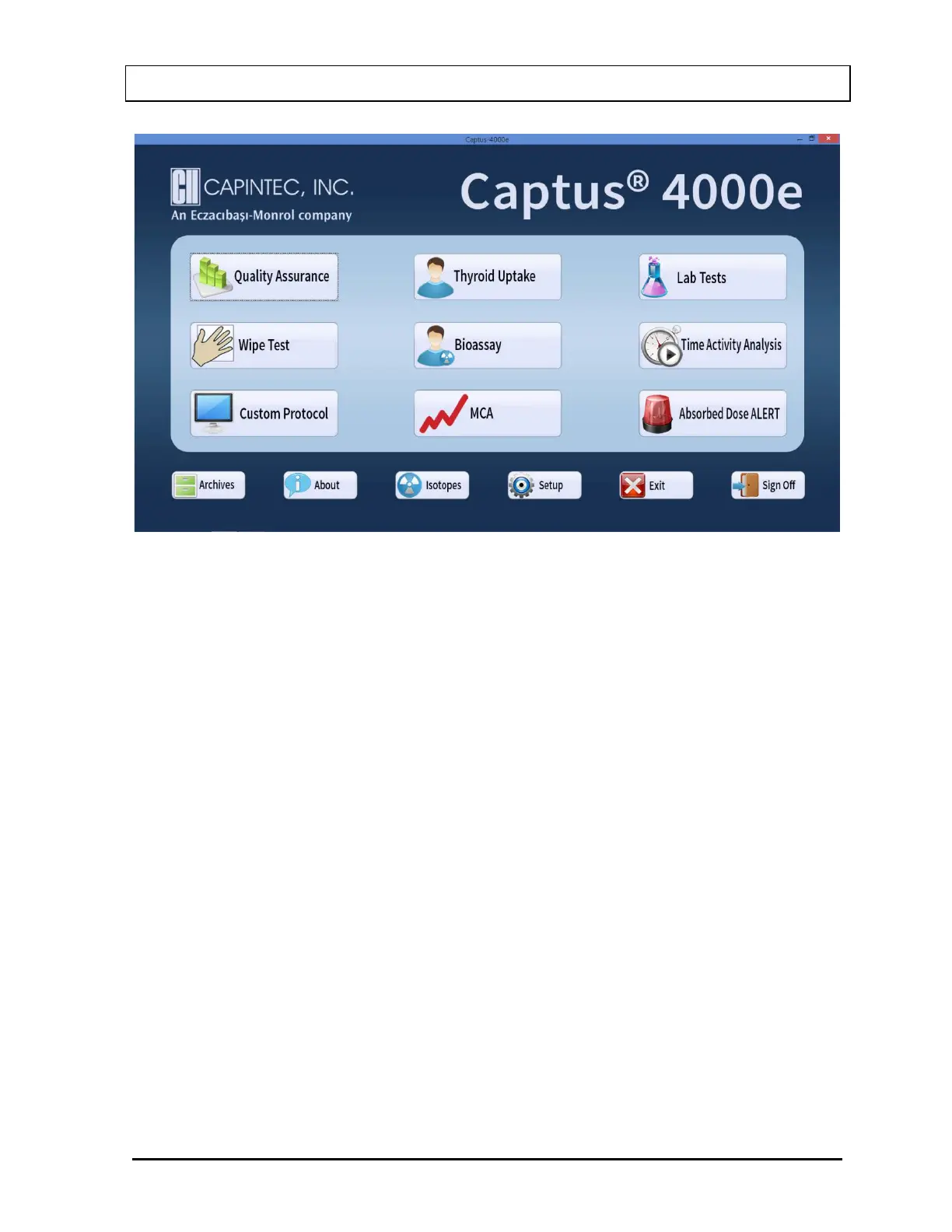
Figure 4-13 Main Screen
Note: This Custom Protocol and Absorbed Dose ALERT are Optional Modules which must
be purchased in addition to the CAPTUS
®
4000e system. The Custom Protocol
and/or Absorbed Dose ALERT buttons will be displayed on the Main screen after
valid license(s) is/are entered in Setup.
The software version installed on your CAPTUS
®
4000e can be identified by selecting the
About button located along the bottom of the Main screen. The user cannot alter information
concerning the software version. Any software upgrades will automatically change the
version number accordingly.
Note: The Serial Number, together with your software version, is to be used as a reference
when contacting the Capintec Service Center for information or assistance. To get the
software version, select the About button on the CAPTUS
®
4000e Main screen.



 To Next Page