1‑123
Chapter 1 Troubleshooting
Version 2 2007.05.22
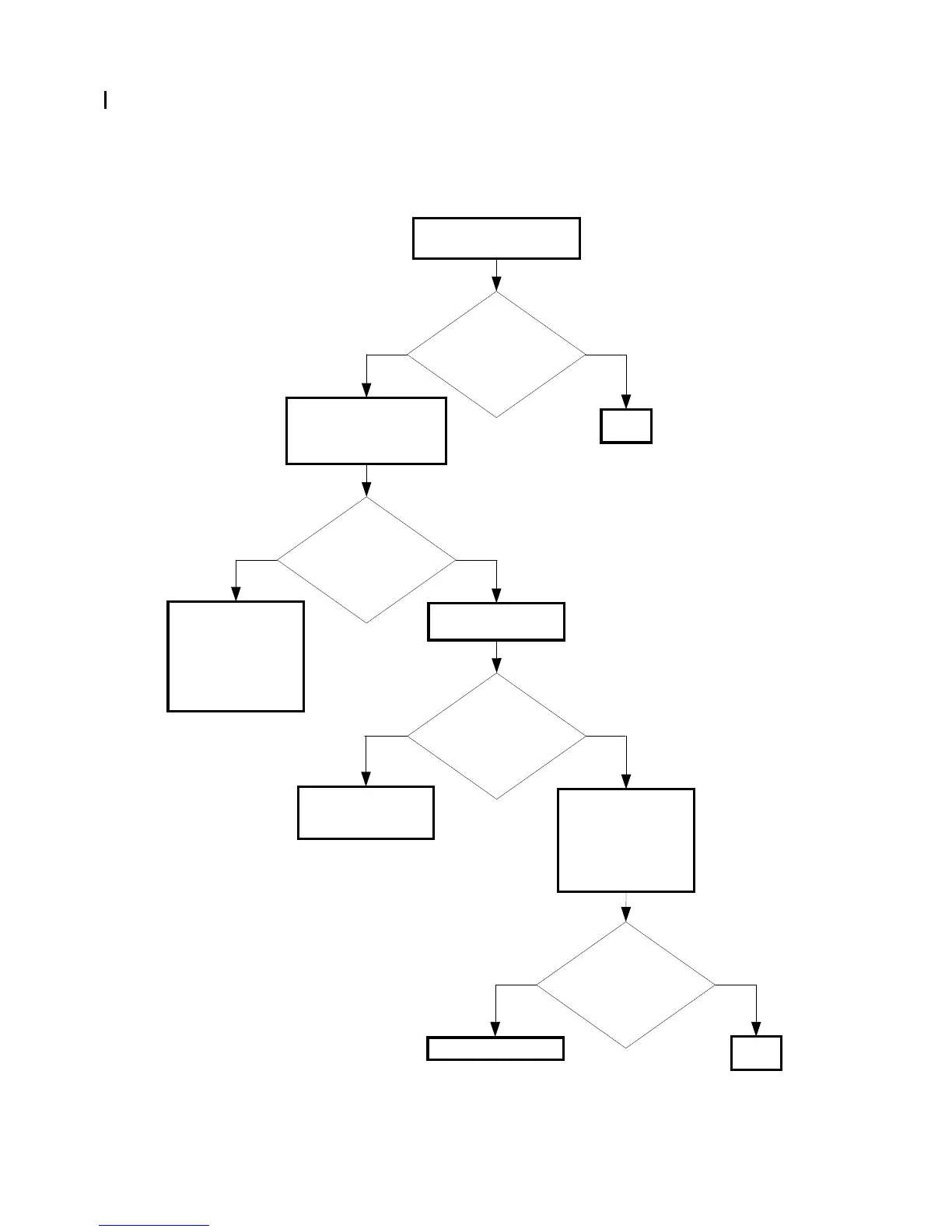
FIP-1. 36 Restart Printer 133-254/Memory Full 017-970/033-503
Possible causative parts:PWBA HYUI (PL 13.4.1)
Checking the error
Turn off and on the power.
Does the error still occur
when receiving fax?
END
No
Yes
Checking the printer
menu
Check the [Stored Print]
of the [JOB STATUS].
Are there many stored
data?
NoYes
For the [Delayed
Fax]
Wait until the stored
data will be sent.
For the [Delayed
Print]
Print the stored data.
Checking the fax
setting
Is the [Interval timer] of
the [Fax Setting] on the
[Admin Menu] long?
Default value: 8
No
Yes
Decrease the Interval
timer value.
Checking after
replacing the PWBA
HYUI
Replace the PWBA
HYUI. (Removal 64/
Replacement 58)
Does the error still occur
when receiving fax?
No
Yes
Replace the printer.
END















 To Next Page