2 - 3
Chapter 2 Operation of Diag.
Version 1 2006.11.21
3. How to use Diag. Customer Mode
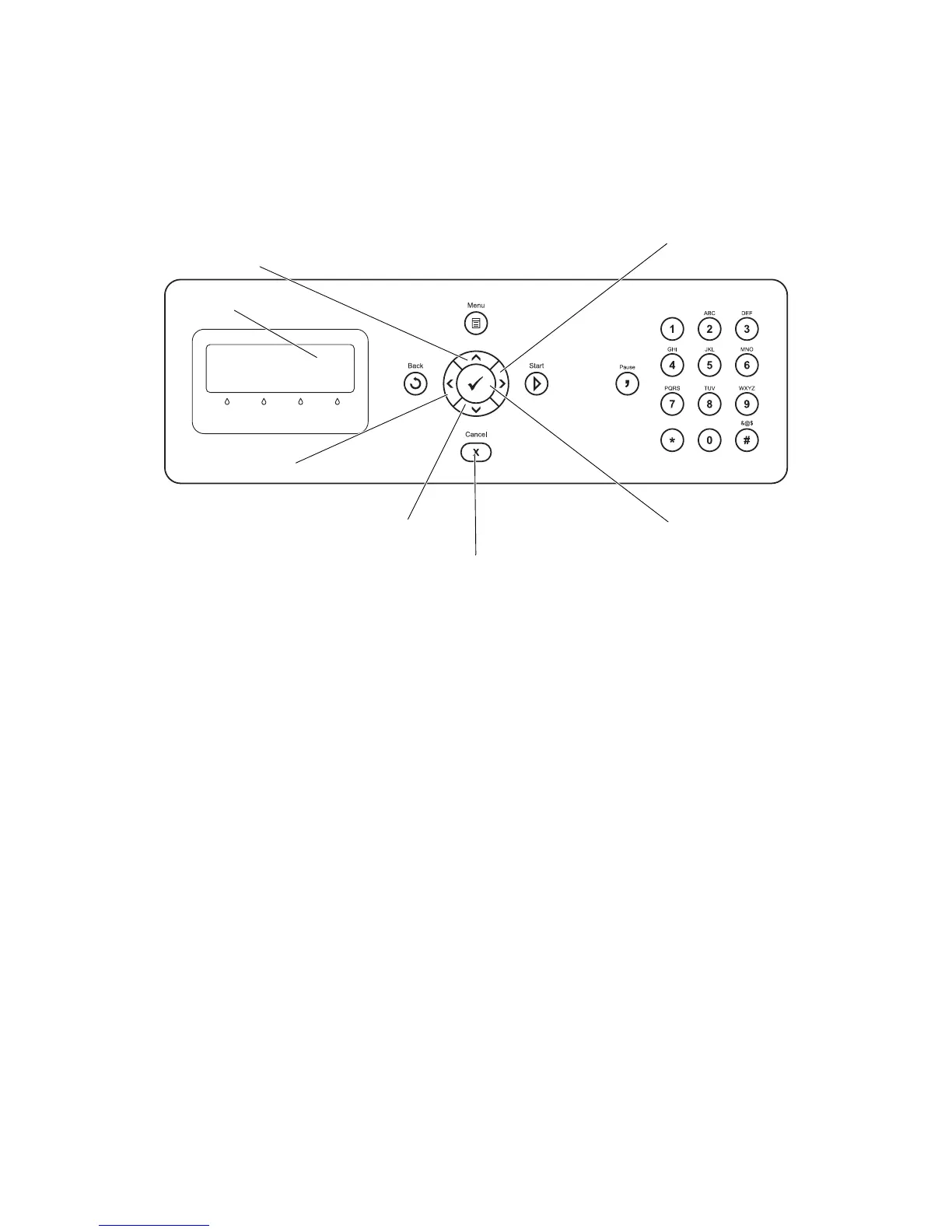
3.1 Roles of the control panel in Diag.
[LCD]: Displaying a diagnosis item and its result
[], []: Selecting a diagnosis item/Selecting data at parameter setting
[], []: Key moves the cursor to the left/right
[3 ]: Determining a diagnosis item/Executing a diagnosis/Determining a parameter at
parameter setting
[CANCEL]: Reseting a diagnosis item (Returning to the menu one level higher)
Terminating each digital input/output
Gnb02001KA
LCD
3
CANCEL















 To Next Page