vi
Version 2 2007.03.20
4.5 Laser beams
• If your eyes are exposed to laser beams, you may lose your eyesight.
• Never open the cover if the warning label for laser beams is attached there.
• Before disassembling and reassembling this laser printer, be sure to turn it OFF.
• When servicing this laser printer while it is running, be sure to follow the
procedures specified in this manual.
• You should be well aware that the laser beams are capable of injuring you and
other people near the printer.
Laser beams have features as follows:
• Frequencies are smaller in width than other beams (sun and electric bulbs) and
phases are uniform so that high monochromatic and convergence performance
can be obtained and thin beams of light can reach places at a long distance.
• Being highly converged, the laser beams exert a heating action that may be
harmful to human body.
Reference: The laser beams of this laser printer are invisible rays.
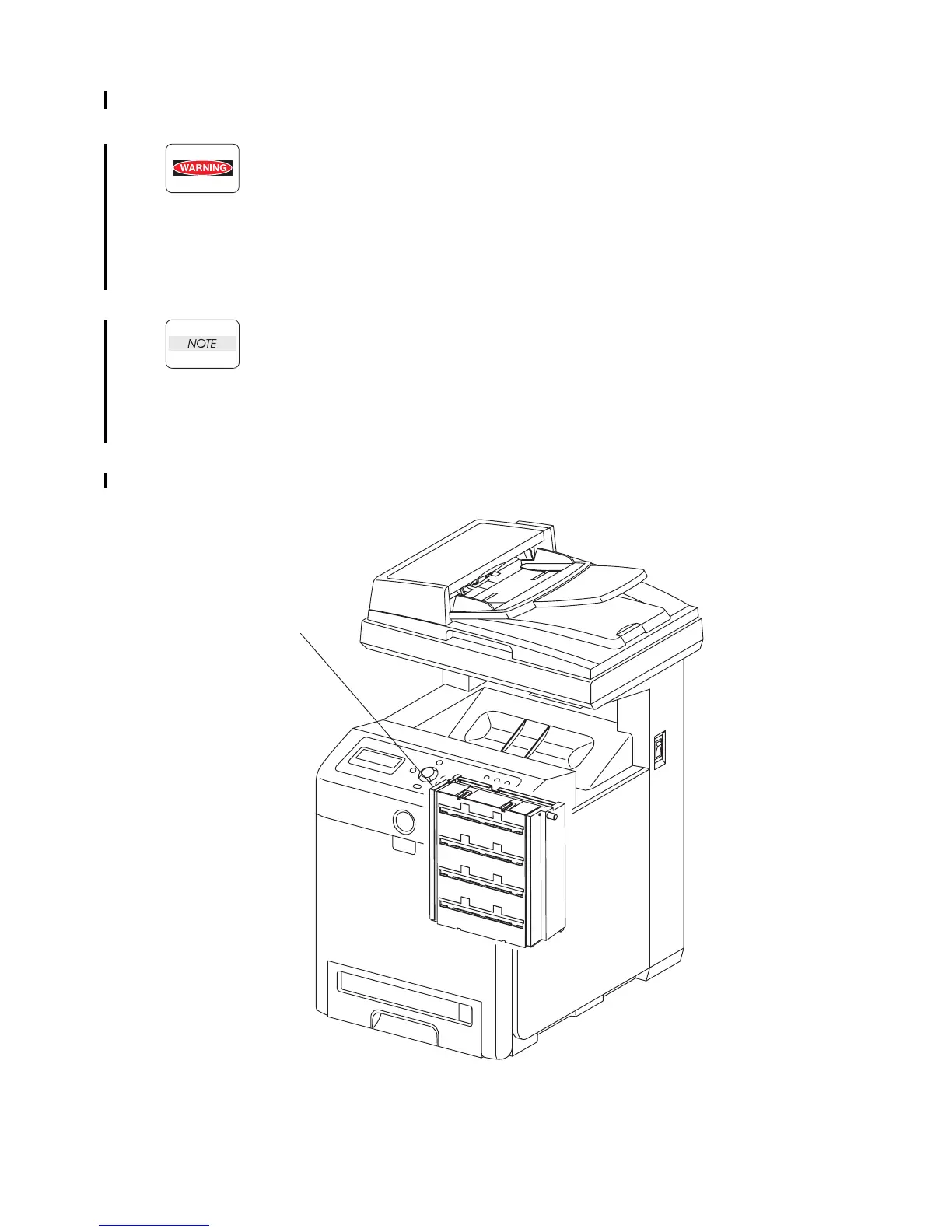
Gnb00003KA
PRINT HEAD















 To Next Page