3 - 67
Chapter 3 Removal and Replacement Procedures (RRPs)
Version 1 2006.11.28
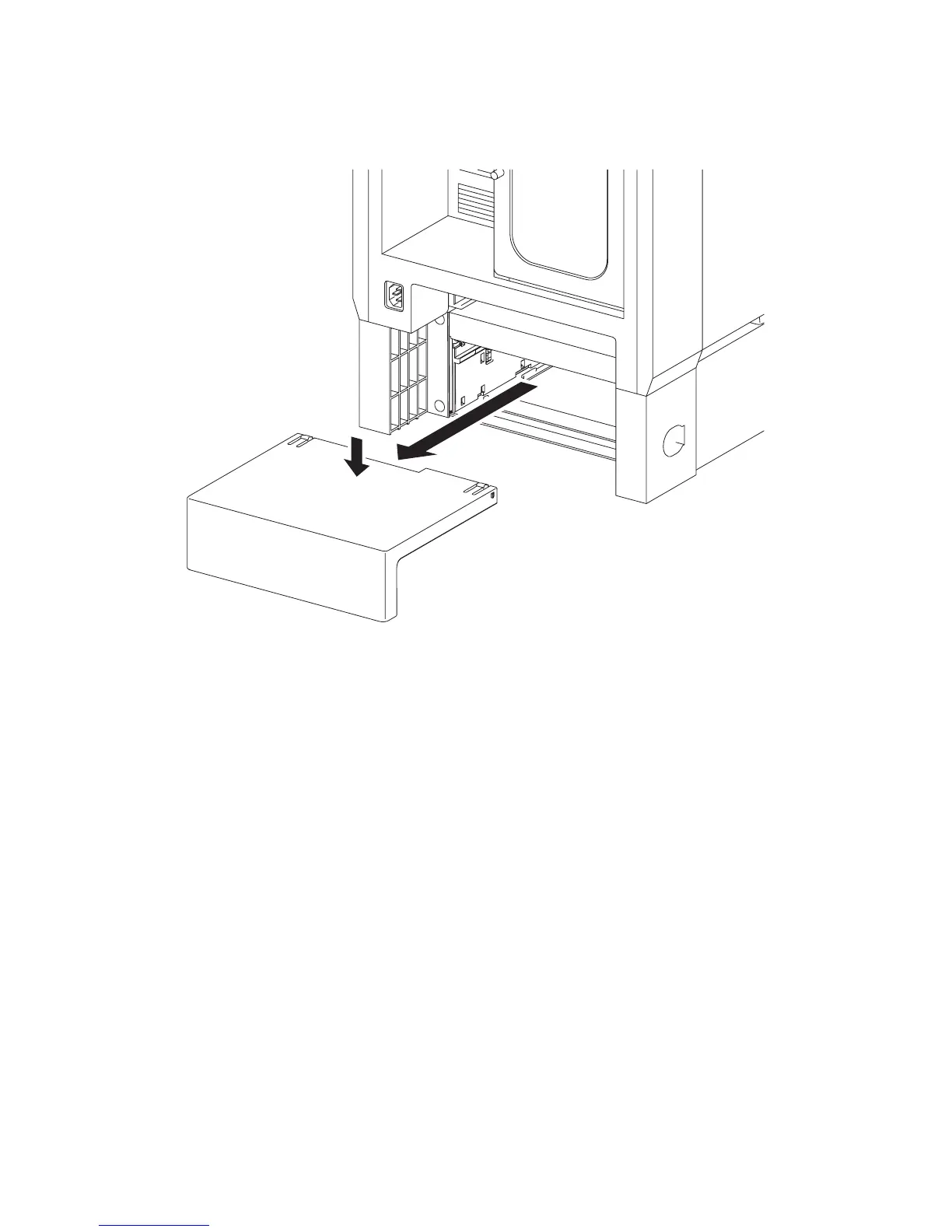
Removal 43 550 TRAY REAR COVER (PL13.7.4)
1) Pull the 550 TRAY REAR COVER backward until it stops
2) Release the two hooks by depressing the center of the 550 TRAY REAR COVER, and then
remove the 550 TRAY REAR COVER from the 550 SHEET FEEDER ASSEMBLY (PL13.7.1).
Gnb03059KA
2)-1
2)-2















 To Next Page