3 - 210
Chapter 3 Removal and Replacement Procedures (RRPs)
Version 1 2006.11.28
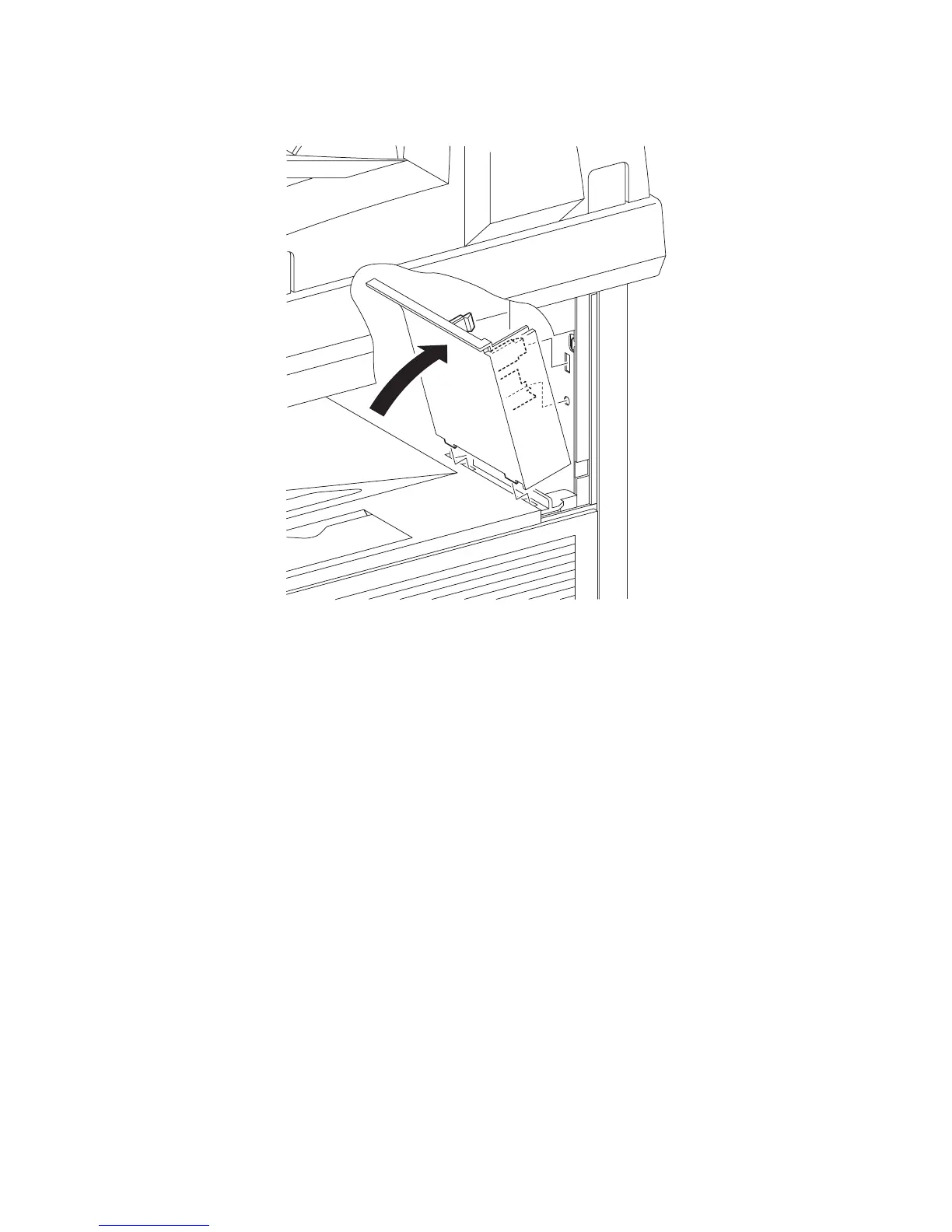
Replacement 65 COVER POLE IN L (PL13.1.3)
1) Replace the COVER POLE IN L to the printer by mating the two hooks and the one lug on the
COVER POLE IN L with the holes of the printer.
Go to the next replacement step:
Replacement 72 COVER BOTTOM (PL13.1.5)
Gnb03211KA
1)















 To Next Page