2 - 5
Chapter 2 Operation of Diag.
Version 1 2006.11.21
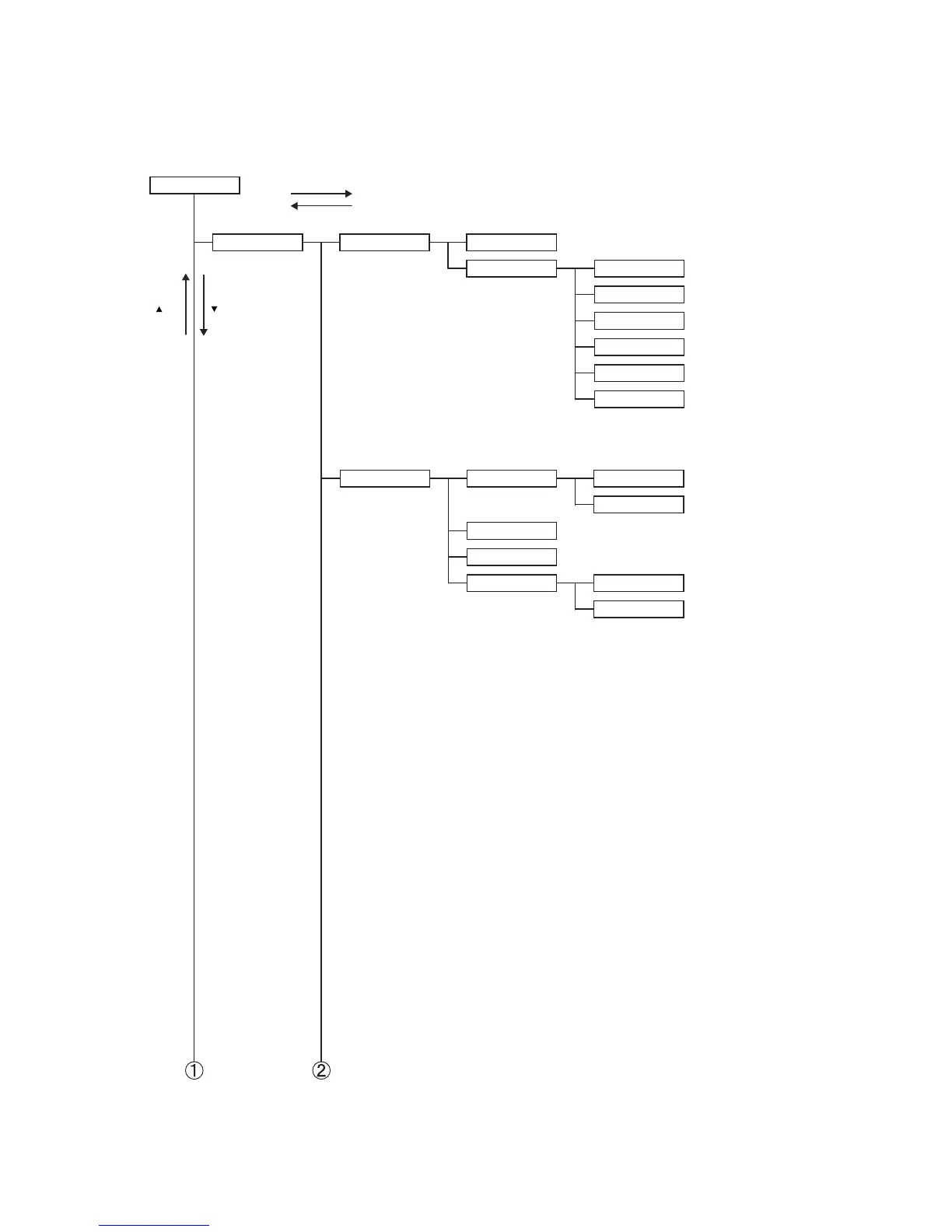
3.7 Diag. mode menu tree
Menu Tree of the Customer Mode is as follows
Fax/Scanner Diag
Scan Counter
Version Main : ∗∗∗∗∗∗∗∗∗∗∗∗
Param : ∗∗∗∗∗∗∗∗∗∗∗∗
Boot : ∗∗∗∗∗∗∗∗∗∗∗∗
Dload : ∗∗∗∗∗∗∗∗∗∗∗∗
IIT : ∗∗∗∗∗∗∗∗∗∗∗∗
Panel : ∗∗∗∗∗∗∗∗∗∗∗∗
∗ A 12-digit number is displayed
Information
Press the
key
Press the 3 key
Press the
key
Press the CANCEL key
Customer Mode
Counter Clear (ADF)
Counter Clear (FB)Scan Counter Clear
Scan Counter
Parameter
White Balance Auto Adjust (FB)
Auto Adjust (ADF)
Scanner Maintenance















 To Next Page