1‑204
Chapter 1 Troubleshooting
Version 1 2006.11.21
7. Image Quality Troubles
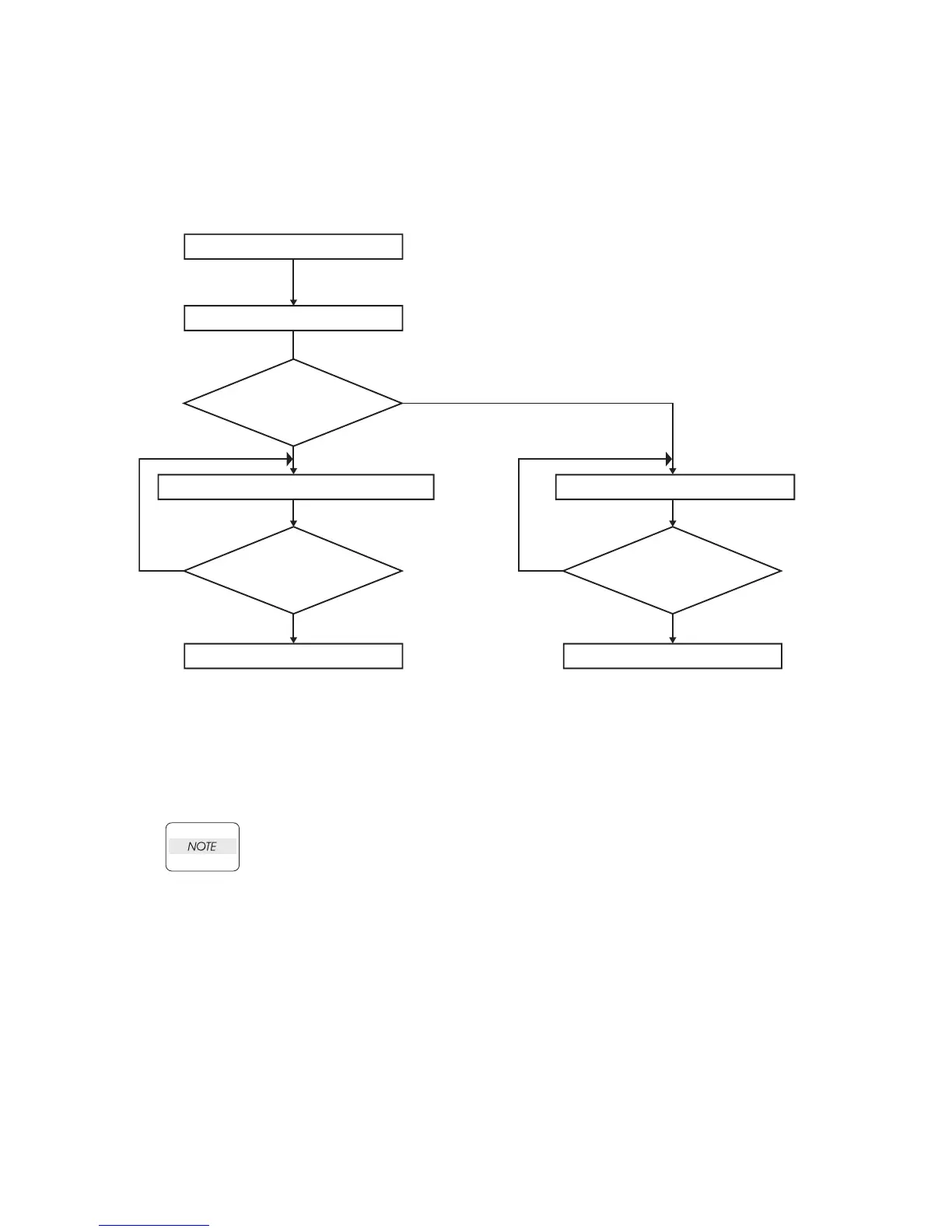
7.1 Flow of Image Quality Troubleshooting
The descriptions here assume that the printer controller is under normal
conditions. By running a print test with only the print engine allows you to simply
isolate whether the printer controller or the print engine is faulty, so long as the
trouble can be verified in the print results.
- Test print result with the engine only is normal. ---> Malfunction on Printer
Controller side
- Test print result with the engine only is abnormal. ---> Malfunction on the engine
side
When the printer controller is considered to be faulty, check by replacing the
printer controller and interface cable with normal ones.
When the trouble persists even after replacement, check the host side, and perform
and efficient troubleshooting using the image quality FIP for each phenomenon.
Leg_Sec001_001FA
Start
Test Printing
Is there a corresponding FIP?
Carry out the corresponding troubleshooting.
Replace IBT ASSY then FUSER ASSY.
The trouble is restored?
The trouble is restored?
End End
No
No No
Yes
Yes Yes















 To Next Page