1‑146
Chapter 1 Troubleshooting
Version 1 2006.11.21
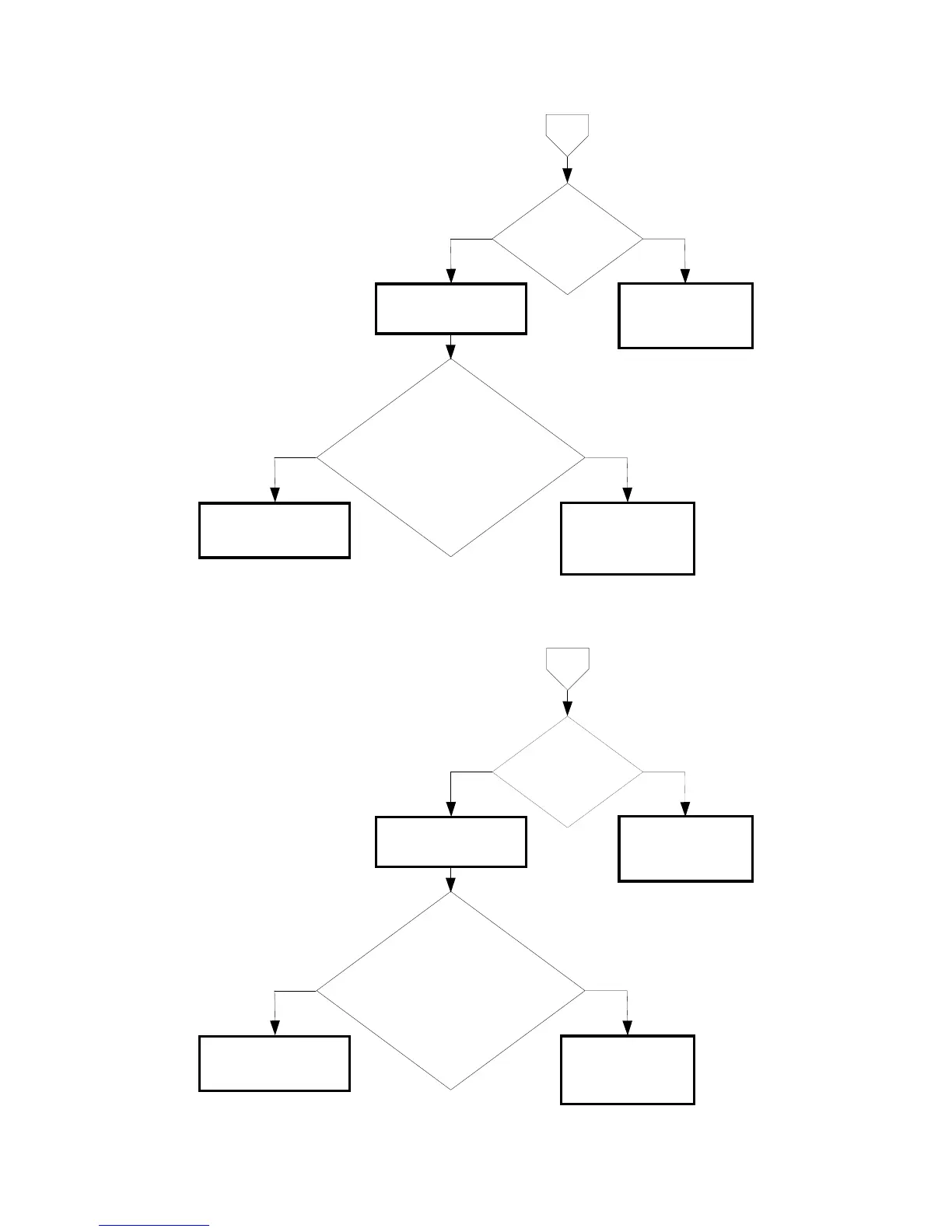
Does the ACTUATOR
NO PAPER operate
smoothly?
NoYes
Replace the FEEDER
ASSY. (Removal
16/Replacement 30)
Checking the SENSOR
PHOTO (No Paper
Sensor)
Does the number on the screen increase
by one, every time the actuator of the
SENSOR PHOTO (No Paper Sensor) is
operated?
Checked by [Digital Input] - [DI-11] in
[IOT Diagnosis].
NoYes
Replace the PWBA MCU.
(Removal
67/Replacement 55)
Replace the FEEDER
ASSY . (Removal
16/Replacement 30)
B
Does the ACTUATOR
NO PAPER operate
smoothly?
NoYes
Replace the 550
OPTION FEEDER.
(Removal
42/Replacement 4)
Checking the SENSOR
PHOTO (No Paper
Sensor)
Does the number on the screen increase
by one, every time the actuator of the
SENSOR PHOTO (No Paper Sensor) is
operated?
Checked by [Digital Input] - [DI-d] in [IOT
Diagnosis].
NoYes
Replace the PWBA MCU.
(Removal
67/Replacement 55)
Replace the 550
OPTION FEEDER.
(Removal
42/Replacement 4)
C















 To Next Page