1‑173
Chapter 1 Troubleshooting
Version 2 2007.05.22
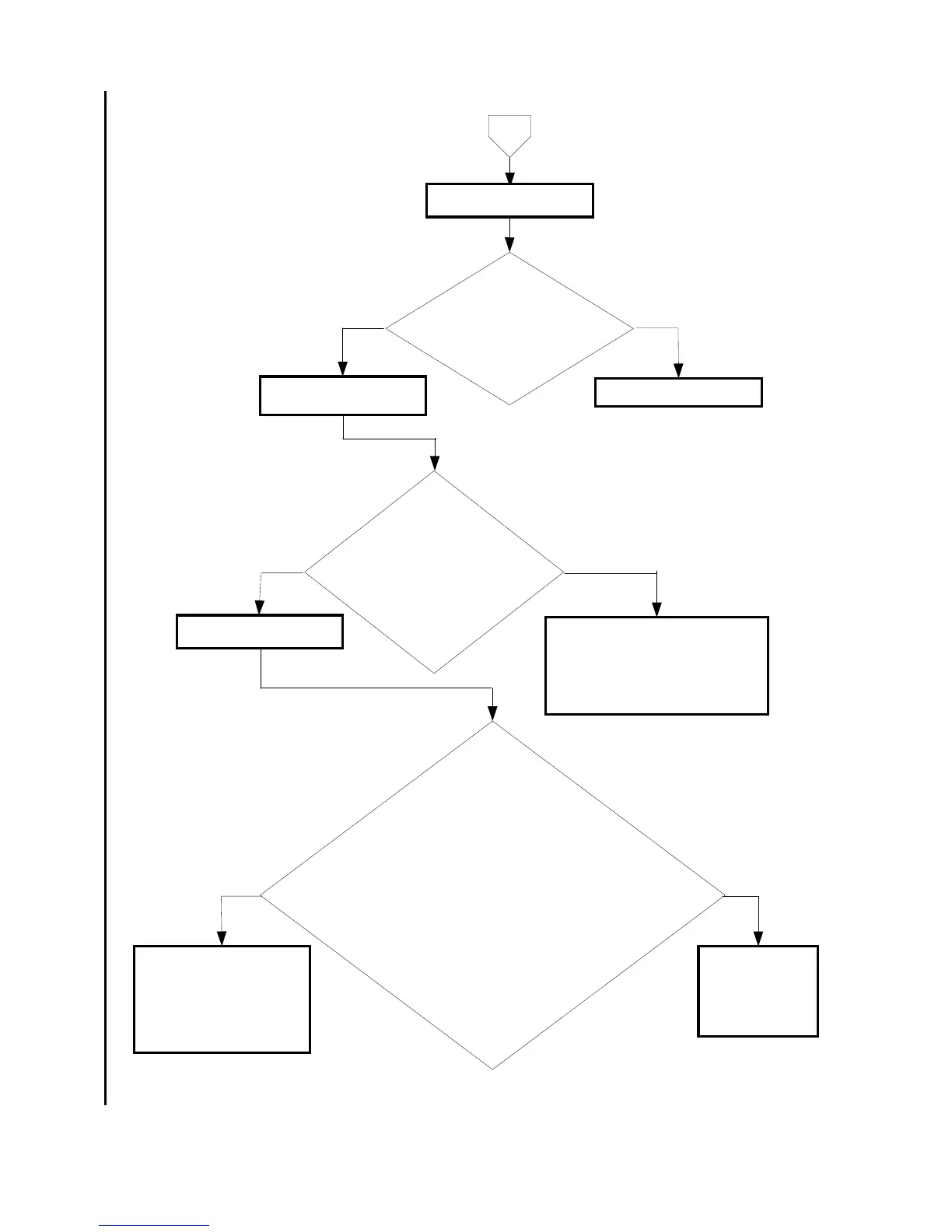
Is the setting of
[ScanButton Manager] correct?
Checked by the following procedures.
Click the [Start] and then select the [All
programs], the [Dell Printers], the [Dell
MFP Color Laser Printer 3115cn]
and the [ScanButton
Manager] in order.
No
Yes
Checking the software
Set these items correctly.
Scan Form/Image Type/Resolution/
Paper size/Output Destination
NOTE: Check that the directory
specified for [Output Destination]
really exists.
Is the selecting of software
correct?
Checked by the following procedures.
1) Select the [Dell MFP Laser 3115cn scanner]
in the [Scanners and Cameras] of the [Printers and
Other Hardware] of the [Control Panel] and then open the
[Properties]. (click the right button of the mouse or [Properties] button)
2) Select the [Properties] and then select the [Events] tab of the [Dell
MFP Laser 3115cn Scanner Properties] screen.
For Windows XP/Vista/Server 2003
3) Check that the [Start this program] displays the [3115cn
MFP Scan Button Manager] and the [Select an event]
is set correctly.
For Windows 2000
3) Check that the [3115cn MPF Scan
Button Manager] is checked and the
[Scanner events] is set
correctly.
NoYes
Retry the scanning. If the
message [Select the
program to launch for this
action] appears on the PC
monitor, select the [3115cn
MFP Scan button Manager]
within 30 seconds.
Set the [Events]
tab menu of the
[Dell MFP Laser
5115cn Scanner
Property]
correctly.
A
Is the [ScanButton
Manger] installed?
Checked by the [Dell MFP Laser
3115cn ScanButton Manager] in the
[Add or Removal Programs]
of the [Control Panel].
No
Yes
Checking the ScanButton
Manger setting
Install the software.
Checking the PC program















 To Next Page