1‑313
Chapter 1 Troubleshooting
Version 2 2007.05.22
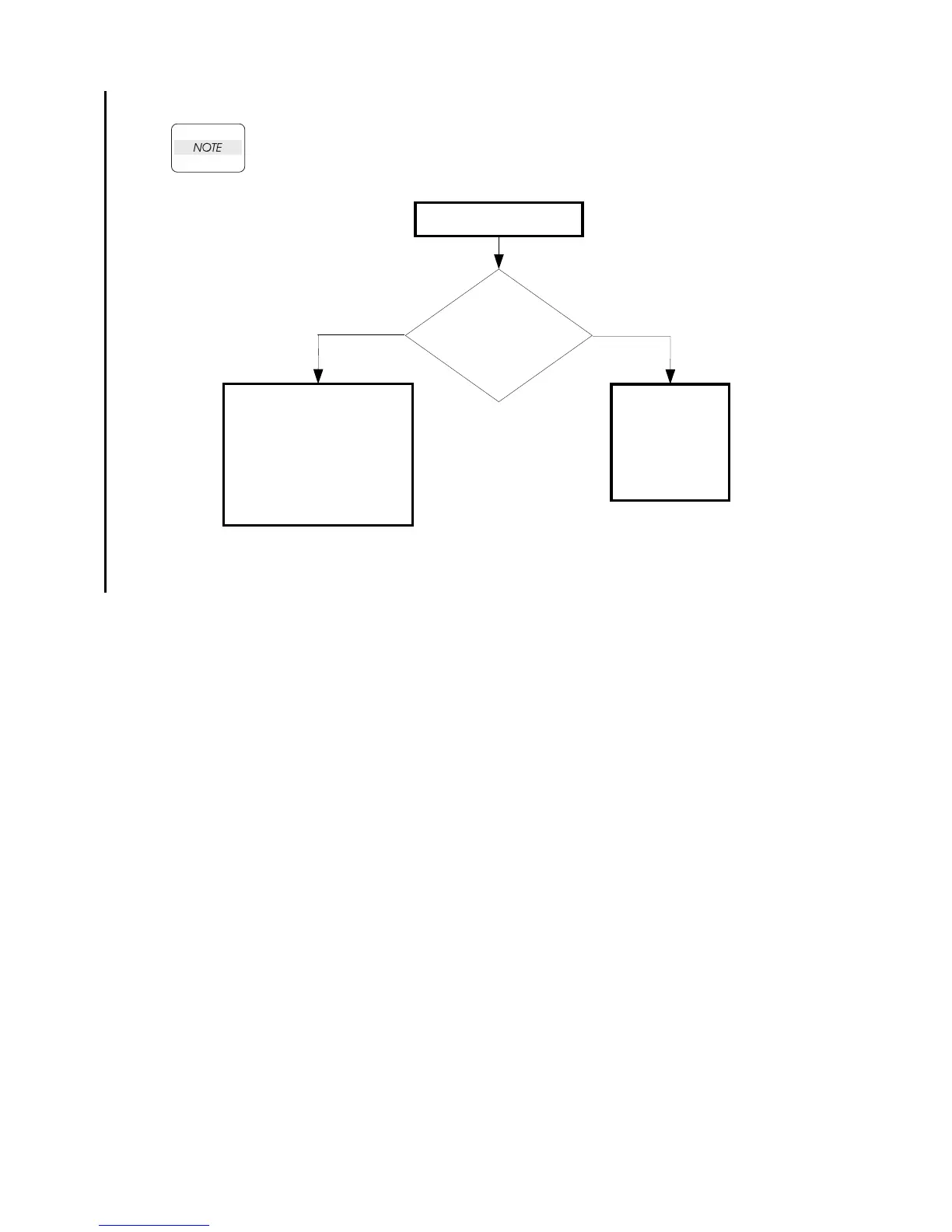
FIP-Document source selection fault
Although the original is set on the ADF, copying will not start due to [Auto
fit] setting.
No
Yes
Check the
following
-The ADF closed
against platen
glass completely.
-The original is on
the ADF correctly.
When the [Auto Fit] setting is
ON, copying via ADF is
disabled (by design).
To copy, set the original on the
platen. If you want to use the
ADF, set the [Auto Fit] to OFF
before you set the original and
start copying.
Is the [Auto Fit] on?
Checed by [Auto Fit] of the
[Copy] on the [Default
Settings] of the [Setup]
menu.
Checking the printer setting















 To Next Page