1‑12
Chapter 1 Troubleshooting
Version 1 2006.11.21
A
No
Yes
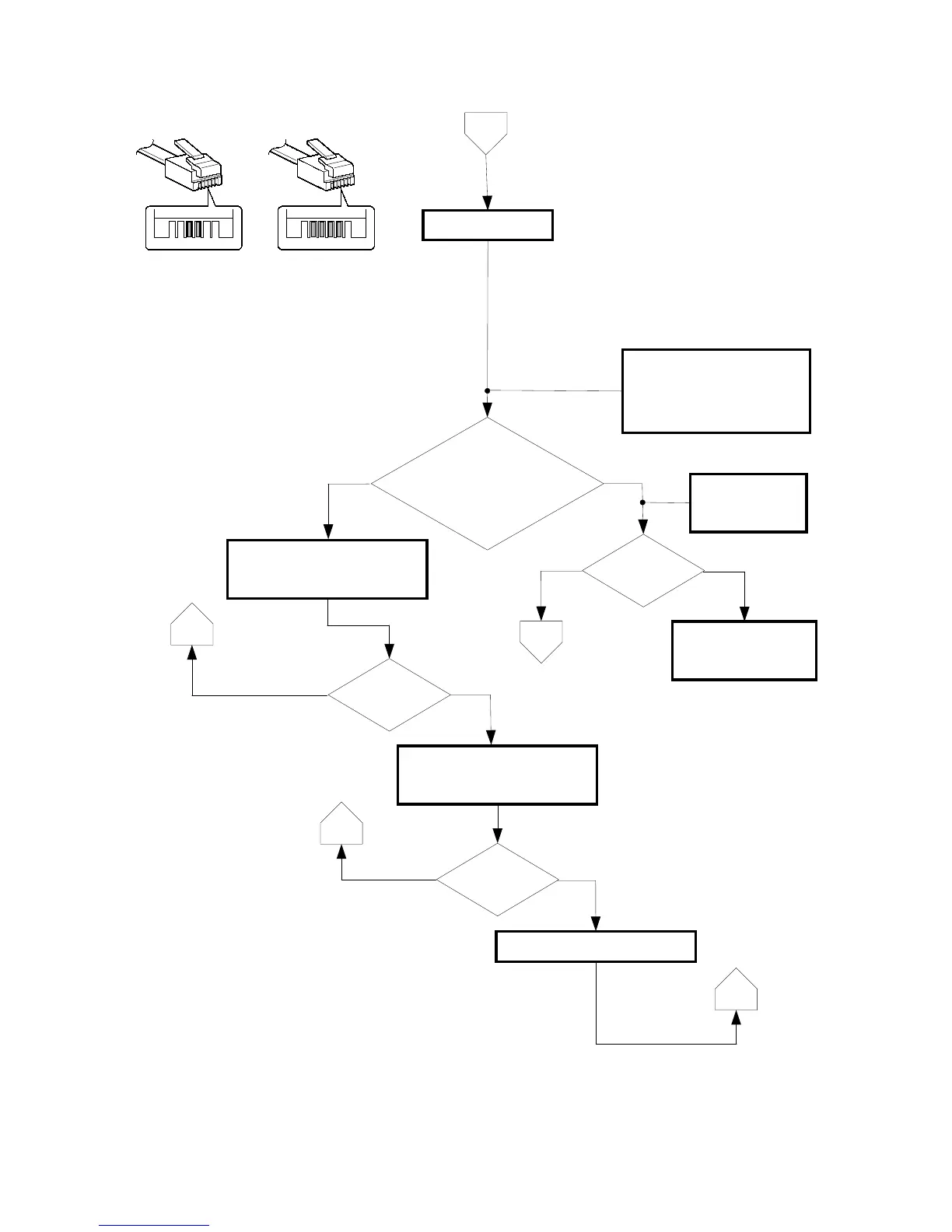
Check the line type
PSTN?
- A continuous tone is present at
off hook.
- The cable has two conductors.
No
Yes
Request the telephone
company for a line
repair.
No
Yes
Manually dial any local phone
number (e.g. time service) using
touch tone.
- Confirm that the line is not an
ISDN/xDSL/IP phone line but
an analog telephone line.
- If no dial tone is present at off
hook, the line may be faulty.
No
Yes
Check for the pulse.
Manually dial using pulse
20PPM.
C
D
PBX?
The standard cable used for the
conventional analog telephone line
is RJ-11, which has two conductors.
However, the four-conductor cables
commonly available are backward
compatible with RJ-11 and can be
used with no problem. On the other
hand, since these four-conductor
cables are also used for ISDN
systems, the number of elements is
not the key for identification of the
type of line/service.
Connection
established?
Connection
established?
PSTN PBX
Is an intermittent
tone present at
off hook?
C
C
Set to pulse 10PPM.















 To Next Page