3 - 55
Chapter 3 Removal and Replacement Procedures (RRPs)
Version 2 2007.03.20
Removal 34 PRINT HEAD (PL13.3.99)
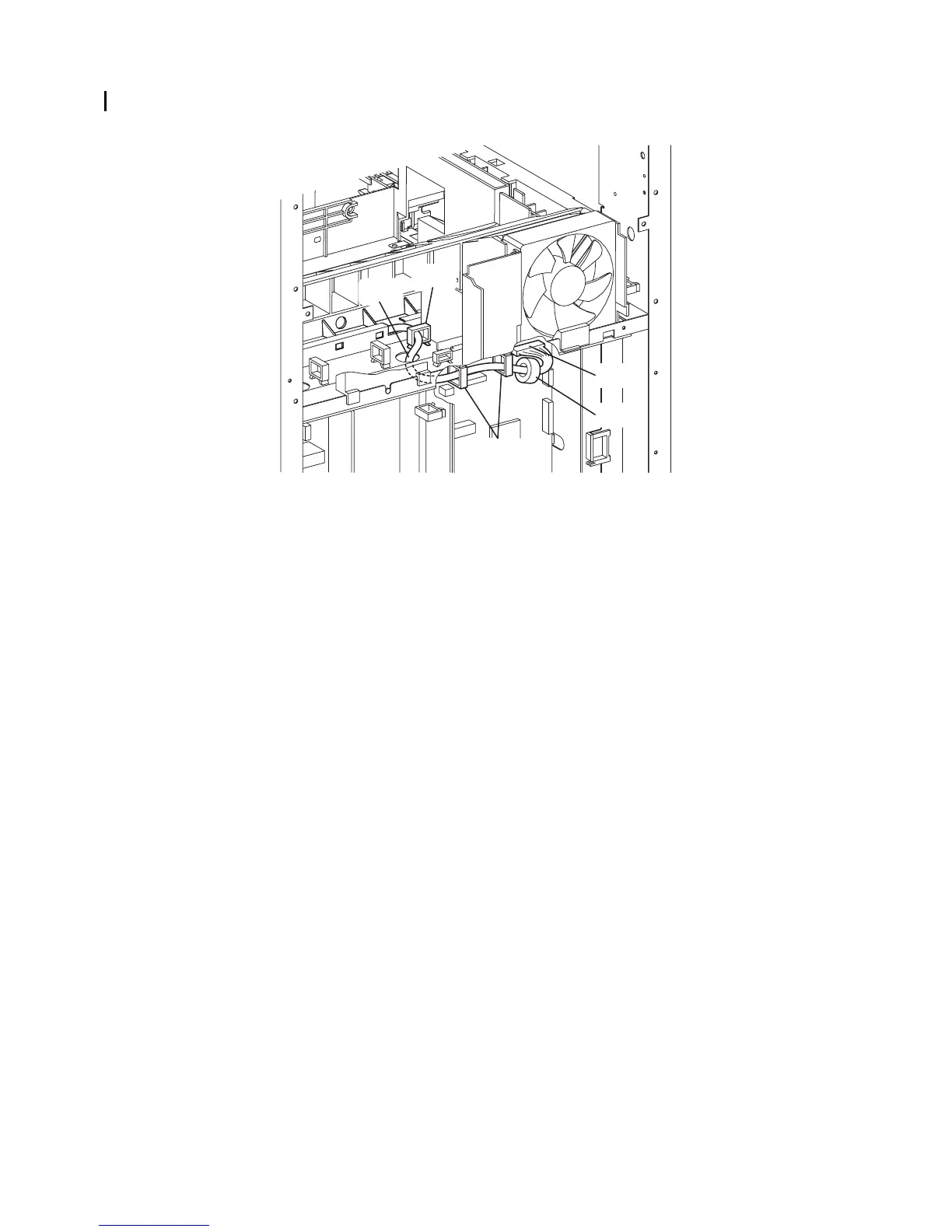
18) Disengage the connector (P/J12) of the PRINT HEAD (PL13.3.12) from the MACHINE
CONTROL UNIT (PL13.5.13), remove the CORE (PL13.3.13) from the harness.
19) Release the harness of the PRINT HEAD from the three clamps, and then pull the harness
from the hole of the printer.
Continues to the next page.
Gnb03131KA
19)-1
19)-1
18)-1
18)-2
19)-2















 To Next Page