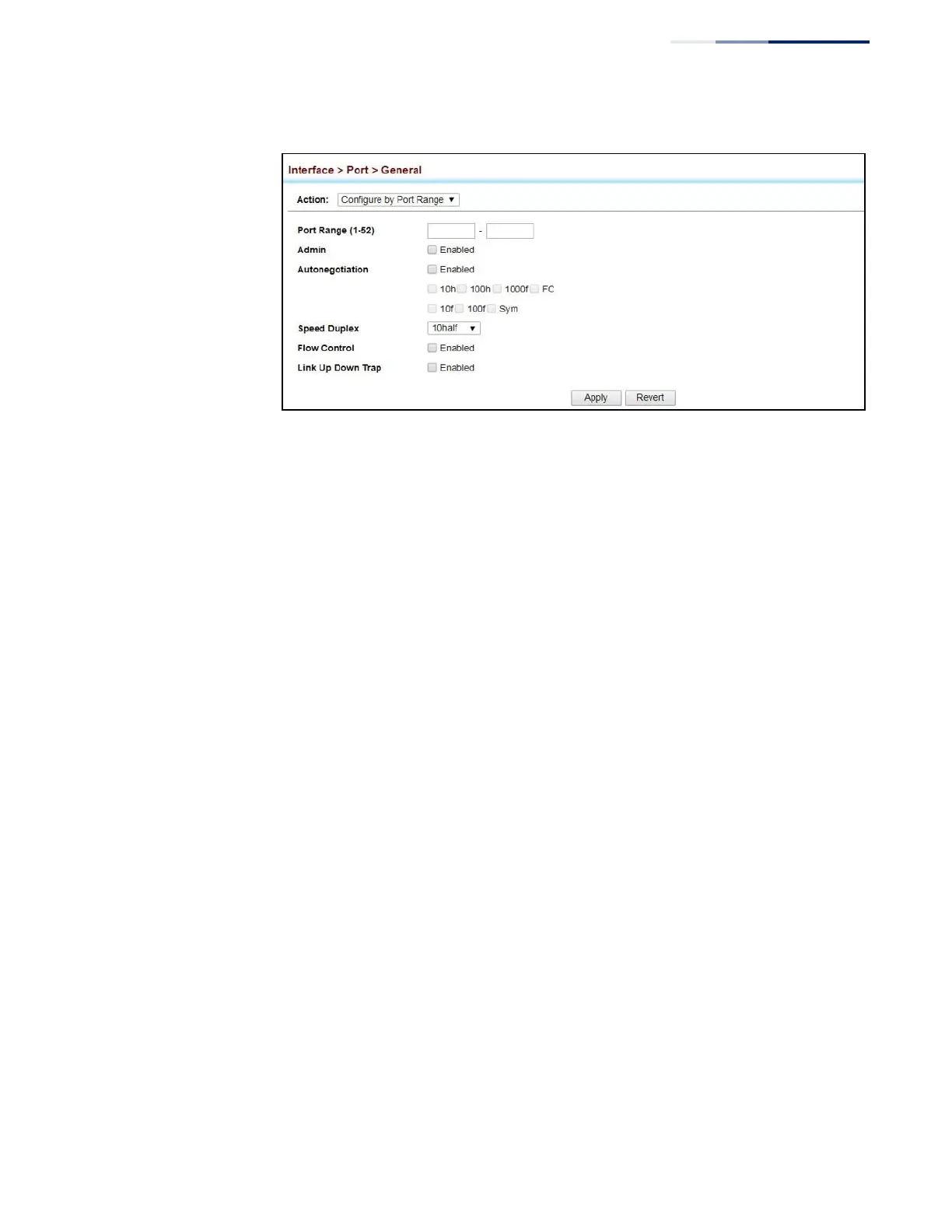
Figure 31: Configuring Connections by Port Range
Displaying
Connection Status
Use the Interface > Port > General (Show Information) page to display the current
connection status, including link state, speed/duplex mode, flow control, and auto-
negotiation.
Parameters
These parameters are displayed:
◆
Port – Port identifier.
◆
Type – Indicates the port type. (1000BASE-T, 1000BASE SFP)
◆
Name – Interface label.
◆
Admin – Shows if the port is enabled or disabled.
◆
Oper Status – Indicates if the link is Up or Down.
◆
Shutdown Reason – Shows the reason this interface has been shut down if
applicable. Some of the reasons for shutting down an interface include being
administratively disabled, or exceeding traffic boundary limits set by auto
traffic control.
◆
Autonegotiation – Shows if auto-negotiation is enabled or disabled.
◆
Oper Speed Duplex
– Shows the current speed and duplex mode.
◆
Oper Flow Control
– Shows the flow control type used.
◆
Link Up Down Trap – Shows if a notification message will be sent whenever a
port link is established or broken. (Default: Enabled)















 To Next Page