forwarding decision on a particular packet. The typical components within a
FIB entry are a network prefix, a router (i.e., VLAN) interface, and next hop
information.
◆
The Routing Table (and the “show ip route” command described in the
CLI Reference Guide) only display routes which are currently accessible for
forwarding. The router must be able to directly reach the next hop, so the VLAN
interface associated with any route entry must be up. Note that routes currently
not accessible for forwarding, may still be displayed by using the “show ip route
database” command described in the CLI Reference Guide.
Parameters
These parameters are displayed:
◆
VLAN – VLAN identifier (i.e., configured as a valid IP subnet).
◆
Destination IP Address – IP address of the destination network, subnetwork,
or host. Note that the address 0.0.0.0 indicates the default gateway for this
router.
◆
Net Mask – Network mask for the associated IP subnet. This mask identifies the
host address bits used for routing to specific subnets.
◆
Next Hop – The IP address of the next hop (or gateway) in this route.
◆
Metric – Cost for this interface.
◆
Protocol – The protocol which generated this route information.
(Options: Local, Static, Others)
Web Interface
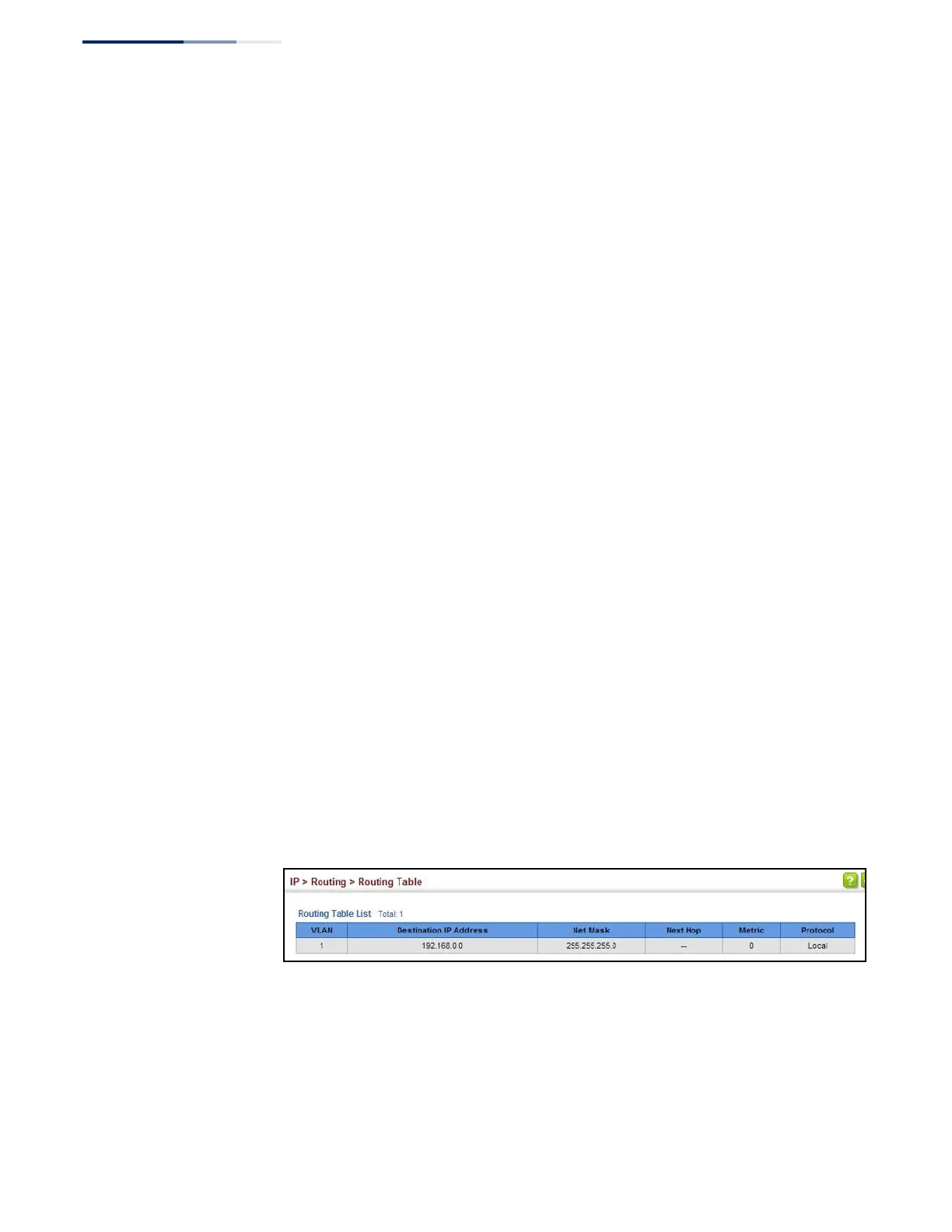
To display the routing table:
1. Click IP, Routing, Routing Table.
Figure 344: Displaying the Routing Table















 To Next Page