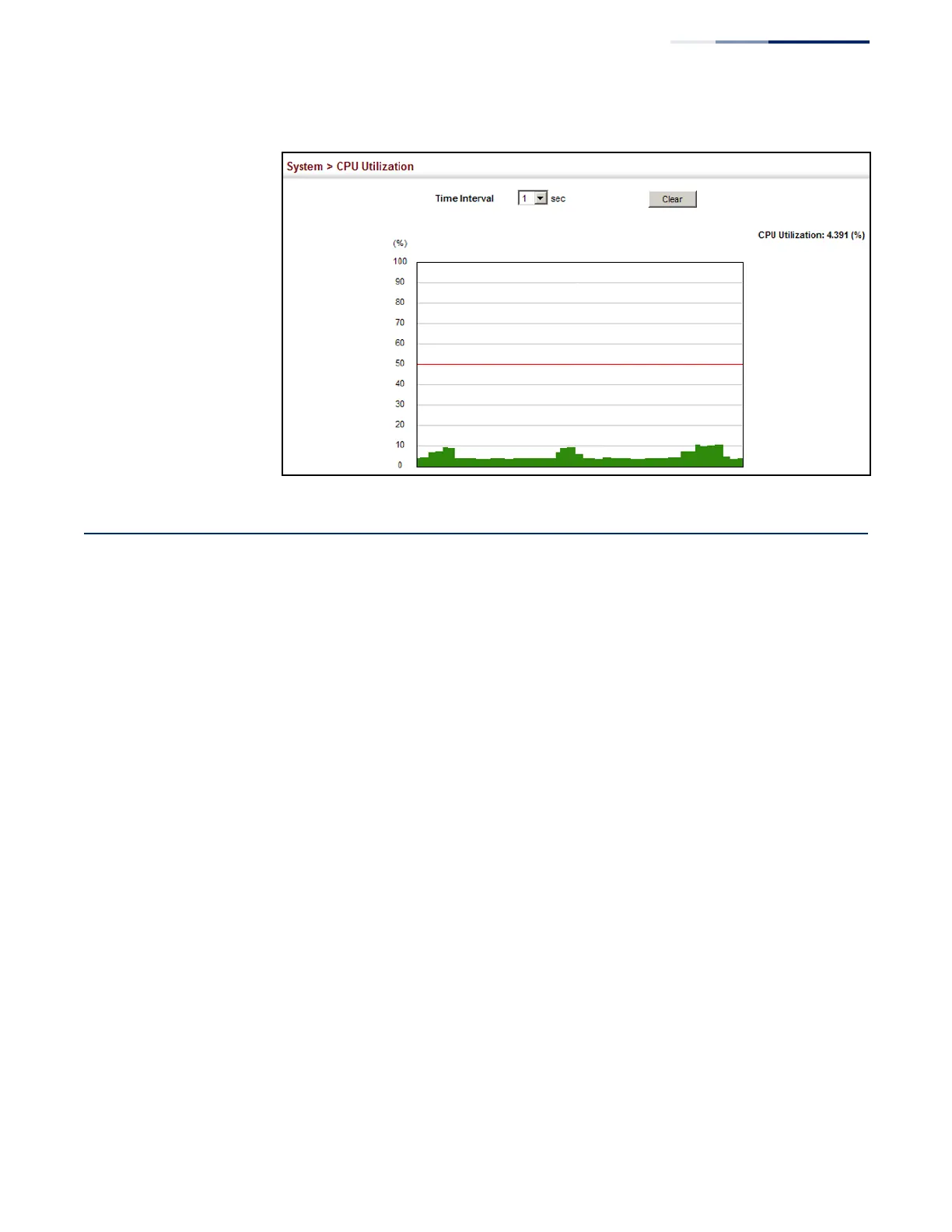
Figure 23: Displaying CPU Utilization
Configuring CPU Guard
Use the System > CPU Guard page to set the CPU utilization high and low
watermarks in percentage of CPU time utilized and the CPU high and low
thresholds in the number of packets being processed per second.
Parameters
The following parameters are displayed:
◆
CPU Guard Status
– Enables CPU Guard. (Default: Disabled)
◆
High Watermark – If the percentage of CPU usage time is higher than the
high-watermark, the switch stops packet flow to the CPU (allowing it to catch
up with packets already in the buffer) until usage time falls below the low
watermark. (Range: 40-100 %; Default: 90 %)
◆
Low Watermark – If packet flow has been stopped after exceeding the high
watermark, normal flow will be restored after Osage falls beneath the low
watermark. (Range: 40-100 %; Default: 70 %)
◆
Maximum Threshold – If the number of packets being processed by the CPU is
higher than the maximum threshold, the switch stops packet flow to the CPU
(allowing it to catch up with packets already in the buffer) until the number of
packets being processed falls below the minimum threshold. (Range: 50-500
pps; Default: 500 pps)
◆
Minimum Threshold – If packet flow has been stopped after exceeding the
maximum threshold, normal flow will be restored after usage falls beneath the
minimum threshold. (Range: 50-500 pps; Default: 50 pps)















 To Next Page