◆
Trap Status – If enabled, an alarm message will be generated when utilization
exceeds the high watermark or exceeds the maximum threshold.
(Default: Disabled)
Once the high watermark is exceeded, utilization must drop beneath the low
watermark before the alarm is terminated, and then exceed the high
watermark again before another alarm is triggered.
Once the maximum threshold is exceeded, utilization must drop beneath the
minimum threshold before the alarm is terminated, and then exceed the
maximum threshold again before another alarm is triggered.
◆
Current Threshold
– Shows the configured threshold in packets per second.
Web Interface
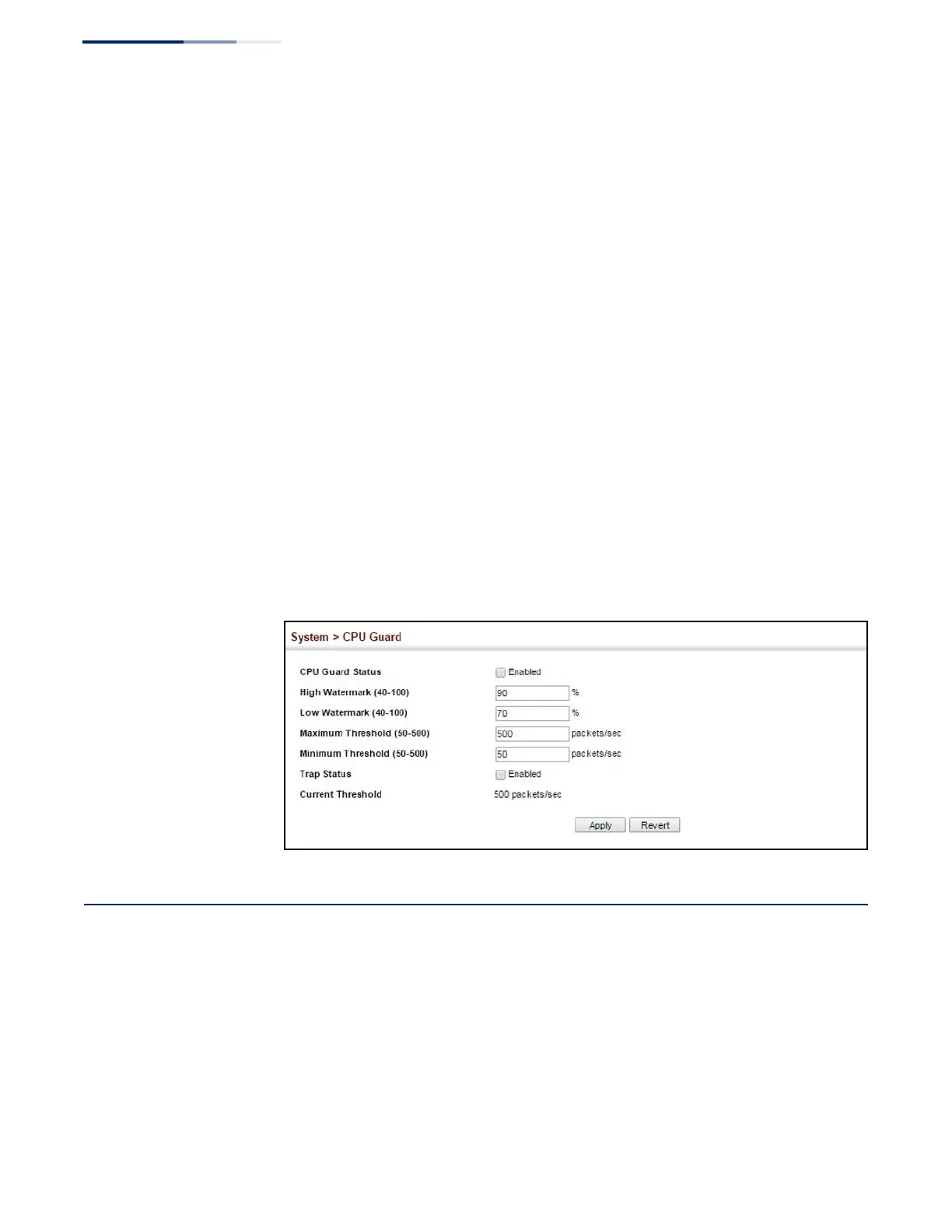
To configure CPU Guard:
1.
Click System, CPU Guard.
2.
Set CPU guard status, configure the watermarks or threshold parameter, enable
traps if required.
3.
Click Apply.
Figure 24: Configuring CPU Guard
Displaying Memory Utilization
Use the System > Memory Status page to display memory utilization parameters.
Parameters
The following parameters are displayed:
◆
Free Size – The amount of memory currently free for use.
◆
Used Size – The amount of memory allocated to active processes.















 To Next Page