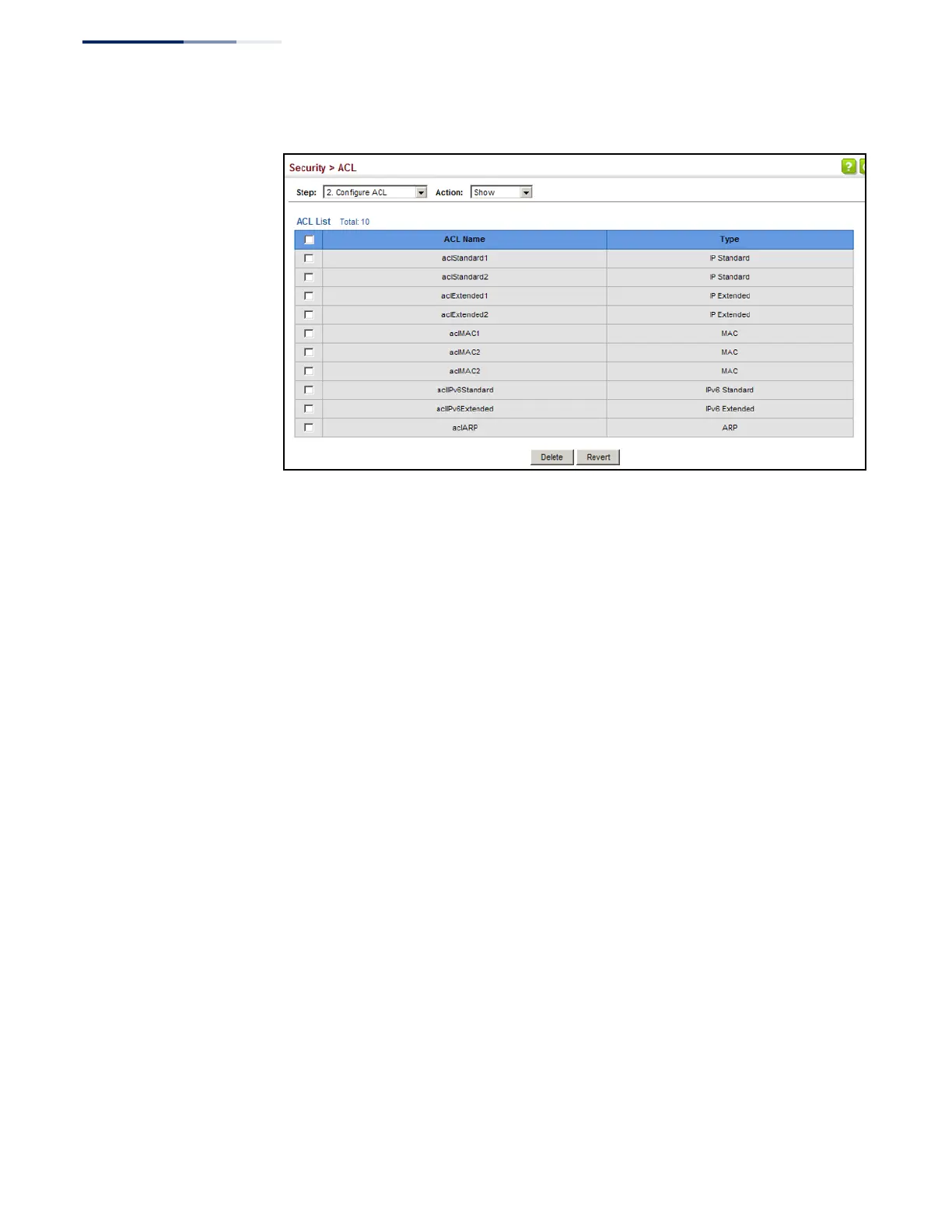
Figure 178: Showing a List of ACLs
Configuring a
Standard IPv4 ACL
Use the Security > ACL (Configure ACL - Add Rule - IP Standard) page to configure a
Standard IPv4 ACL.
Parameters
These parameters are displayed:
◆
Type – Selects the type of ACLs to show in the Name list.
◆
Name – Shows the names of ACLs matching the selected type.
◆
Action
– An ACL can contain any combination of permit or deny rules.
◆
Address Type – Specifies the source IP address. Use “Any” to include all
possible addresses, “Host” to specify a specific host address in the Address field,
or “IP” to specify a range of addresses with the Address and Subnet Mask fields.
(Options: Any, Host, IP; Default: Any)
◆
Source IP Address – Source IP address.
◆
Source Subnet Mask – A subnet mask containing four integers from 0 to 255,
each separated by a period. The mask uses 1 bits to indicate “match” and 0 bits
to indicate “ignore.” The mask is bitwise ANDed with the specified source IP
address, and compared with the address for each IP packet entering the port(s)
to which this ACL has been assigned.
◆
Time Range – Name of a time range.















 To Next Page