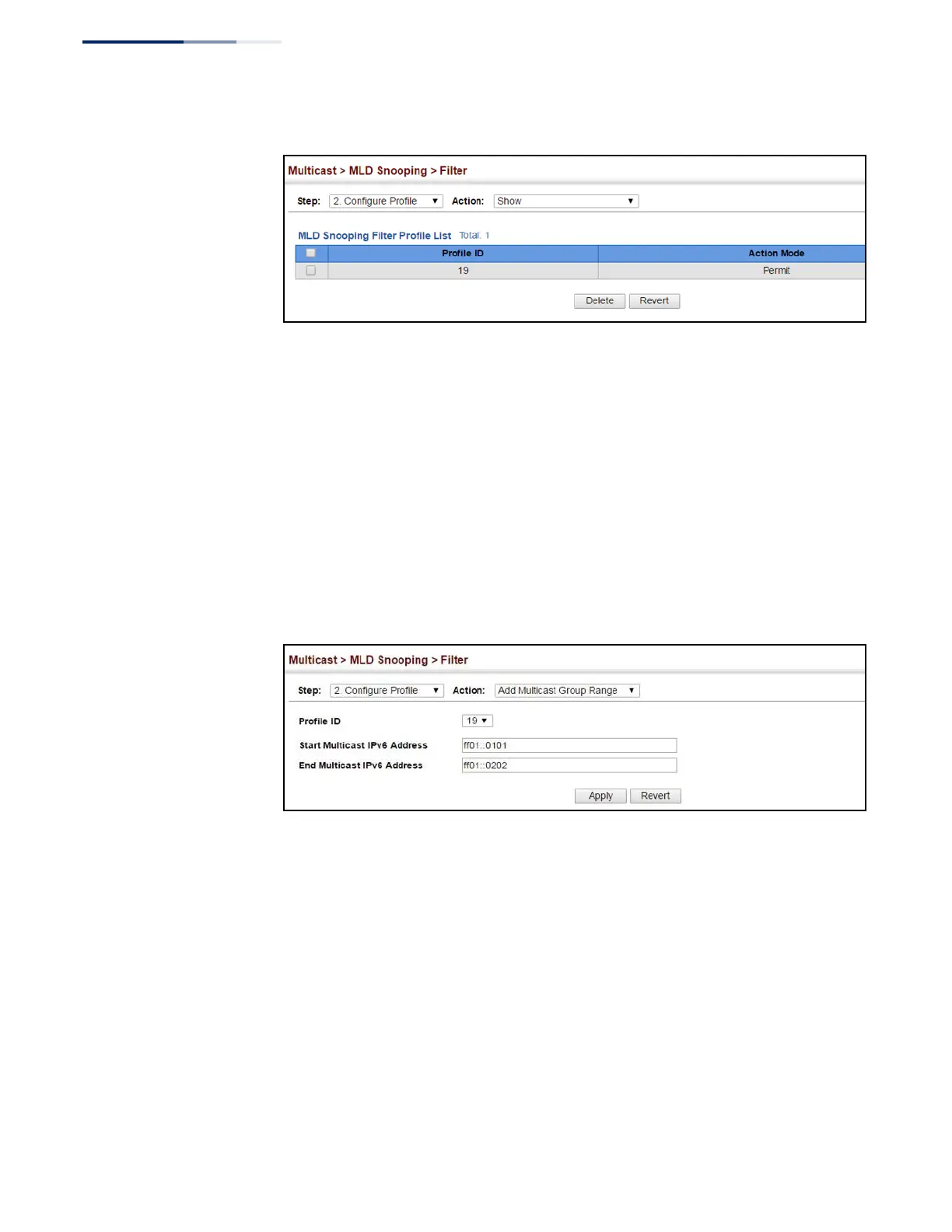
Figure 316: Showing the MLD Filtering Profiles Created
To add a range of multicast groups to an MLD filter profile:
1.
Click Multicast, MLD Snooping, Filter.
2.
Select Configure Profile from the Step list.
3.
Select Add Multicast Group Range from the Action list.
4.
Select the profile to configure, and add a multicast group address or range of
addresses.
5.
Click Apply.
Figure 317: Adding Multicast Groups to an MLD Filtering Profile















 To Next Page