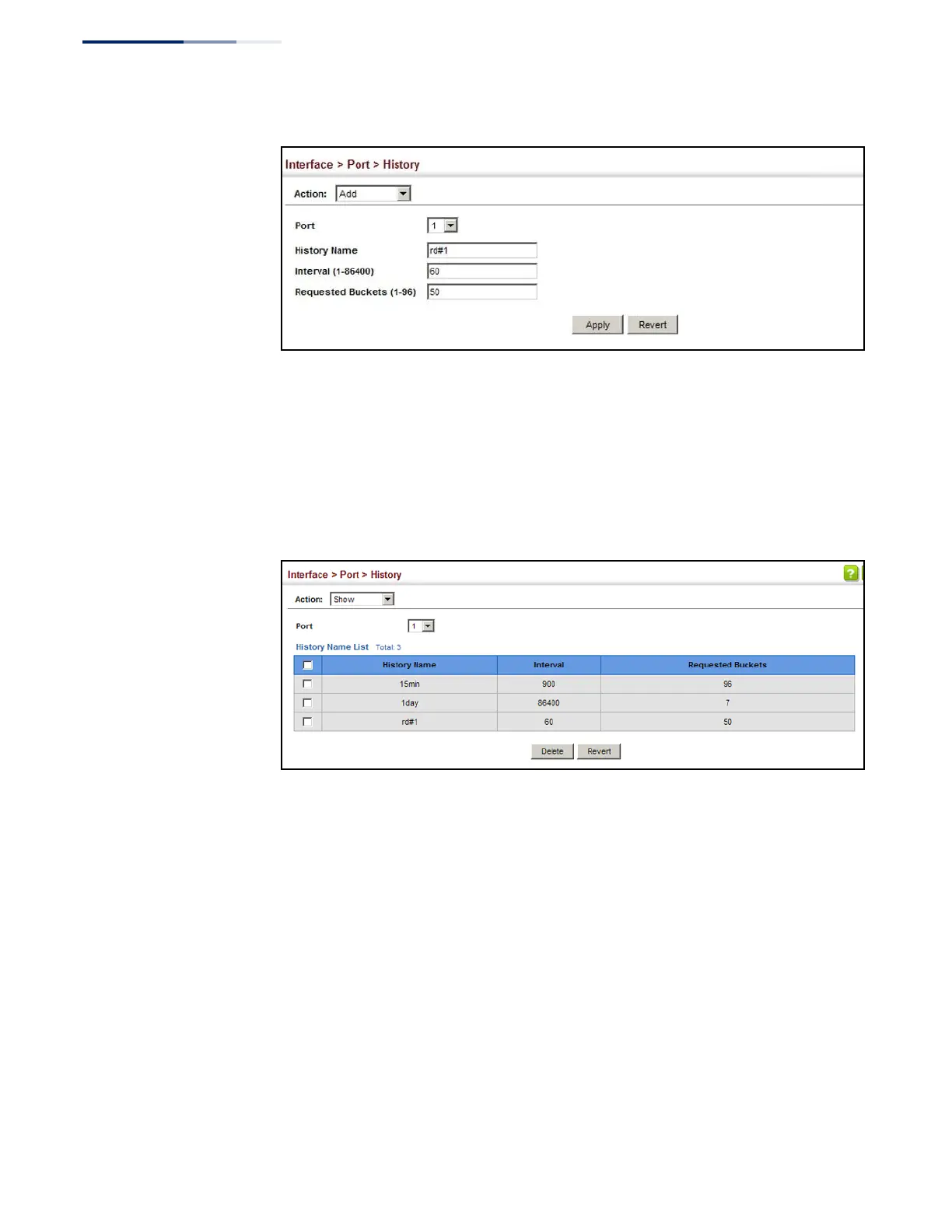
Figure 35: Configuring a History Sample
To show the configured entries for a history sample:
1.
Click Interface, Port, Statistics, or Interface, Trunk, Statistics.
2.
Select Show from the Action menu.
3.
Select an interface from the Port or Trunk list.
Figure 36: Showing Entries for History Sampling
To show the configured parameters for a sampling entry:
1.
Click Interface, Port, Statistics, or Interface, Trunk, Statistics.
2.
Select Show Details from the Action menu.
3.
Select Status from the options for Mode.
4.
Select an interface from the Port or Trunk list.
5.
Select an sampling entry from the Name list.















 To Next Page