Web Interface
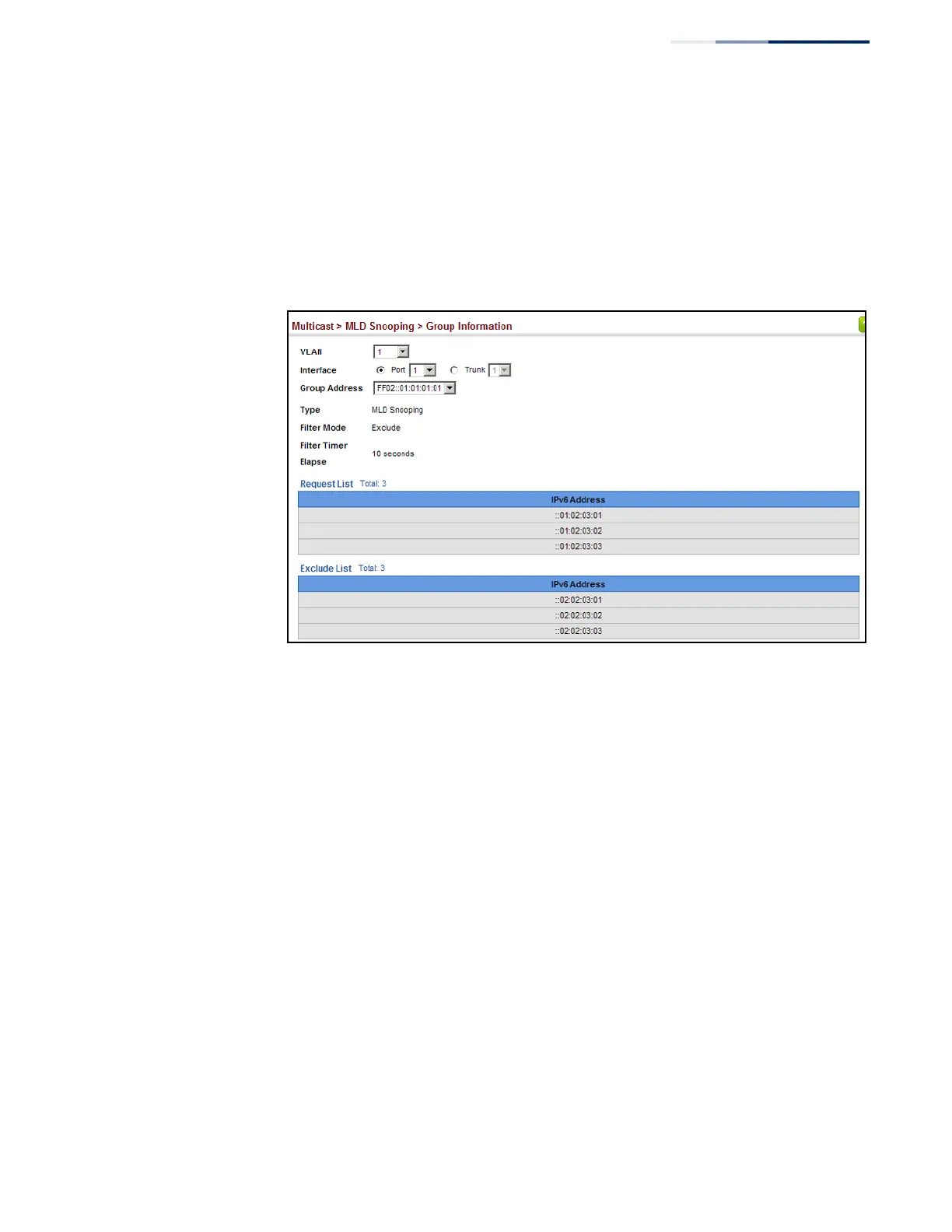
To display known MLD multicast groups:
1.
Click Multicast, MLD Snooping, Group Information.
2.
Select the port or trunk, and then select a multicast service assigned to that
interface.
Figure 307: Showing IPv6 Multicast Services and Corresponding Sources
Displaying MLD
Snooping Statistics
Use the Multicast > IGMP Snooping > Statistics pages to display MLD snooping
protocol-related statistics.
Parameters
These parameters are displayed:
Input
◆
Interface – The unit/port or VLAN interface.
◆
Report – The number of MLD membership reports received on this interface.
◆
Leave
– The number of leave messages received on this interface.
◆
G Query – The number of general query messages received on this interface.
◆
G(-S)-S Query – The number of group specific or group-and-source specific
query messages received on this interface.
◆
Drop – The number of times a report, leave or query was dropped. Packets may
be dropped due to invalid format, rate limiting, packet content not allowed, or
MLD group report received.















 To Next Page