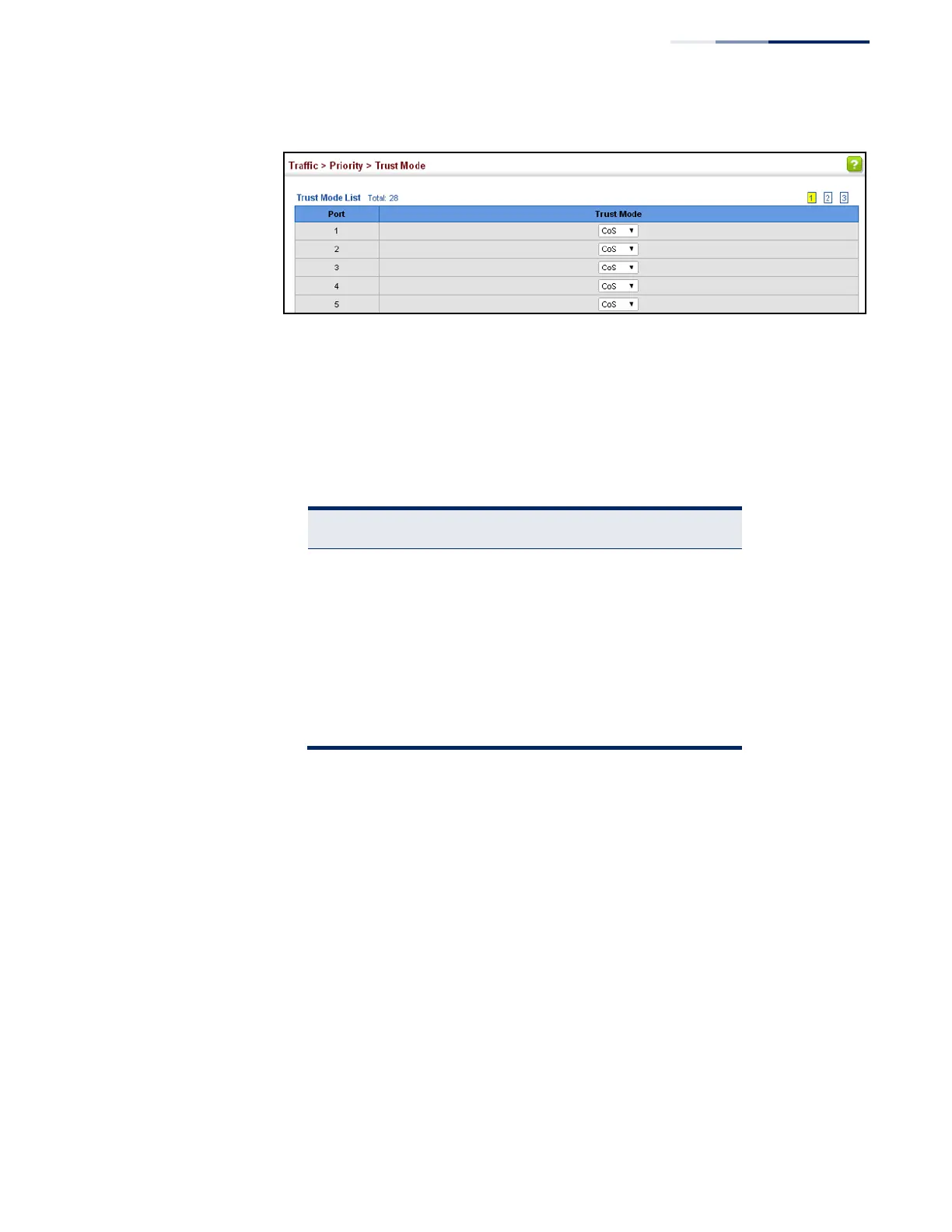
Figure 126: Setting the Trust Mode
Mapping
CoS Priorities to Per-
hop Behavior
Use the Traffic > Priority > CoS to Queue page to map CoS/CFI values in incoming
packets to per-hop behavior for priority processing.
Command Usage
◆
The default mapping of CoS/CFI to Queue/CFI values is shown below.
Table 13: Default Mapping of CoS/CFI Values to Queue/CFI
◆
Enter the per-hop behavior for CoS/CFI paired values.
◆
If a packet arrives with a 802.1Q header but it is not an IP packet, then the
CoS/CFI-to-Queue mapping table is used to generate priority for processing.
Note that priority tags in the original packet are not modified by this command.
Parameters
These parameters are displayed:
◆
Port – Specifies a port.
◆
CoS
– CoS value in ingress packets. (Range: 0-7)
◆
CFI – Canonical Format Indicator. Set to this parameter to “0” to indicate that
the MAC address information carried in the frame is in canonical format.
(Range: 0-1)
◆
Queue – Per-hop behavior, or the priority used for this router hop. (Range: 0-7)















 To Next Page