■
MAC – MAC ACL mode filters packets based on the source or destination
MAC address and the Ethernet frame type (RFC 1060).
■
ARP – ARP ACL specifies static IP-to-MAC address bindings used for ARP
inspection (see “ARP Inspection” on page 324).
Web Interface
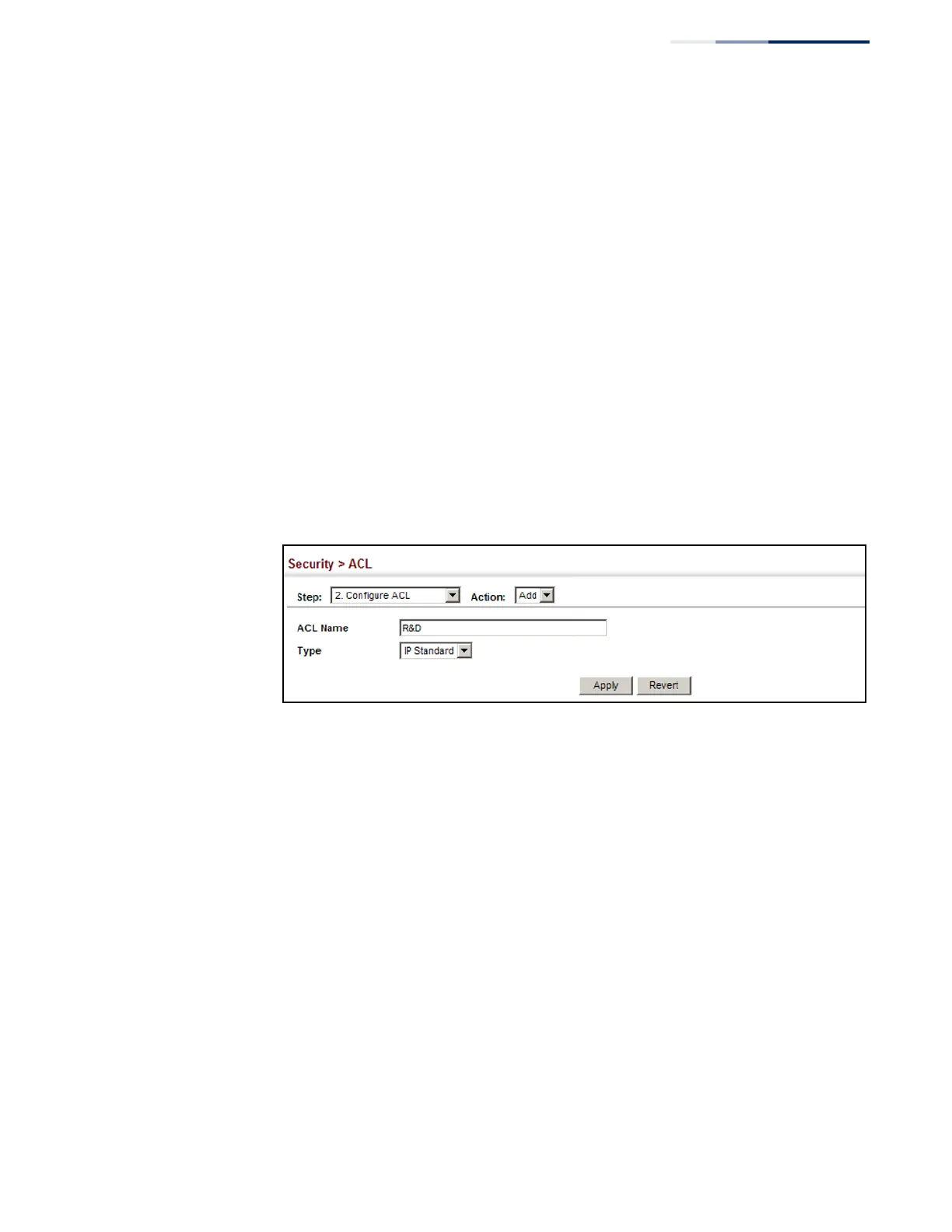
To configure the name and type of an ACL:
1.
Click Security, ACL.
2.
Select Configure ACL from the Step list.
3.
Select Add from the Action list.
4.
Fill in the ACL Name field, and select the ACL type.
5.
Click Apply.
Figure 177: Creating an ACL
To show a list of ACLs:
1.
Click Security, ACL.
2.
Select Configure ACL from the Step list.
3.
Select Show from the Action list.















 To Next Page