Issuing MAC Address Traps
Use the MAC Address > MAC Notification pages to send SNMP traps (i.e., SNMP
notifications) when a dynamic MAC address is added or removed.
Parameters
These parameters are displayed:
Configure Global
◆
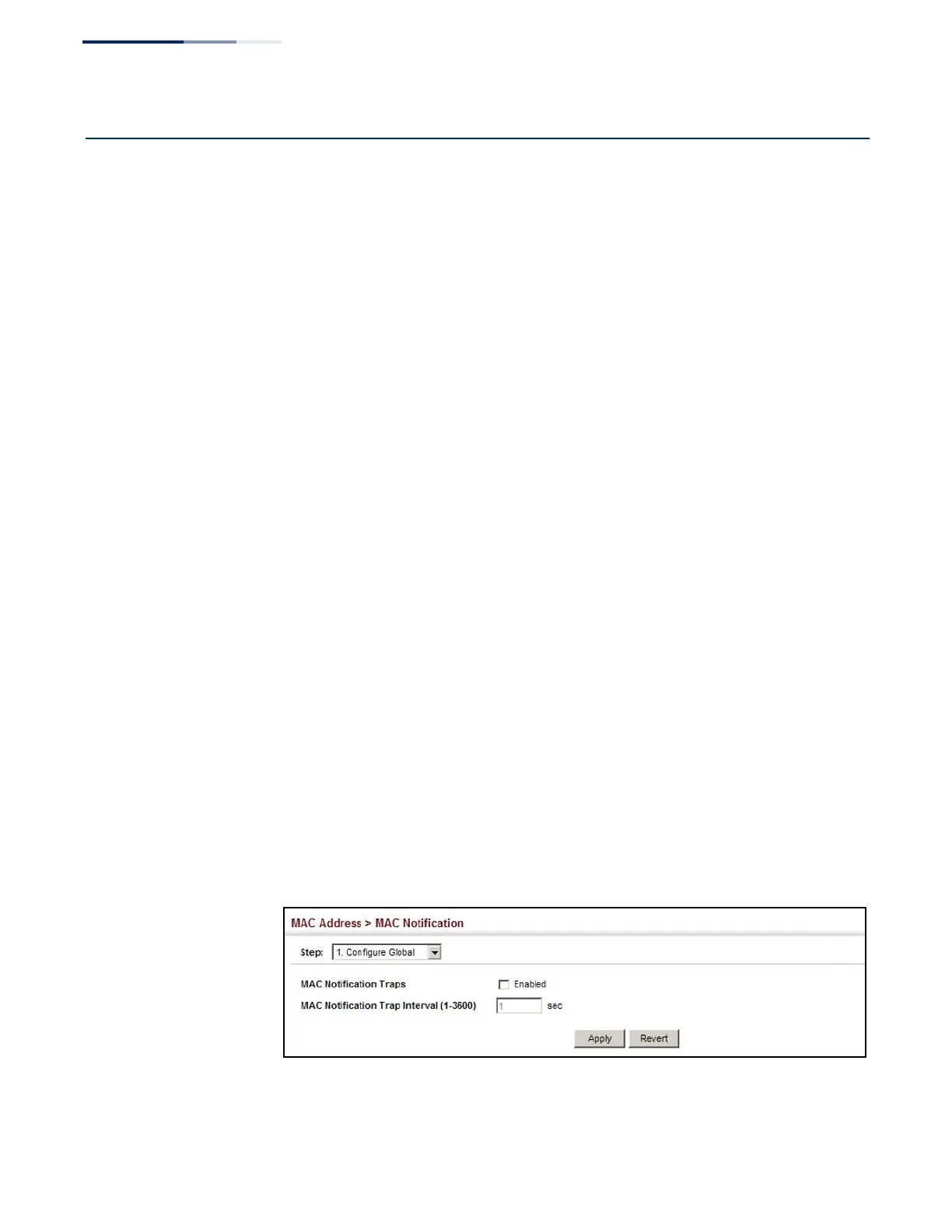
MAC Notification Traps
– Issues a trap when a dynamic MAC address is added
or removed. (Default: Disabled)
◆
MAC Notification Trap Interval – Specifies the interval between issuing two
consecutive traps. (Range: 1-3600 seconds; Default: 1 second)
Configure Interface
◆
Port – Port Identifier. (Range: 1-52)
◆
MAC Notification Trap – Enables MAC authentication traps on the current
interface. (Default: Disabled)
MAC authentication traps must be enabled at the global level for this attribute
to take effect.
Web Interface
To enable MAC address traps at the global level:
1.
Click MAC Address, MAC Notification.
2.
Select Configure Global from the Step list.
3.
Configure MAC notification traps and the transmission interval.
4.
Click Apply.
Figure 98: Issuing MAC Address Traps
(Global Configuration)















 To Next Page