Parameters
These parameters are displayed:
◆
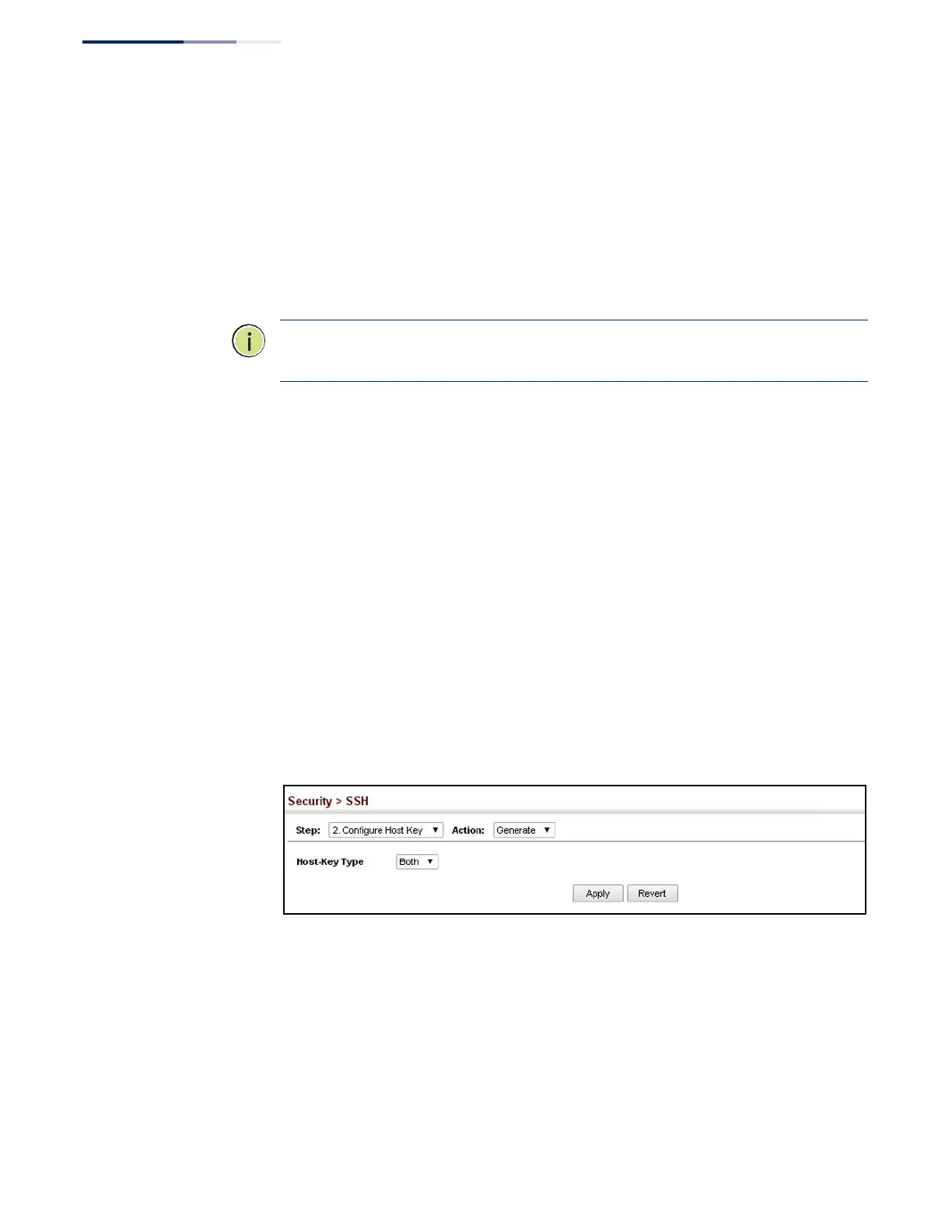
Host-Key Type – The key type used to generate the host key pair (i.e., public
and private keys). (Range: RSA (Version 1), DSA (Version 2), Both; Default: Both)
The SSH server uses RSA or DSA for key exchange when the client first
establishes a connection with the switch, and then negotiates with the client to
select either DES (56-bit) or 3DES (168-bit) for data encryption.
Note: The switch uses only RSA Version 1 for SSHv1.5 clients and DSA Version 2 for
SSHv2 clients.
◆
Save – Saves the host key from RAM (i.e., volatile memory) to flash memory.
Otherwise, the host key pair is stored to RAM by default. Note that you must
select this item from the Show page. (Default: Disabled)
Web Interface
To generate the SSH host key pair:
1.
Click Security, SSH.
2.
Select Configure Host Key from the Step list.
3.
Select Generate from the Action list.
4.
Select the host-key type from the drop-down box.
5.
Click Apply.
Figure 172: Generating the SSH Host Key Pair















 To Next Page