◆
Private Key Source File Name
– Name of private key file stored on the TFTP
server.
◆
Private Password
– Password stored in the private key file. This password is
used to verify authorization for certificate use, and is verified when
downloading the certificate to the switch.
◆
Confirm Password
–
Re-type the string entered in the previous field to ensure
no errors were made. The switch will not download the certificate if these two
fields do not match.
◆
Delete
–
Deletes the HTTPS secure site certificate. You must reboot the switch
to load the default certificate.
Web Interface
To replace the default secure-site certificate:
1.
Click Security, HTTPS.
2.
Select Copy Certificate from the Step list.
3.
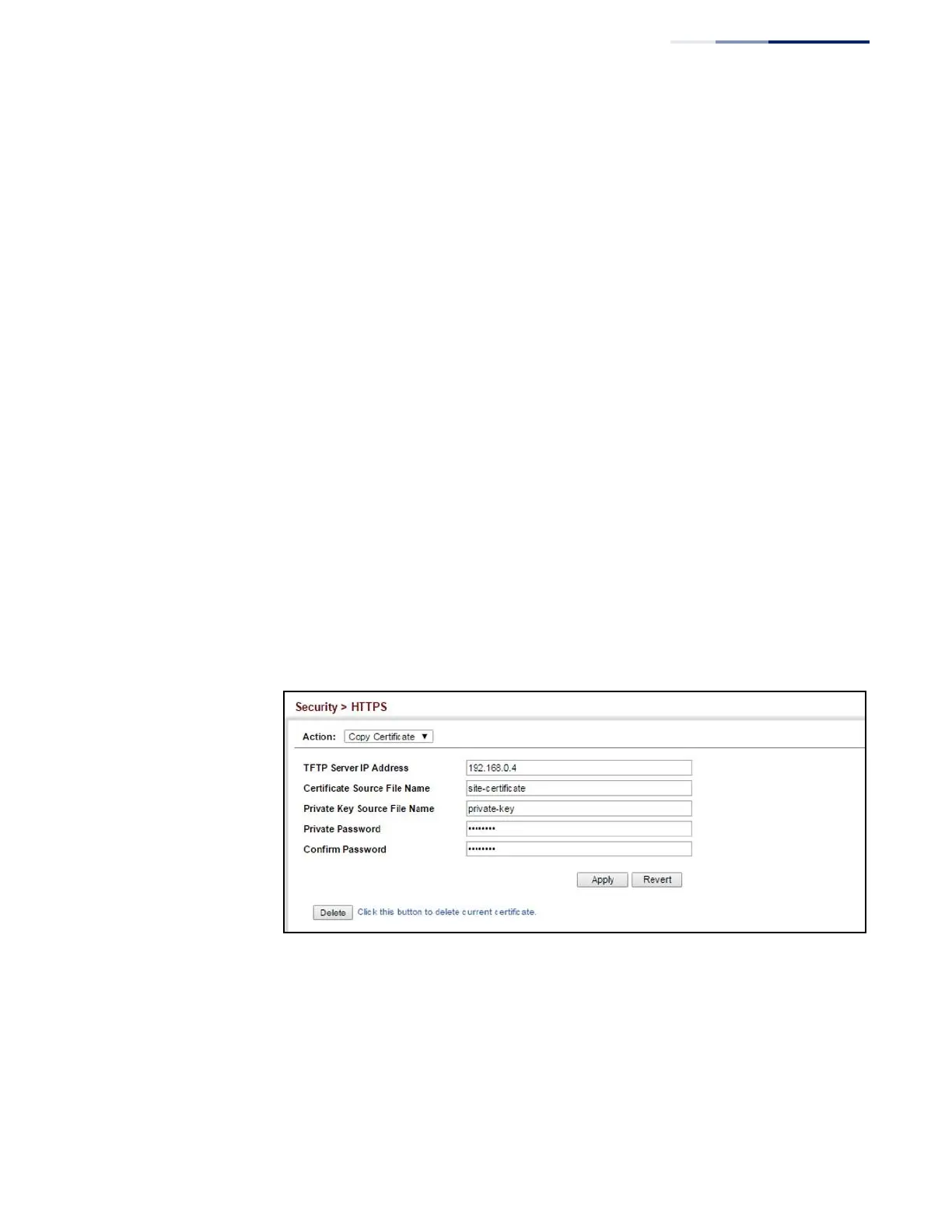
Fill in the TFTP server, certificate and private key file name, and private
password.
4.
Click Apply.
Figure 170: Downloading the Secure-Site Certificate















 To Next Page