Web Interface
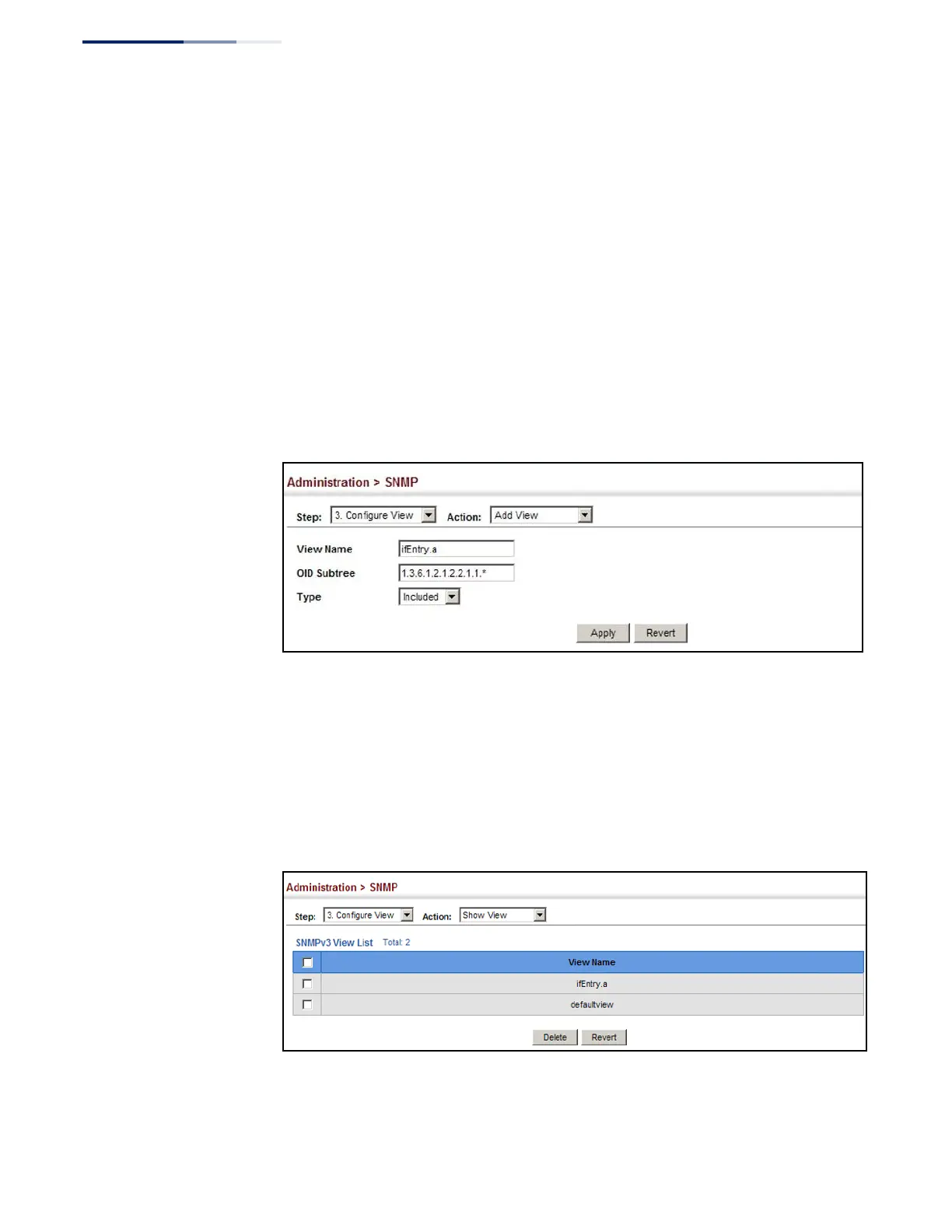
To configure an SNMP view of the switch’s MIB database:
1.
Click Administration, SNMP.
2.
Select Configure View from the Step list.
3.
Select Add View from the Action list.
4.
Enter a view name and specify the initial OID subtree in the switch’s MIB
database to be included or excluded in the view. Use the Add OID Subtree page
to add additional object identifier branches to the view.
5.
Click Apply
Figure 228: Creating an SNMP View
To show the SNMP views of the switch’s MIB database:
1.
Click Administration, SNMP.
2.
Select Configure View from the Step list.
3.
Select Show View from the Action list.
Figure 229: Showing SNMP Views















 To Next Page