◆
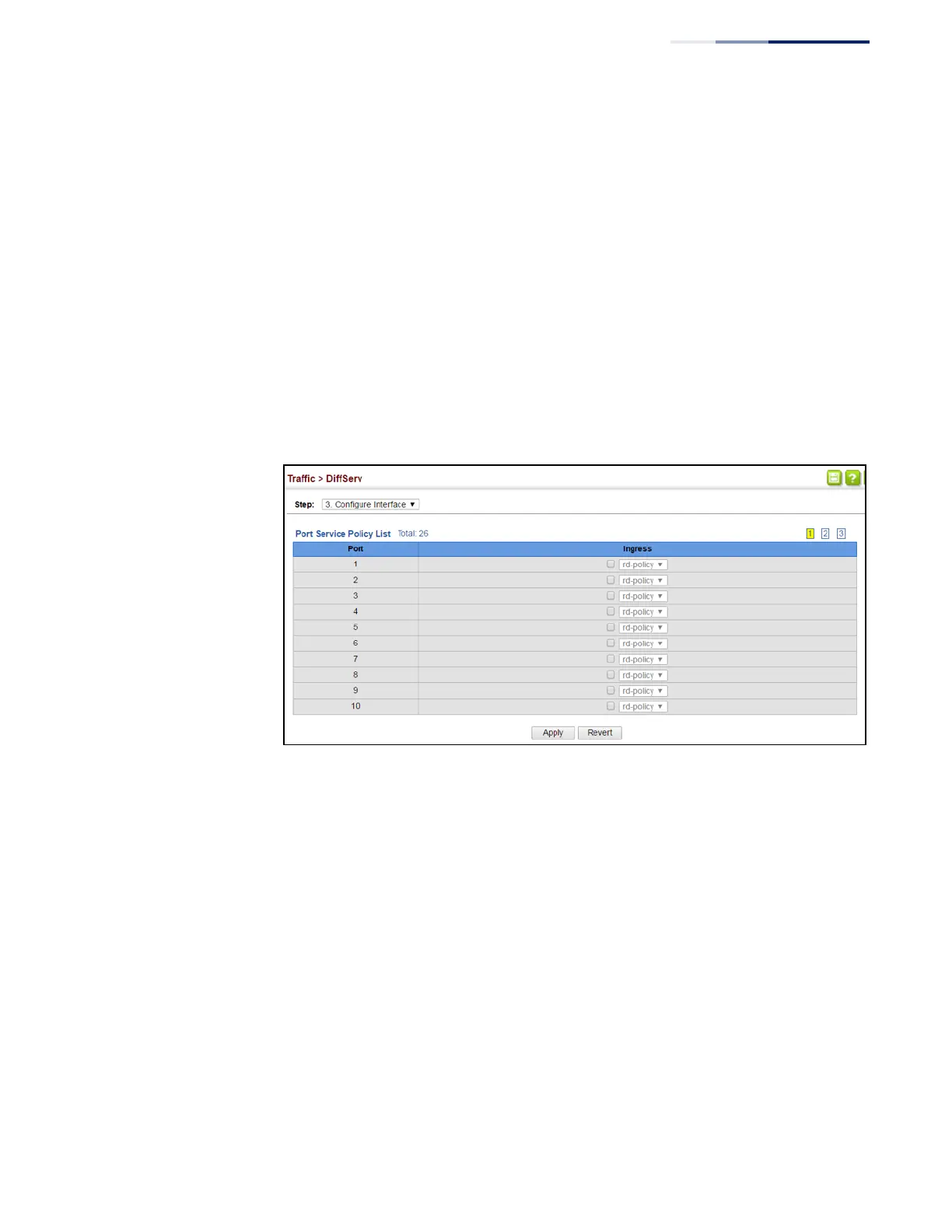
Ingress – Applies the selected rule to ingress traffic.
Web Interface
To bind a policy map to a port:
1.
Click Traffic, DiffServ.
2.
Select Configure Interface from the Step list.
3.
Check the box under the Ingress field to enable a policy map for a port.
4.
Select a policy map from the scroll-down box.
5.
Click Apply.
Figure 137: Attaching a Policy Map to a Port















 To Next Page