Web Interface
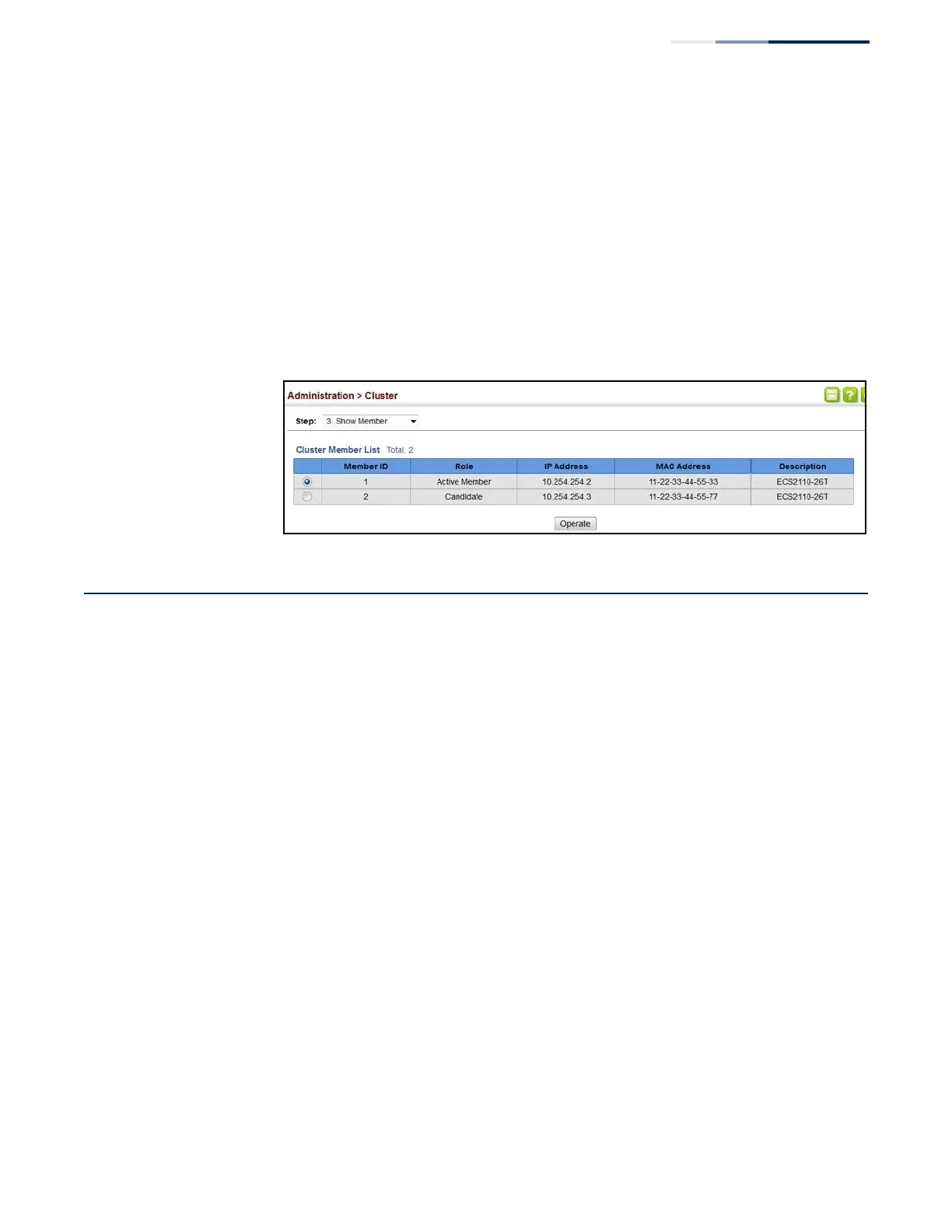
To manage a cluster member:
1.
Click Administration, Cluster.
2.
Select Show Member from the Step list.
3.
Select an entry from the Cluster Member List.
4.
Click Operate.
Figure 262: Managing a Cluster Member
Setting a Time Range
Use the Administration > Time Range page to set a time range during which
various functions are applied, including applied ACLs or PoE.
Command Usage
◆
If both an absolute rule and one or more periodic rules are configured for the
same time range (i.e., named entry), that entry will only take effect if the current
time is within the absolute time range and one of the periodic time ranges.
◆
A maximum of eight rules can be configured for a time range.
Parameters
These parameters are displayed:
Add
◆
Time-Range Name – Name of a time range. (Range: 1-32 characters)
Add Rule
◆
Time-Range
– Name of a time range.















 To Next Page