Web Interface
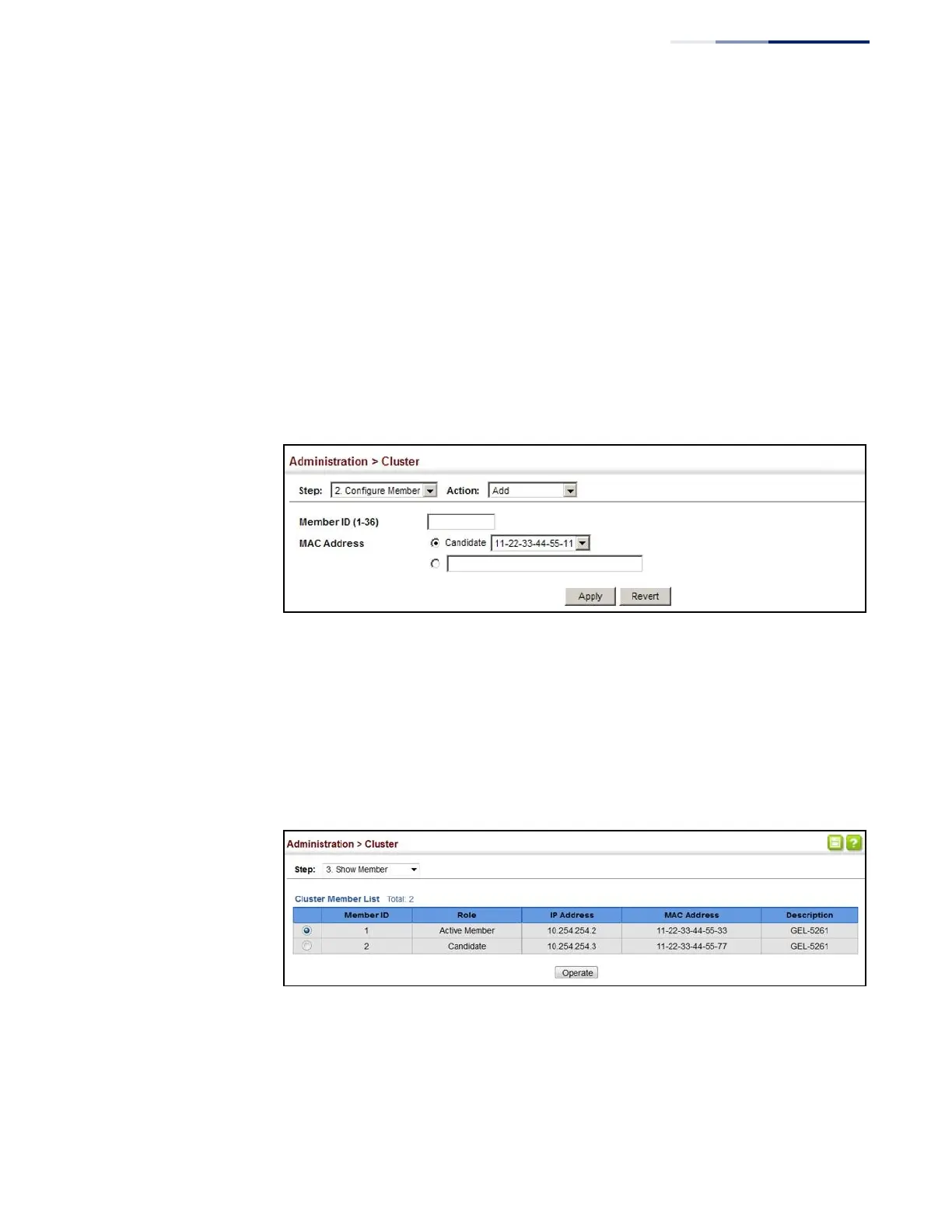
To configure cluster members:
1.
Click Administration, Cluster.
2.
Select Configure Member from the Step list.
3.
Select Add from the Action list.
4.
Select one of the cluster candidates discovered by this switch, or enter the MAC
address of a candidate.
5.
Click Apply.
Figure 259: Configuring a Cluster Members
To show the cluster members:
1.
Click Administration, Cluster.
2.
Select Configure Member from the Step list.
3.
Select Show from the Action list.
Figure 260: Showing Cluster Members















 To Next Page