Displaying
ARP Statistics
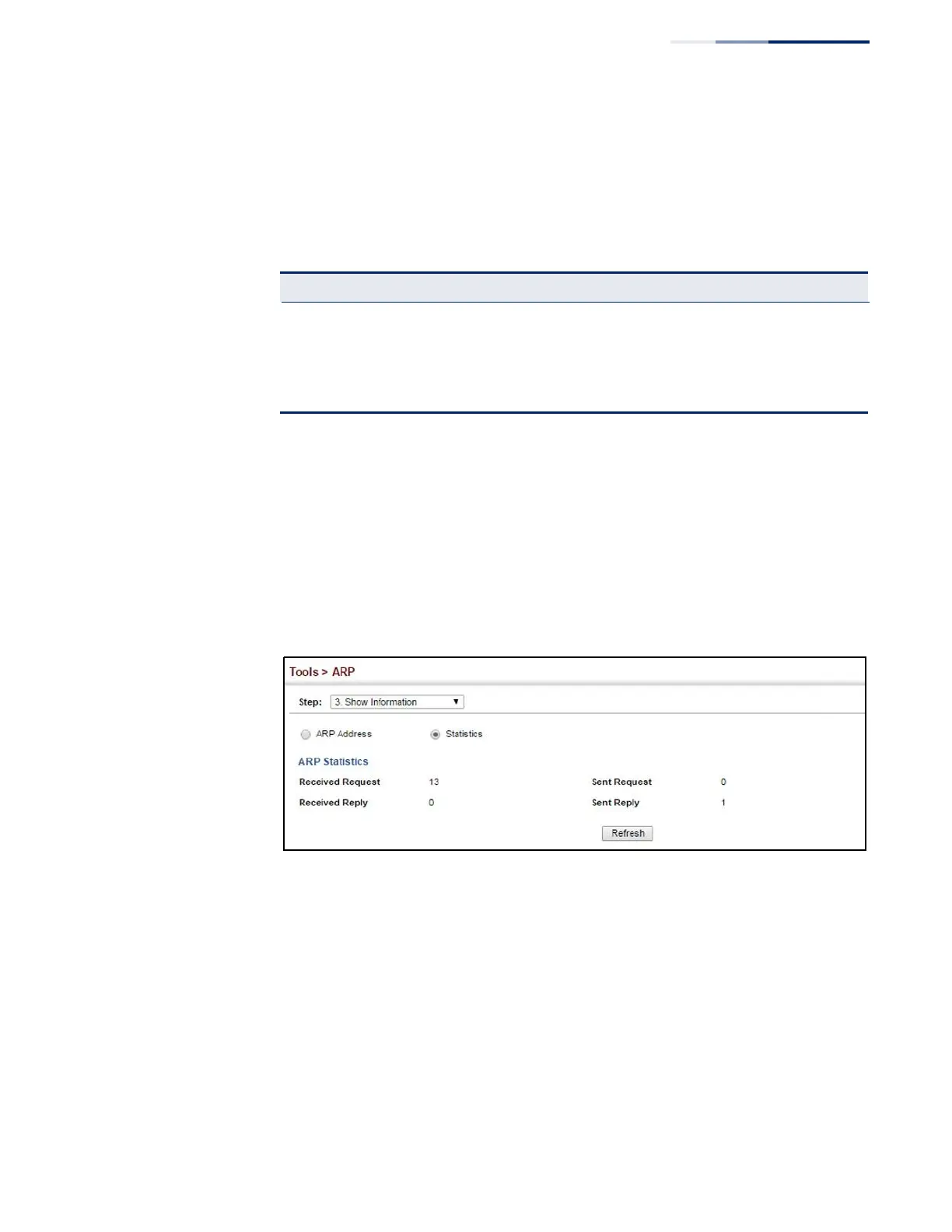
Use the Tools > ARP (Show Information) page to display statistics for ARP messages
crossing all interfaces on this switch.
Parameters
These parameters are displayed:
Table 30: ARP Statistics
Received Request Number of ARP Request packets received by the router.
Received Reply Number of ARP Reply packets received by the router.
Sent Request Number of ARP Request packets sent by the router.
Sent Reply Number of ARP Reply packets sent by the router.
Web Interface
To display ARP statistics:
1.
Click Tools, ARP.
2.
Select Show Information from the Step List.
3.
Click Statistics.
Figure 328: Displaying ARP Statistics















 To Next Page