◆
Counter – Enables counter for ACL statistics.
Web Interface
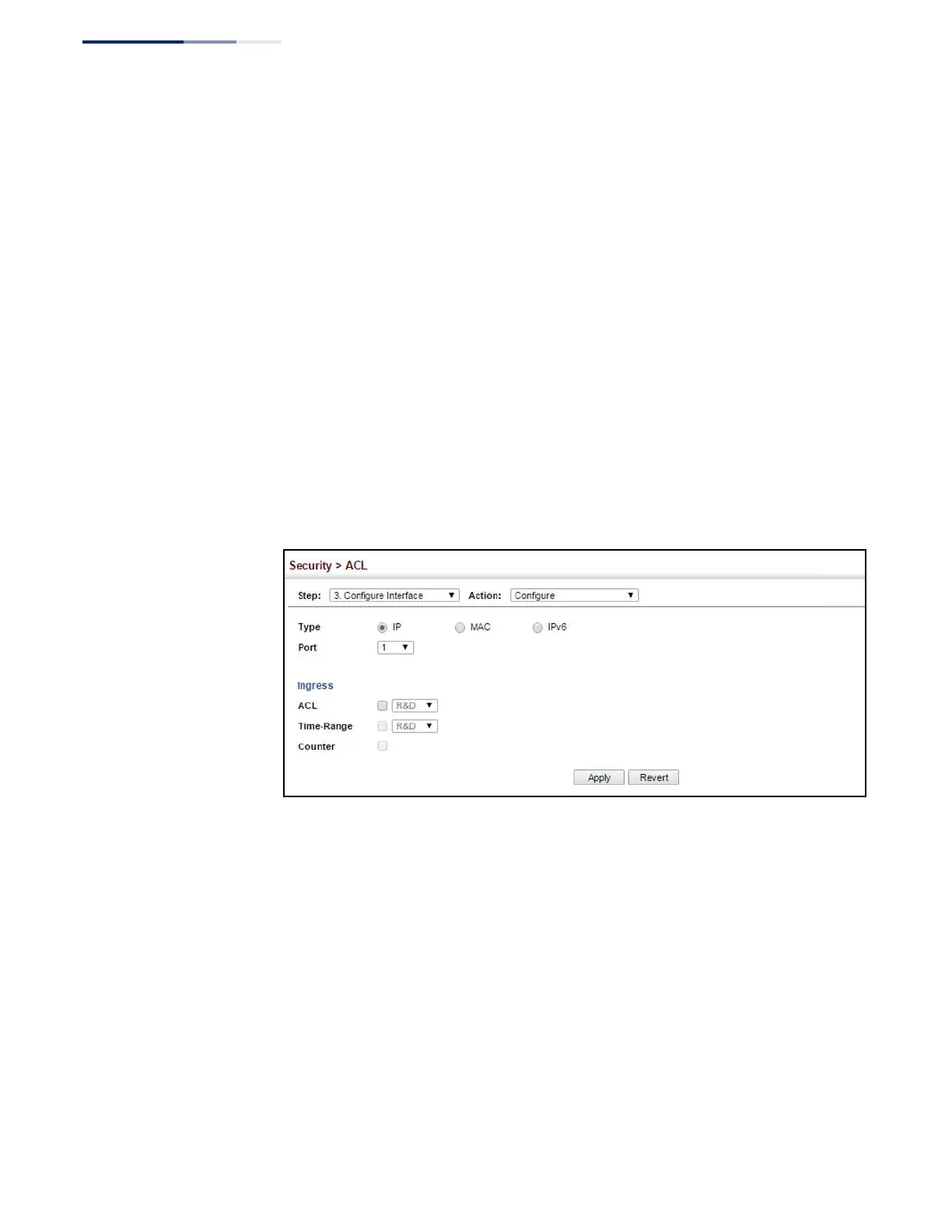
To bind an ACL to a port:
1.
Click Security, ACL.
2.
Select Configure Interface from the Step list.
3.
Select Configure from the Action list.
4.
Select IP, MAC or IPv6 from the Type options.
5.
Select a port.
6.
Select the name of an ACL from the ACL list.
7.
Click Apply.
Figure 185: Binding a Port to an ACL
Showing ACL
Hardware Counters
Use the Security > ACL > Configure Interface (Show Hardware Counters) page to
show statistics for ACL hardware counters.
Parameters
These parameters are displayed:
◆
Port – Port identifier. (Range: 1-52)
◆
Type – Selects the type of ACL.















 To Next Page