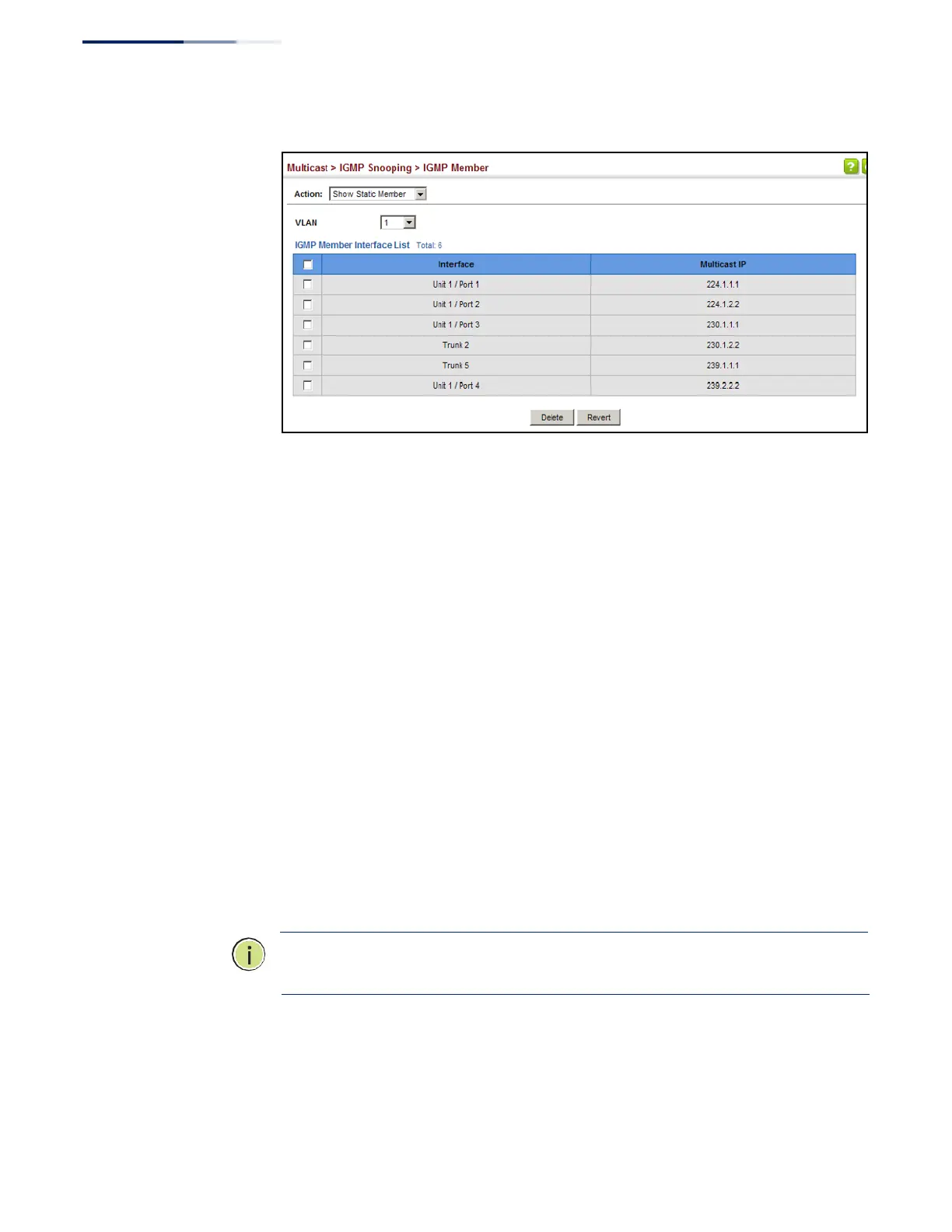
Figure 285: Showing Static Interfaces Assigned to a Multicast Service
Setting IGMP
Snooping Status
per Interface
Use the Multicast > IGMP Snooping > Interface (Configure VLAN) page to configure
IGMP snooping attributes for a VLAN. To configure snooping globally, refer to
“Configuring IGMP Snooping and Query Parameters” on page 440.
Command Usage
Multicast Router Discovery
There have been many mechanisms used in the past to identify multicast routers.
This has lead to interoperability issues between multicast routers and snooping
switches from different vendors. In response to this problem, the Multicast Router
Discovery (MRD) protocol has been developed for use by IGMP snooping and
multicast routing devices. MRD is used to discover which interfaces are attached to
multicast routers, allowing IGMP-enabled devices to determine where to send
multicast source and group membership messages. (MRD is specified in draft-ietf-
magma-mrdisc-07.)
Multicast source data and group membership reports must be received by all
multicast routers on a segment. Using the group membership protocol query
messages to discover multicast routers is insufficient due to query suppression.
MRD therefore provides a standardized way to identify multicast routers without
relying on any particular multicast routing protocol.
Note: The default values recommended in the MRD draft are implemented in the
switch.
Multicast Router Discovery uses the following three message types to discover
multicast routers:
◆
Multicast Router Advertisement – Advertisements are sent by routers to
advertise that IP multicast forwarding is enabled. These messages are sent















 To Next Page