Web Interface
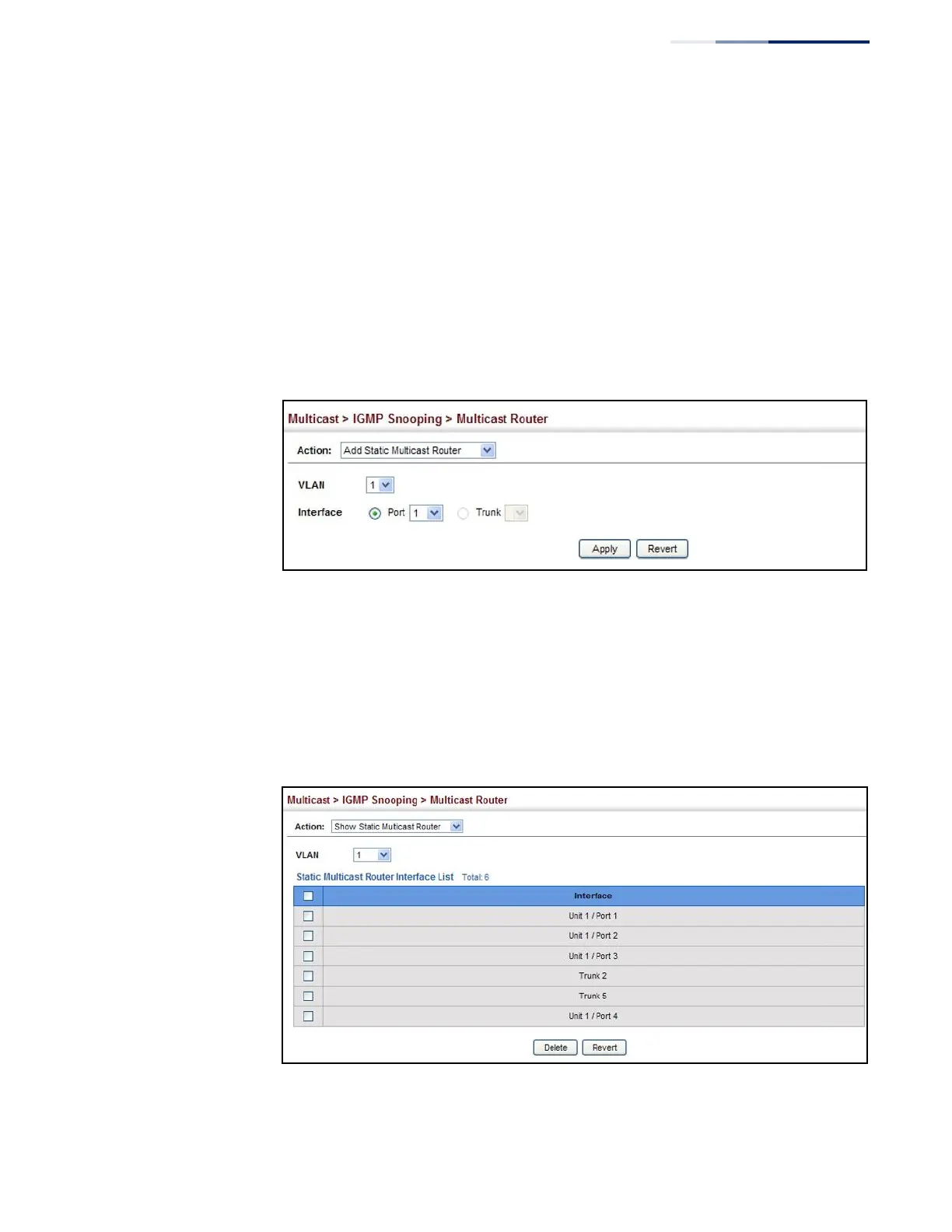
To specify a static interface attached to a multicast router:
1.
Click Multicast, IGMP Snooping, Multicast Router.
2.
Select Add Static Multicast Router from the Action list.
3.
Select the VLAN which will forward all the corresponding multicast traffic, and
select the port or trunk attached to the multicast router.
4.
Click Apply.
Figure 281: Configuring a Static Interface for a Multicast Router
To show the static interfaces attached to a multicast router:
1.
Click Multicast, IGMP Snooping, Multicast Router.
2.
Select Show Static Multicast Router from the Action list.
3.
Select the VLAN for which to display this information.
Figure 282: Showing Static Interfaces Attached a Multicast Router
Multicast routers that are attached to ports on the switch use information obtained
from IGMP, along with a multicast routing protocol (such as PIM) to support IP















 To Next Page