3.
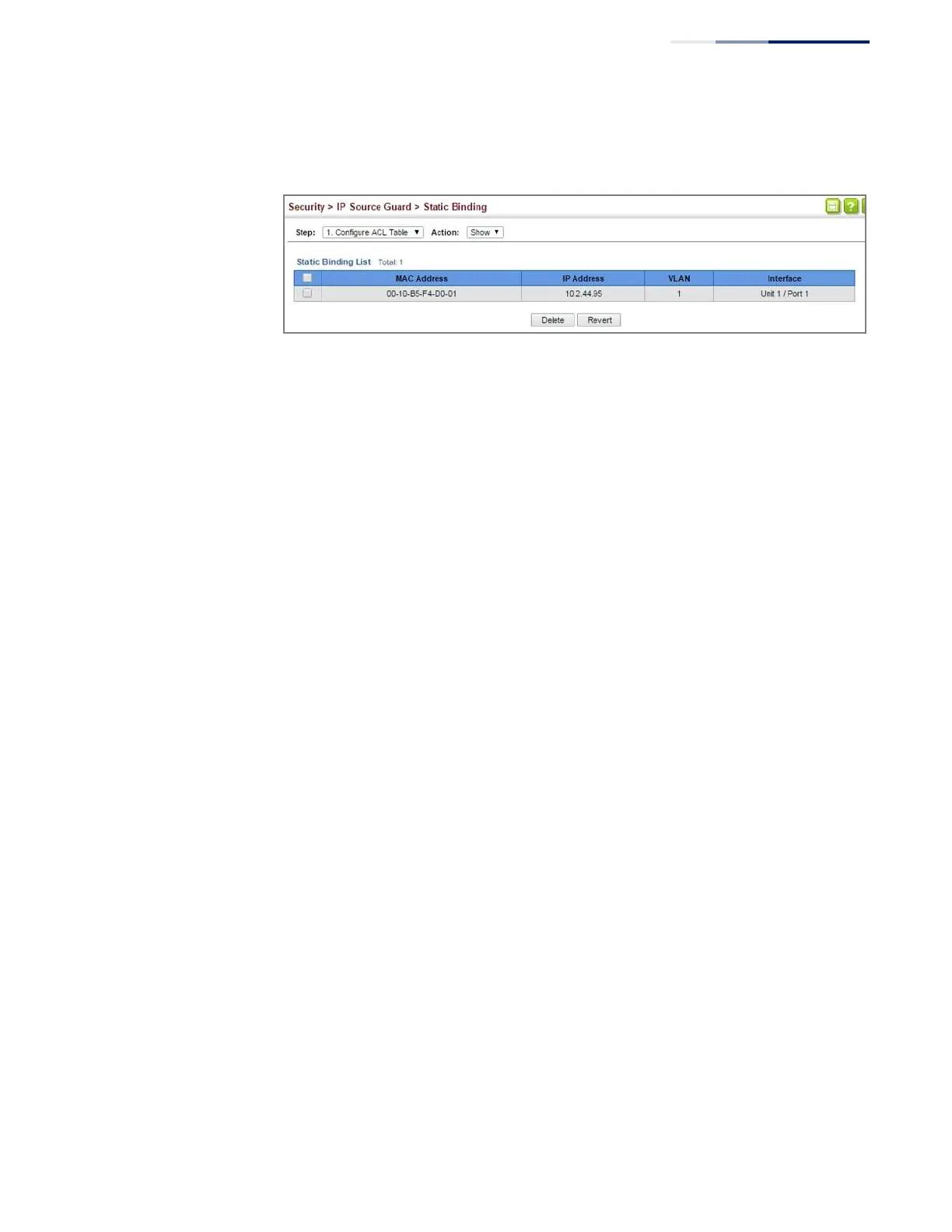
Select Show from the Action list.
Figure 201: Displaying Static Bindings for IPv4 Source Guard
Displaying
Information for
Dynamic IPv4 Source
Guard Bindings
Use the Security > IP Source Guard > Dynamic Binding page to display the source-
guard binding table for a selected interface.
Parameters
These parameters are displayed:
Query by
◆
Port – A port on this switch.
◆
VLAN
– ID of a configured VLAN (Range: 1-4094)
◆
MAC Address – A valid unicast MAC address.
◆
IP Address – A valid unicast IP address, including classful types A, B or C.
Dynamic Binding List
◆
VLAN – VLAN to which this entry is bound.
◆
MAC Address – Physical address associated with the entry.
◆
Interface
– Port to which this entry is bound.
◆
IP Address – IP address corresponding to the client.
◆
Type
– Entry types include DHCP-Snooping or BOOTP-Snooping.
Web Interface
To display the binding table for IP Source Guard:
1.
Click Security, IP Source Guard, Dynamic Binding.
2.
Mark the search criteria, and enter the required values.
3.
Click Query















 To Next Page