◆
Mode
■
Absolute – Specifies a specific time or time range.
■
Start/End – Specifies the hours, minutes, month, day, and year at which
to start or end.
■
Periodic – Specifies a periodic interval.
■
Start/To – Specifies the days of the week, hours, and minutes at which
to start or end.
Web Interface
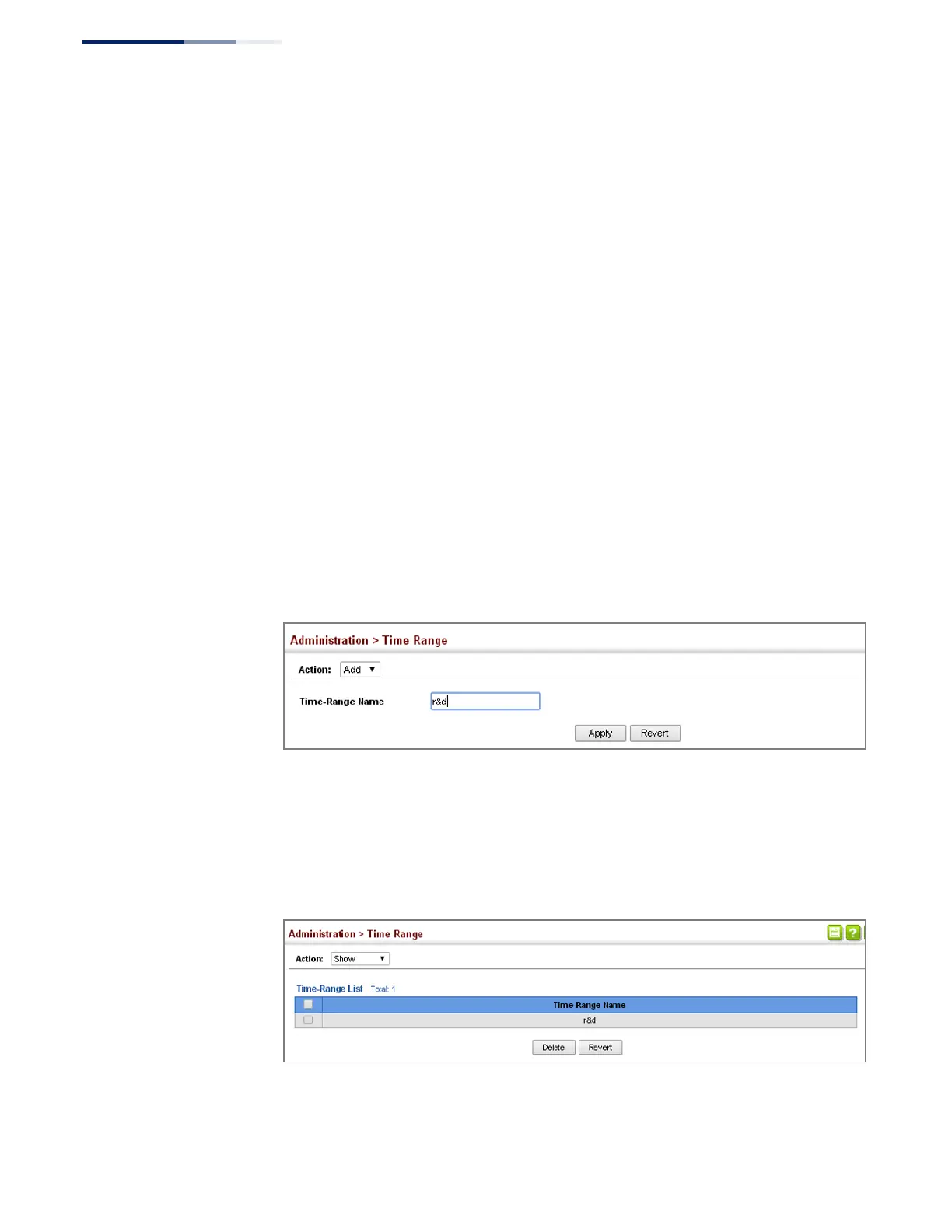
To configure a time range:
1.
Click Administration, Time Range.
2.
Select Add from the Action list.
3.
Enter the name of a time range.
4.
Click Apply.
Figure 263: Setting the Name of a Time Range
To show a list of time ranges:
1.
Click Administration, Time Range.
2.
Select Show from the Action list.
Figure 264: Showing a List of Time Ranges















 To Next Page