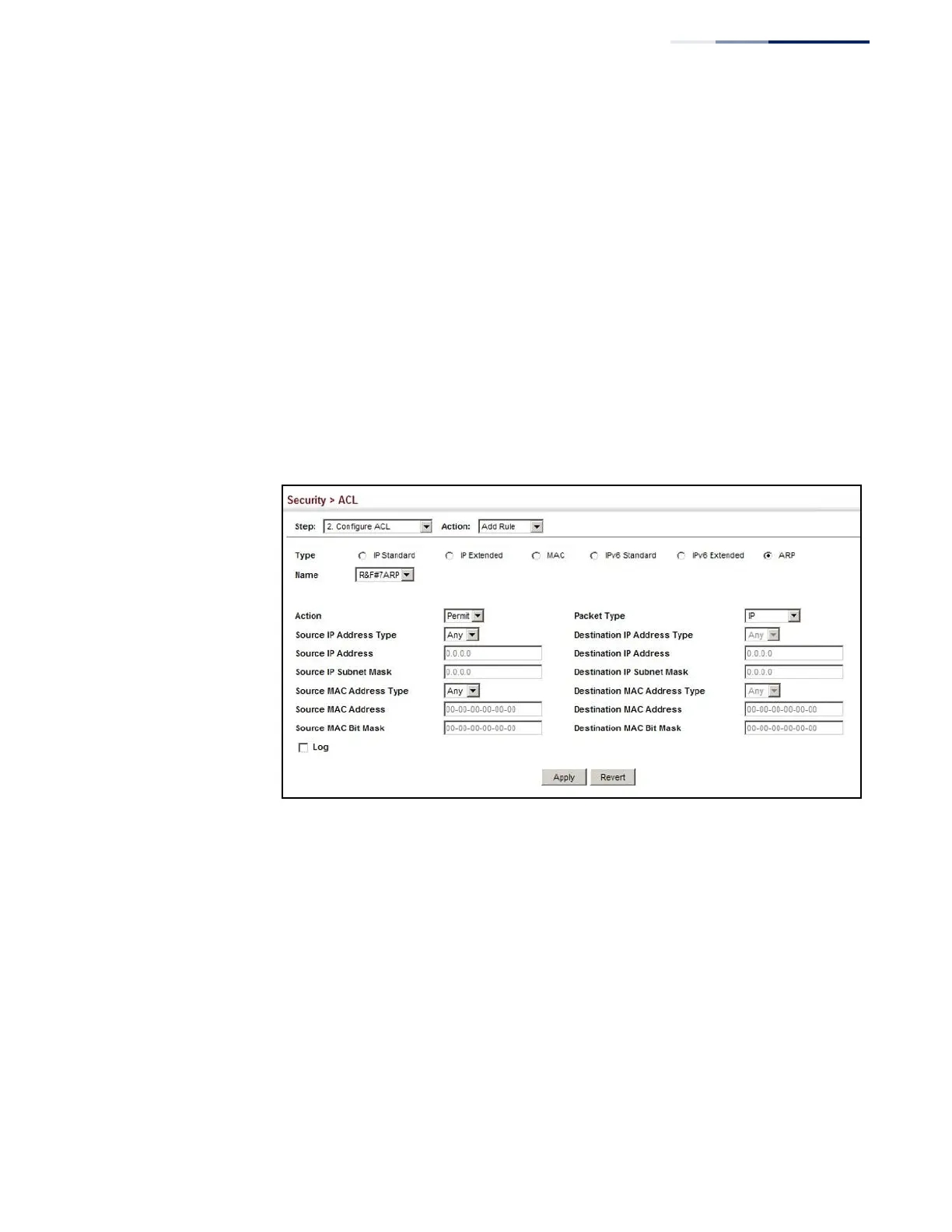
5.
Select the name of an ACL from the Name list.
6.
Specify the action (i.e., Permit or Deny).
7.
Select the packet type (Request, Response, All).
8.
Select the address type (Any, Host, or IP).
9.
If you select “Host,” enter a specific address (e.g., 11-22-33-44-55-66). If you
select “IP,” enter a base address and a hexadecimal bit mask for an address
range.
10.
Enable logging if required.
11.
Click Apply.
Figure 184: Configuring a ARP ACL
Binding a Port to an
Access Control List
After configuring ACLs, use the Security > ACL (Configure Interface – Configure)
page to bind the ports that need to filter traffic to the appropriate ACLs.
Parameters
These parameters are displayed:
◆
Type – Selects the type of ACLs to bind to a port.
◆
Port – Port identifier.
◆
ACL
– ACL used for ingress packets.
◆
Time Range – Name of a time range.















 To Next Page