5.
Click Apply.
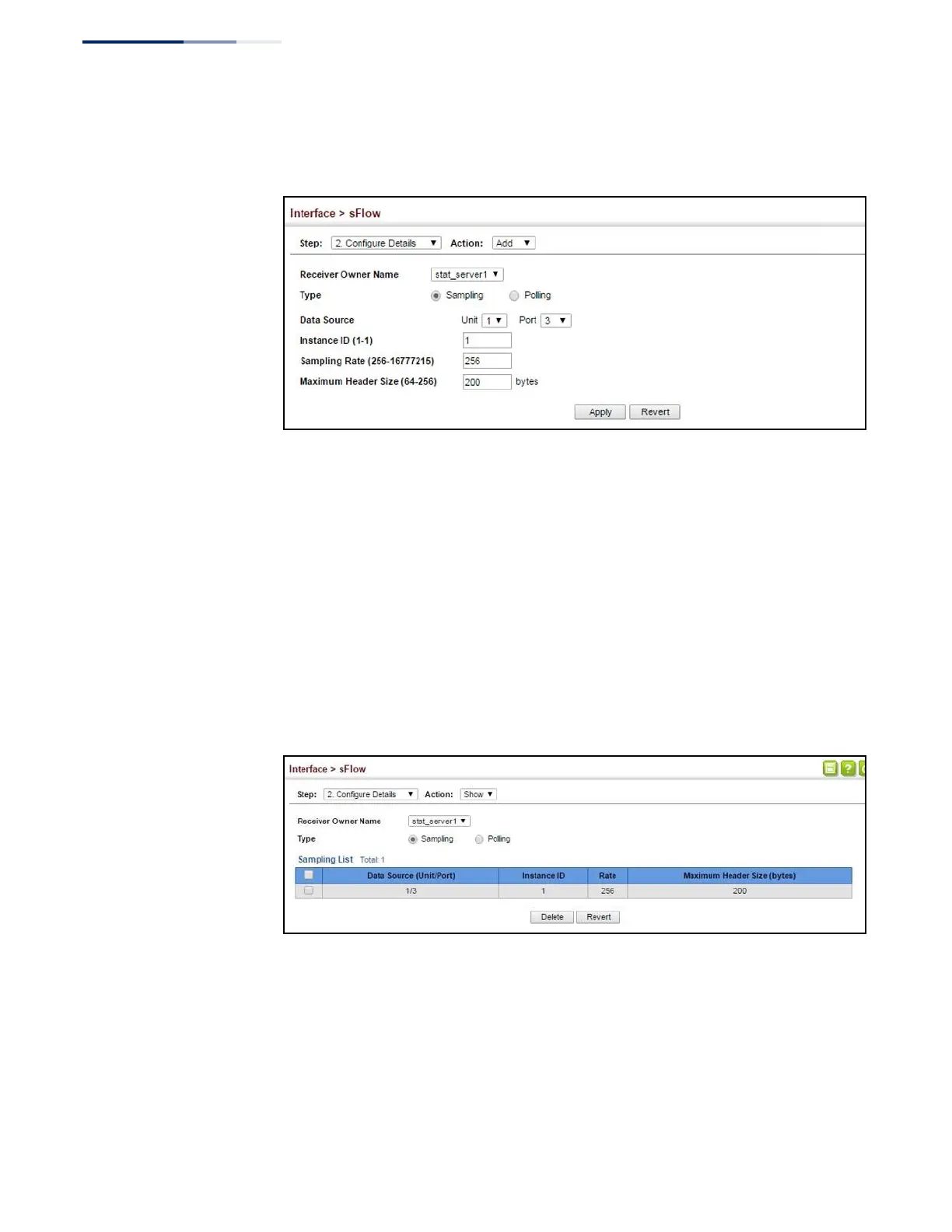
Figure 69: Configuring an sFlow Instance
Web Interface
To show configured instances:
1.
Click Interface, sFlow.
2.
Select Configure Details from the Step list.
3.
Select Show from the Action list.
4.
Select the owner name from the scroll-down list.
5.
Select sFlow type as Sampling or Polling.
Figure 70: Showing sFlow Instances















 To Next Page