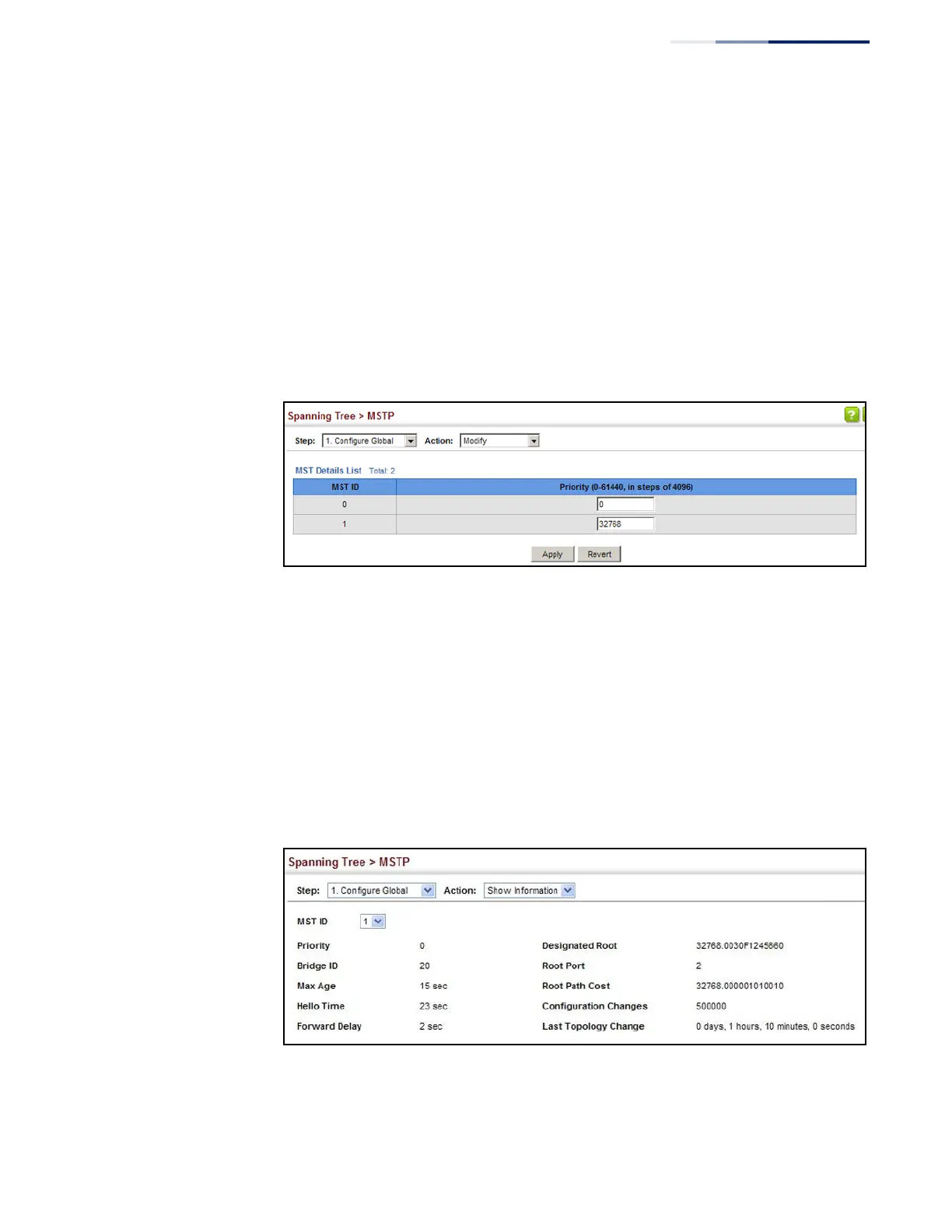
To modify the priority for an MST instance:
1.
Click Spanning Tree, MSTP.
2.
Select Configure Global from the Step list.
3.
Select Modify from the Action list.
4.
Modify the priority for an MSTP Instance.
5.
Click Apply.
Figure 114: Modifying the Priority for an MST Instance
To display global settings for MSTP:
1.
Click Spanning Tree, MSTP.
2.
Select Configure Global from the Step list.
3.
Select Show Information from the Action list.
4.
Select an MST ID. The attributes displayed on this page are described under
“Displaying Global Settings for STA” on page 190.
Figure 115: Displaying Global Settings for an MST Instance















 To Next Page