Web Interface
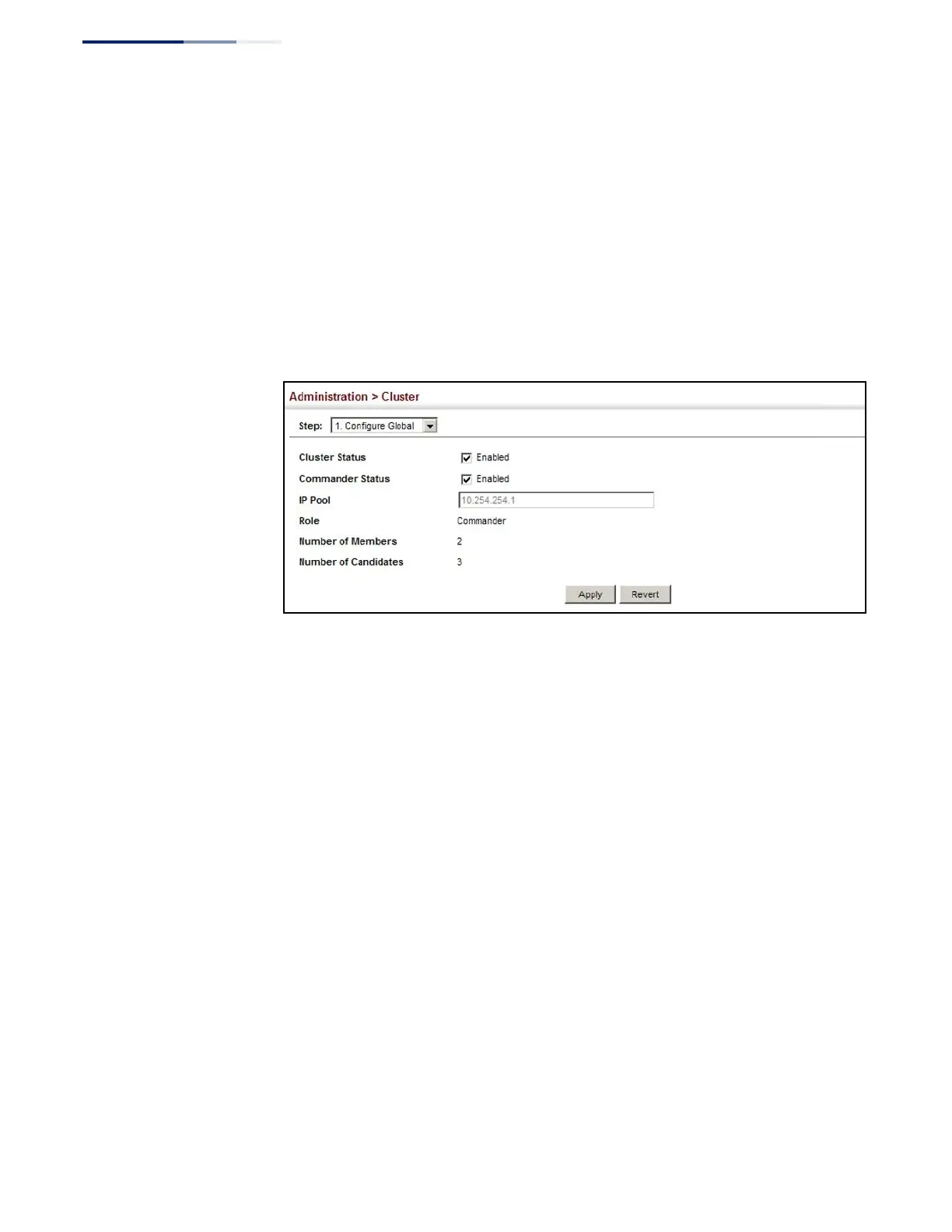
To configure a switch cluster:
1.
Click Administration, Cluster.
2.
Select Configure Global from the Step list.
3.
Set the required attributes for a Commander or a managed candidate.
4.
Click Apply
Figure 258: Configuring a Switch Cluster
Cluster Member
Configuration
Use the Administration > Cluster (Configure Member - Add) page to add Candidate
switches to the cluster as Members.
Parameters
These parameters are displayed:
◆
Member ID – Specify a Member ID number for the selected Candidate switch.
(Range: 1-36)
◆
MAC Address – Select a discovered switch MAC address from the Candidate
Table, or enter a specific MAC address of a known switch.















 To Next Page