◆
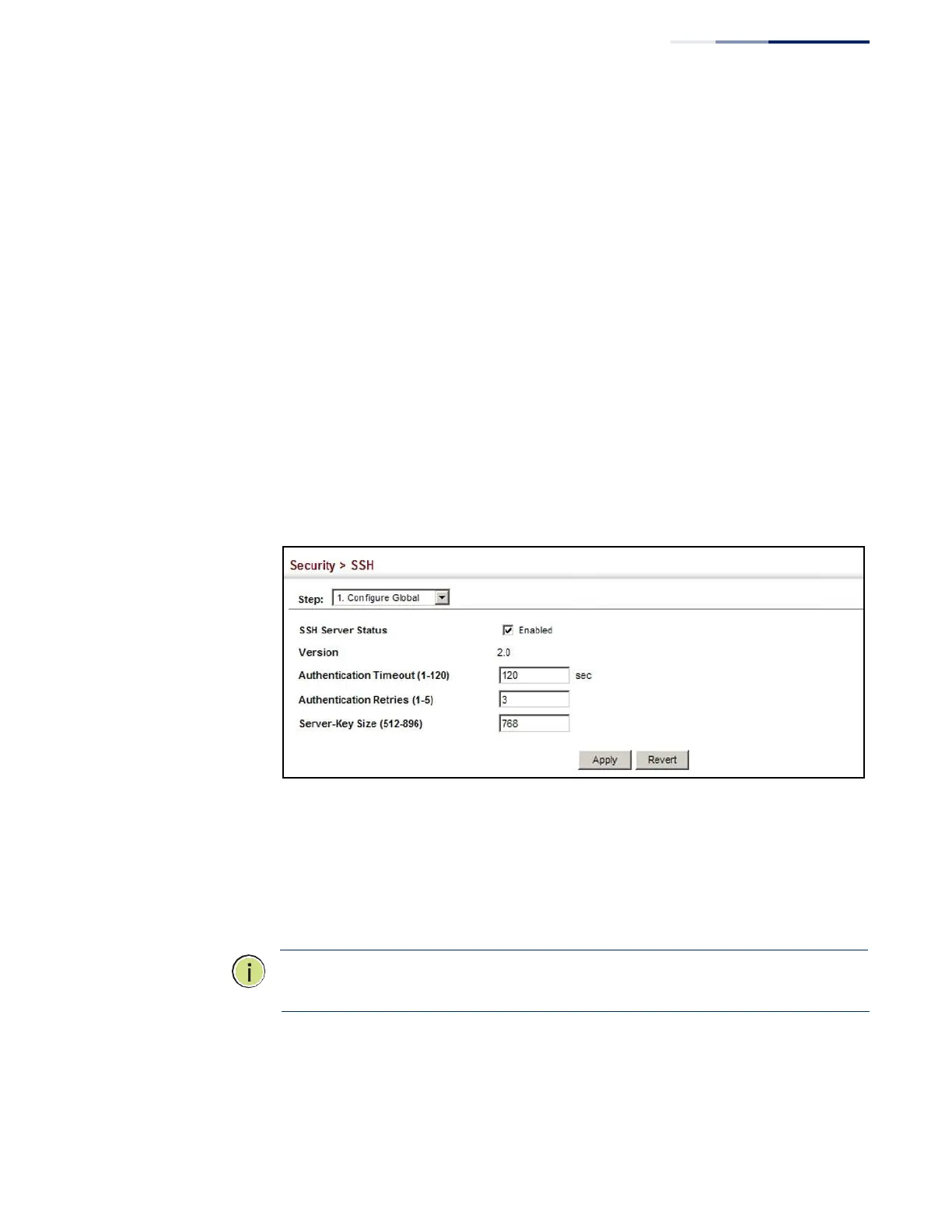
Server-Key Size – Specifies the SSH server key size. (Range: 512-896 bits;
Default:768)
■
The server key is a private key that is never shared outside the switch.
■
The host key is shared with the SSH client, and is fixed at 1024 bits.
Web Interface
To configure the SSH server:
1.
Click Security, SSH.
2.
Select Configure Global from the Step list.
3.
Enable the SSH server.
4.
Adjust the authentication parameters as required.
5.
Click Apply.
Figure 171: Configuring the SSH Server
Generating the
Host Key Pair
Use the Security > SSH (Configure Host Key - Generate) page to generate a host
public/private key pair used to provide secure communications between an SSH
client and the switch. After generating this key pair, you must provide the host
public key to SSH clients and import the client’s public key to the switch as
described in the section “Importing User Public Keys” on page 275.
Note:
A host key pair must be configured on the switch before you can enable the
SSH server. See “Configuring the SSH Server” on page 272.















 To Next Page